NabixSoft Invoice · iOS
Invoices and estimates that don't need a login.
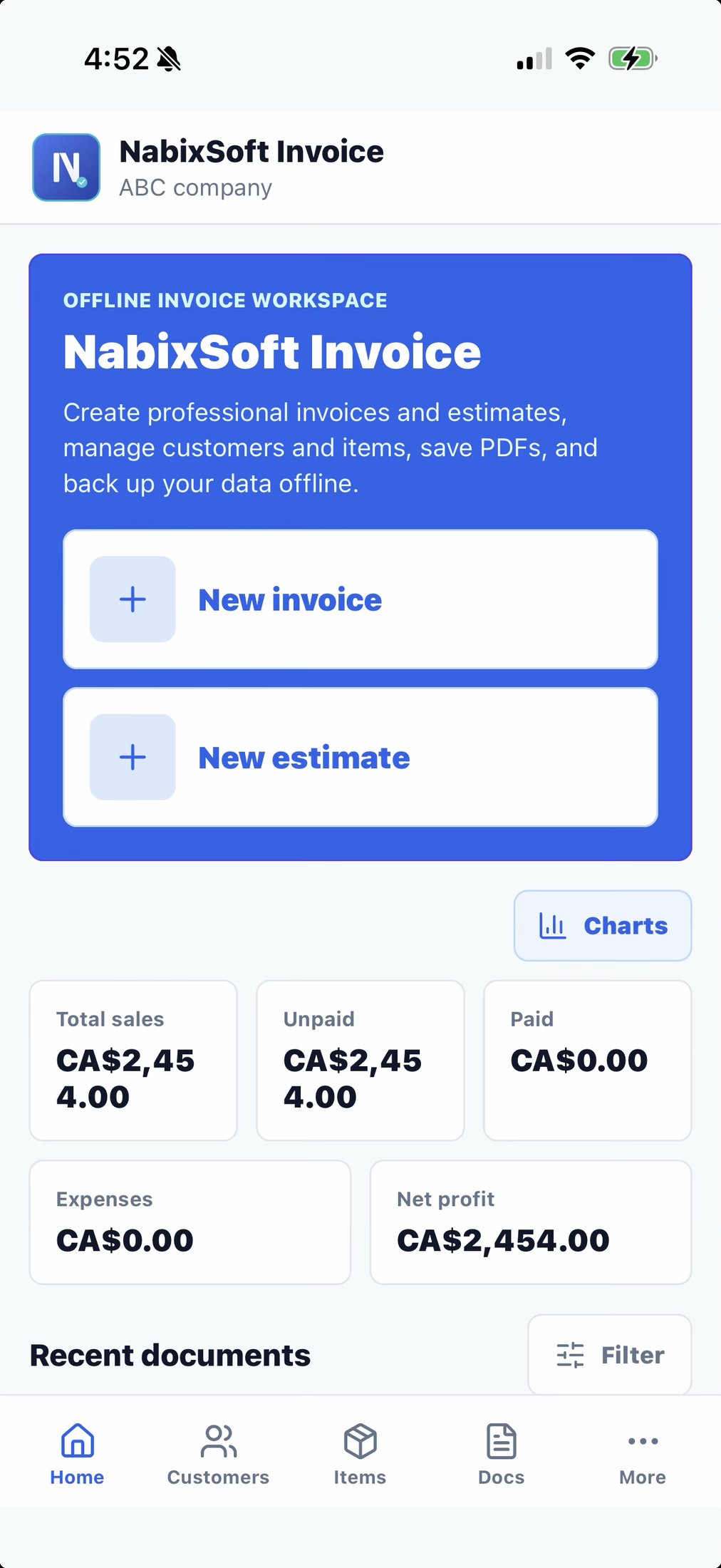
Create professional invoices and estimates, manage customers and items, save PDFs, print, email, and back up your data — entirely offline, with no account required.
What's inside
Everything a service business bills with
Offline first
No account is required. Your business data is stored locally on your device, so it works with or without signal.
Invoices and estimates
Create documents, convert estimates to invoices in one tap, generate PDFs, print, share, or email directly.
Built for small business
Manage customers, catalog items, expenses, taxes, payment notes, and local backups from one place.
Documents
Quote it, send it, get paid — without re-typing a thing
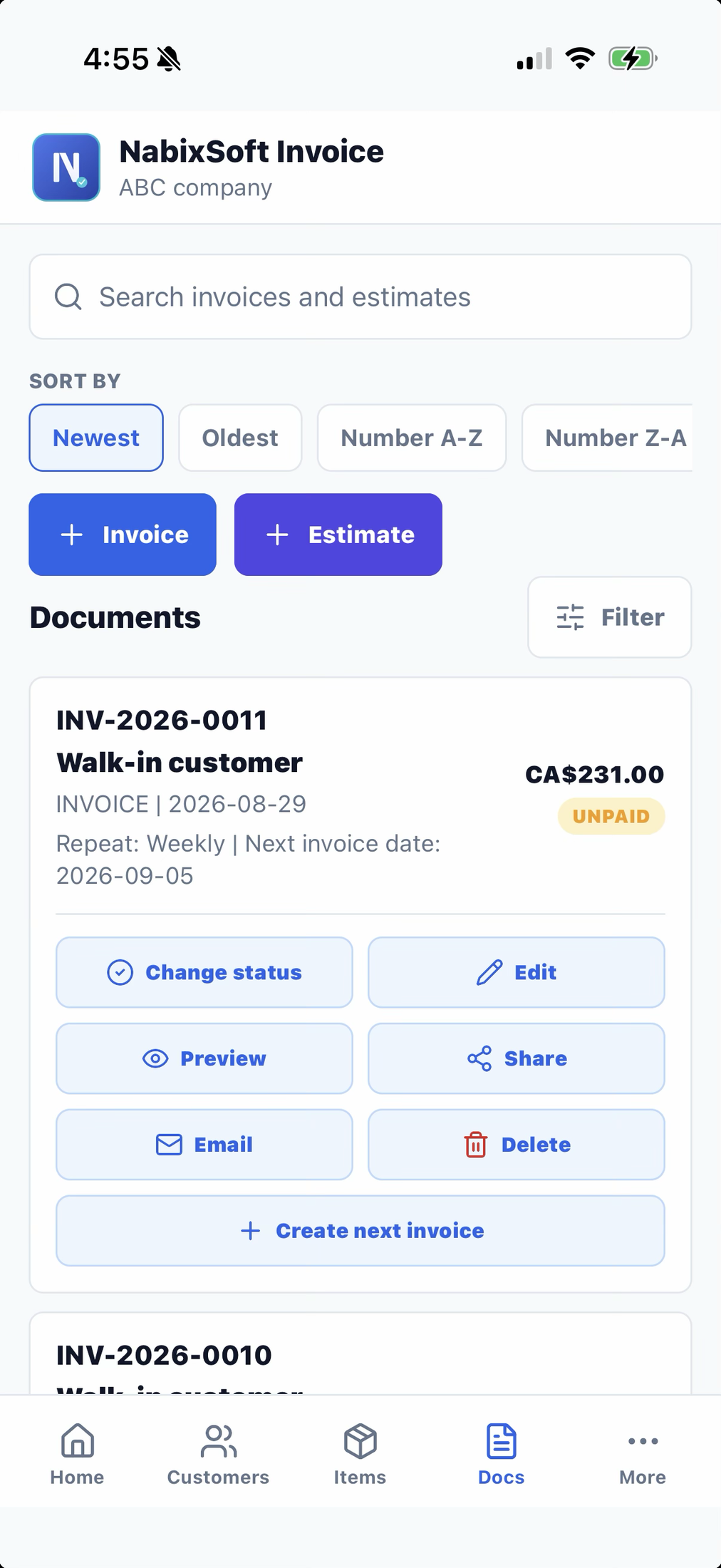
Build an estimate from your catalog, send it for approval, then turn it into an invoice in one tap. Every number — subtotal, tax, total — recalculates itself as you edit line items.
- Auto-numbered invoices and estimates, so you never duplicate a number by accident.
- Pick a saved customer or bill a walk-in customer on the spot.
- Add line items straight from your item catalog, with quantity and rate you can adjust per line.
- Convert an accepted estimate to an invoice — the original stays marked as converted.
- Preview, then generate a PDF you can print, share, or email with one tap.
Estimate status flow
Invoice status
Recurring invoices
Set an invoice to repeat weekly, monthly, or yearly. Each new one keeps the same customer, line items, and payment settings — you just confirm the next date.
Look the part
16 professional PDF styles, no design skills required
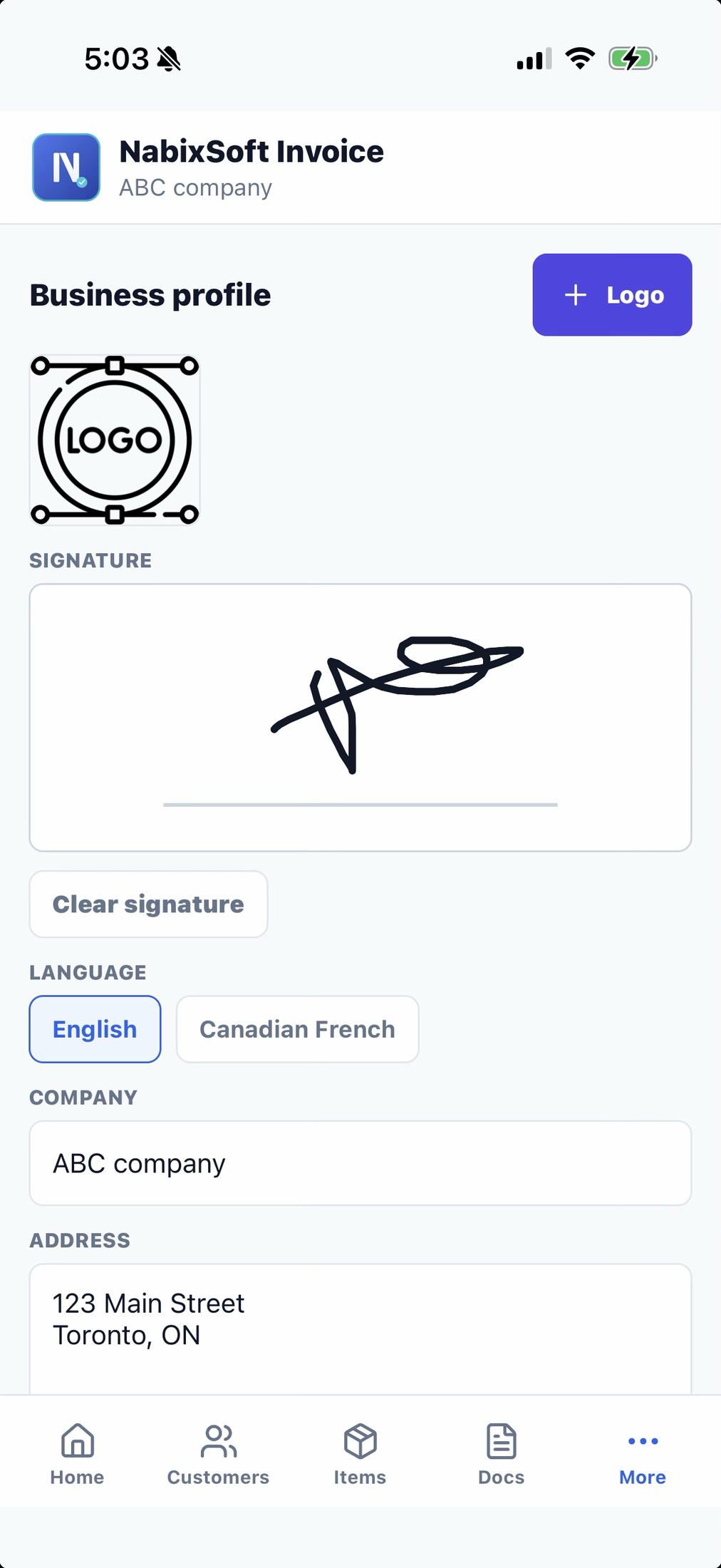
Pick a template that fits your trade and switch anytime. Your logo, signature, and payment details carry over automatically.
Get paid
Get paid your way — no gateway lock-in
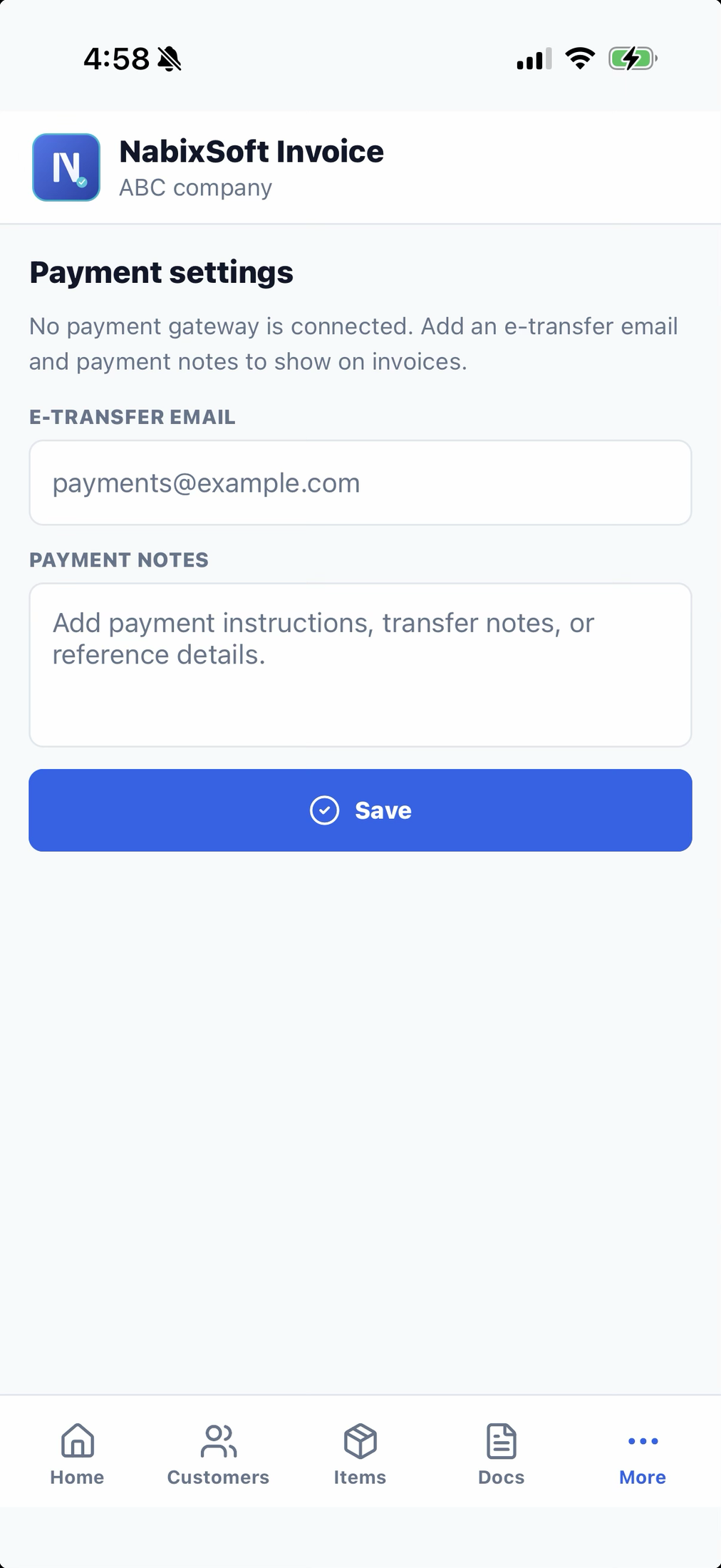
NabixSoft Invoice doesn't process payments itself, so you're never boxed into one processor. Add the payment details your customers already know how to use.
- Show an e-transfer email address right on the invoice.
- Point to Stripe, PayPal, Square, or a custom payment link — your choice.
- Add a payment note for cheques, cash, or anything else you accept.
- Turn a payment link into a scannable QR code on the PDF.
Know your numbers
A dashboard that answers "how's business?" at a glance
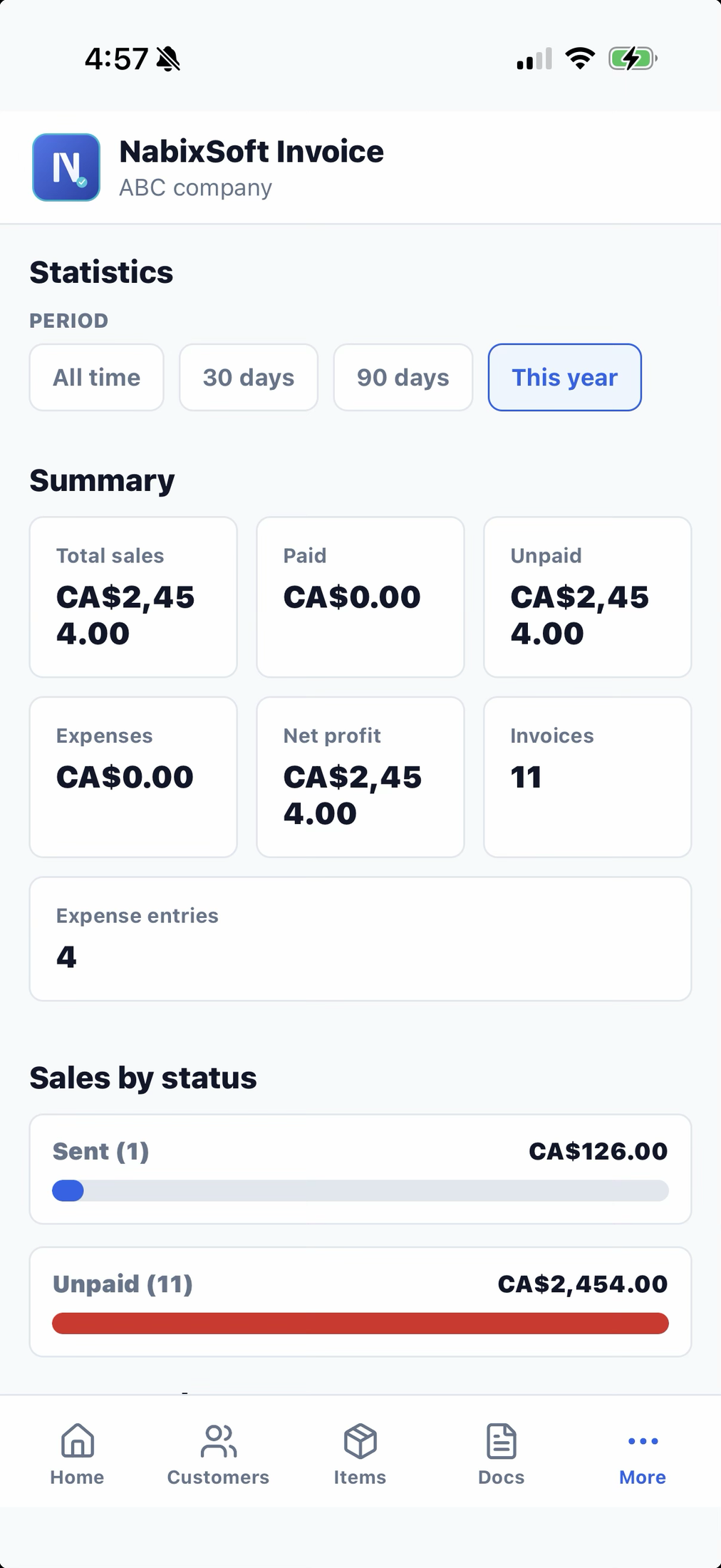
Filter by all time, last 30 or 90 days, or this year. See sales by status, expenses by category, and a monthly trend of sales, expenses, and profit side by side.
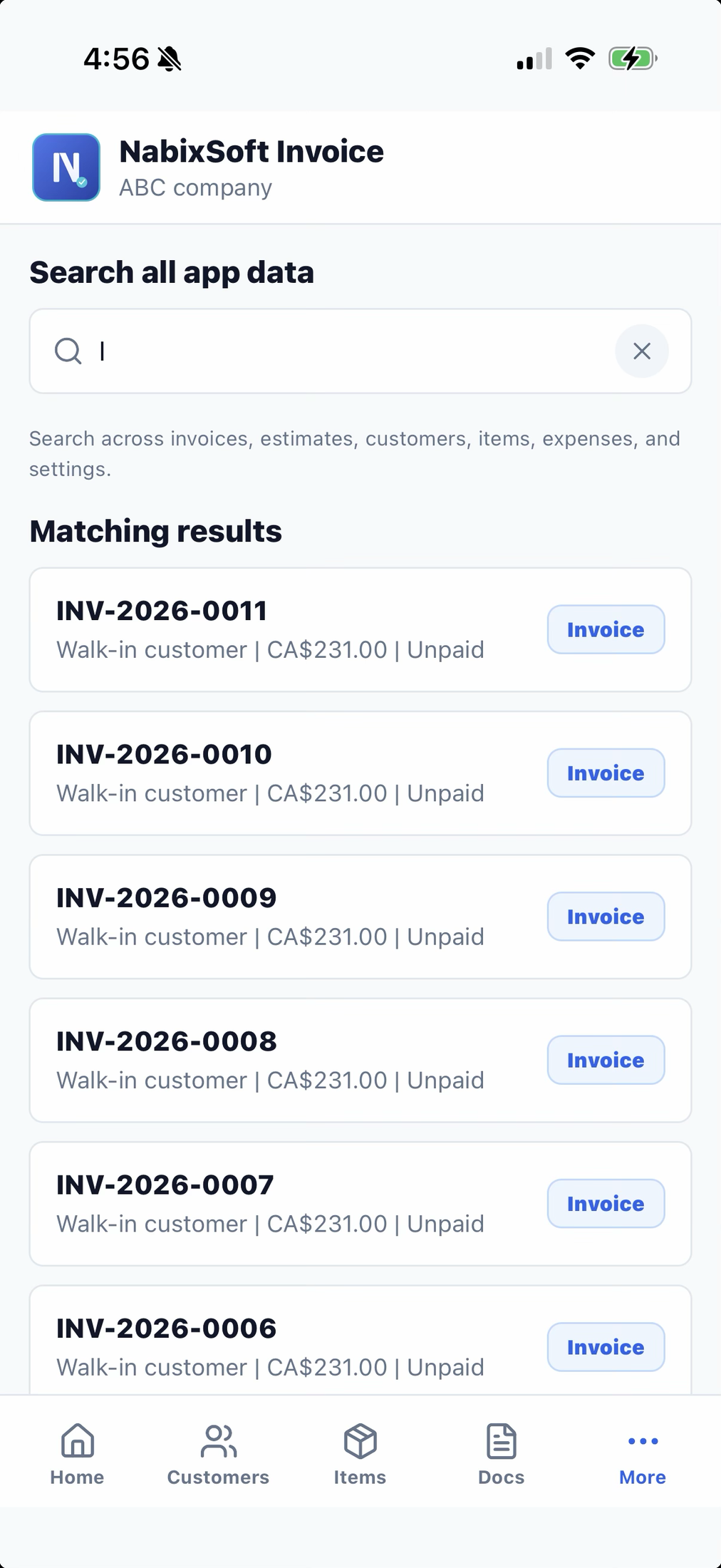
Search covers invoices, estimates, customers, items, and expenses at once.
The everyday stuff
Customers, catalog, and expenses — kept in one place
Customers
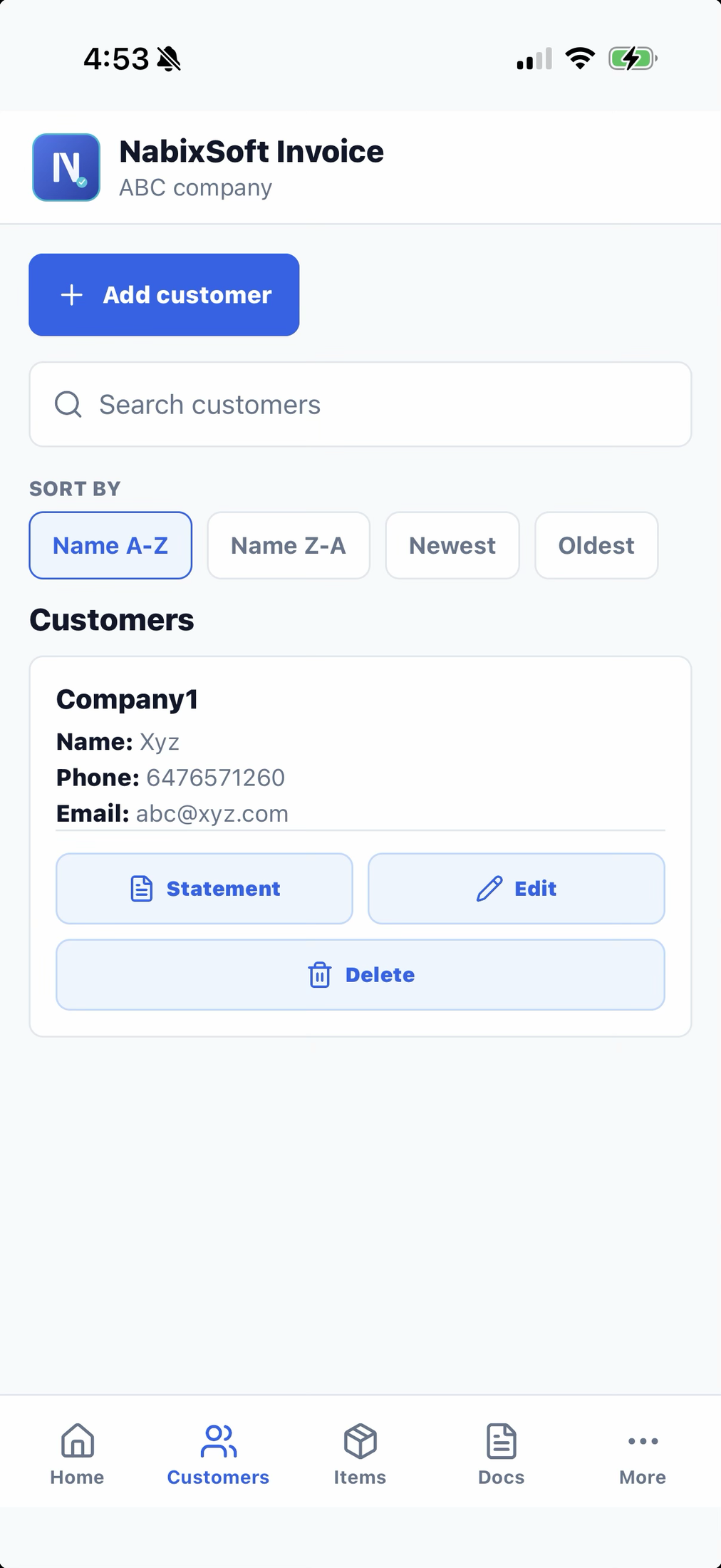
Save contact and tax details once, then search, sort, and generate a paid/unpaid statement PDF per customer.
Items & services
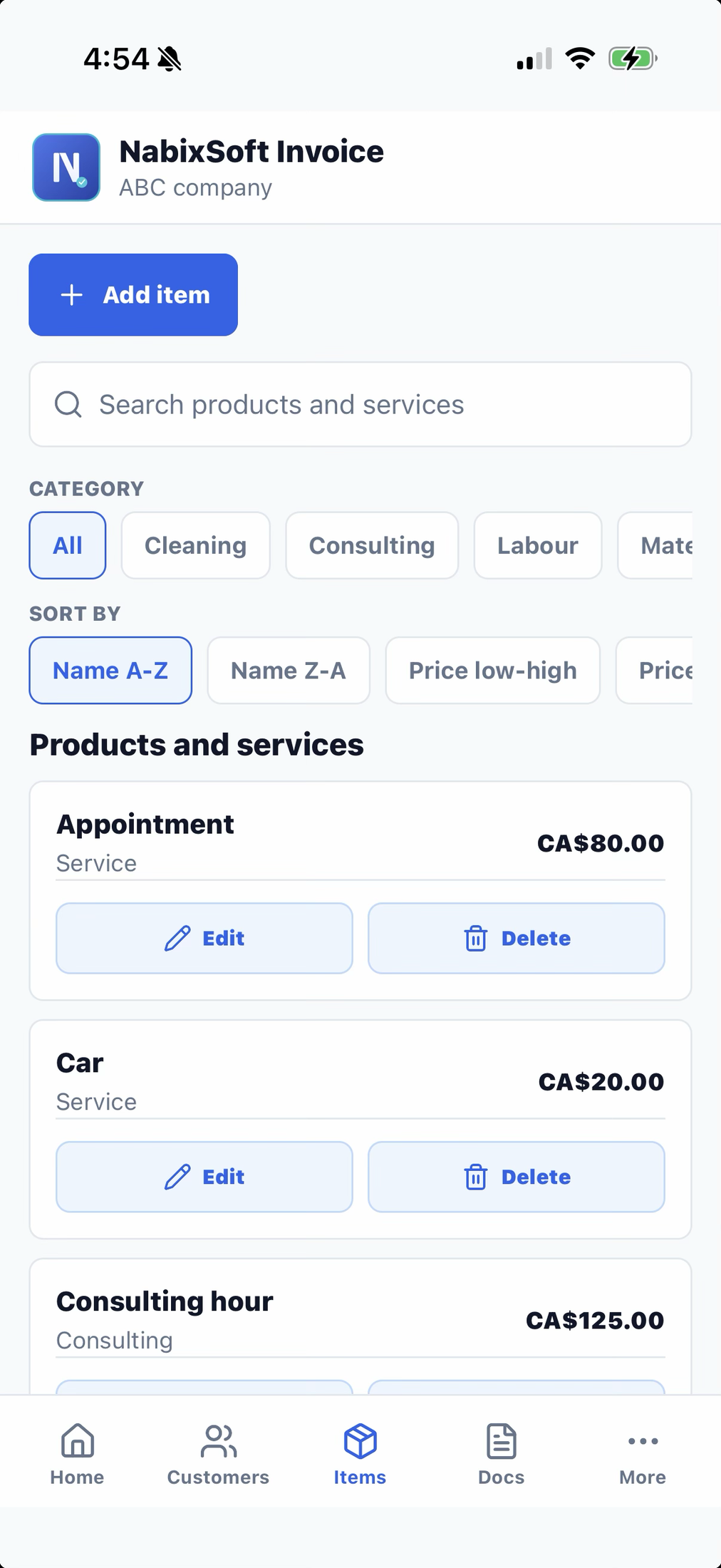
Build a catalog of products and services with pricing and categories. Starter items are included so you're not starting blank.
Expenses
Log vendor, category, amount, tax, and a receipt photo. Expenses roll straight into your net profit and reports.
Built in Canada
English and Canadian French, CAD and USD
The app interface works in English or Canadian French, and invoices can bill in Canadian or US dollars — set a default and switch per document when you need to.
Your data stays yours
Everything — business profile, customers, catalog, documents, attachments, and expenses — lives on your device. Export a full backup anytime, including an accountant-ready year-end export, and restore it on a new device in a couple of taps.