
NabixSoft Leads · Practical guide
Organize leads and contacts without losing context
A useful contact list helps you remember the relationship as well as the name. NabixSoft Leads is coming soon, with a preview that separates business opportunities from contact records. Here is a practical way to organize those records without building a system that takes more effort than the conversations themselves.
Decide what the record is for
A lead represents an opportunity you want to follow. A contact represents a person whose details you want to keep. The preview allows a contact to be linked to one lead, so think about that relationship before creating several disconnected copies of the same information.
For example, an event introduction may become a lead with an associated contact and a note about the proposed meeting. A supplier you need to call occasionally may only need a contact record. Choose the structure that explains your actual work.
Keep details recognizable and consistent
Use the company and person's name as supplied, and review their preferred email and phone details. Add a role when it helps distinguish people at the same organization. Keep the original card image when it is useful supporting context.
Before adding another record, search by name, company, email, or phone. The preview includes duplicate checks using matching email, mobile, or name plus company. A warning is a prompt to compare records; it does not decide whether two people are the same.
Review progress separately from identity
Lead status and Hot, Warm, or Cool levels describe your current view of an opportunity. Names and contact details identify the person. Updating one should not require reinventing the other. Use the pipeline review routine to keep the opportunity current.
At the end of a working week, look for missing contact details, repeated records, and leads without a next step. Export a usable copy when needed, and plan recovery separately. The export guide explains the difference between sharing contacts and restoring app records.
Common questions
Are app contacts the same as my phone contacts?
The preview describes app contacts separately from the phone address book, with actions to save selected details to device contacts.
Can I track lead progress?
The preview includes pipeline status, Hot/Warm/Cool levels, ratings, notes, and tags.
Is Leads already available in a store?
The mobile app is coming soon; store links will be added when available.

A practical next step · Coming soon
NabixSoft Leads
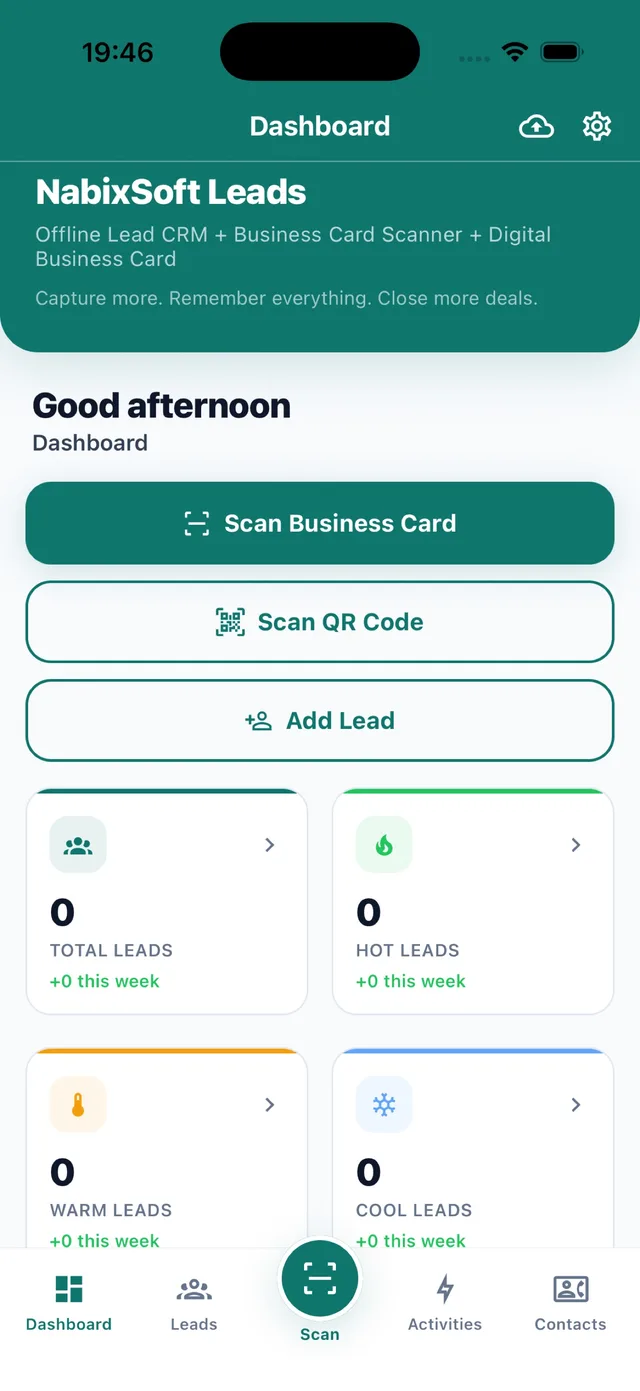
Scan business cards, organize leads and contacts, and keep the next follow-up clear. A private, offline-first workspace for business relationships.
The mobile release is coming soon. Store downloads will be linked here when published.