
NabixSoft Leads · Practical guide
Review your lead pipeline with clearer next steps
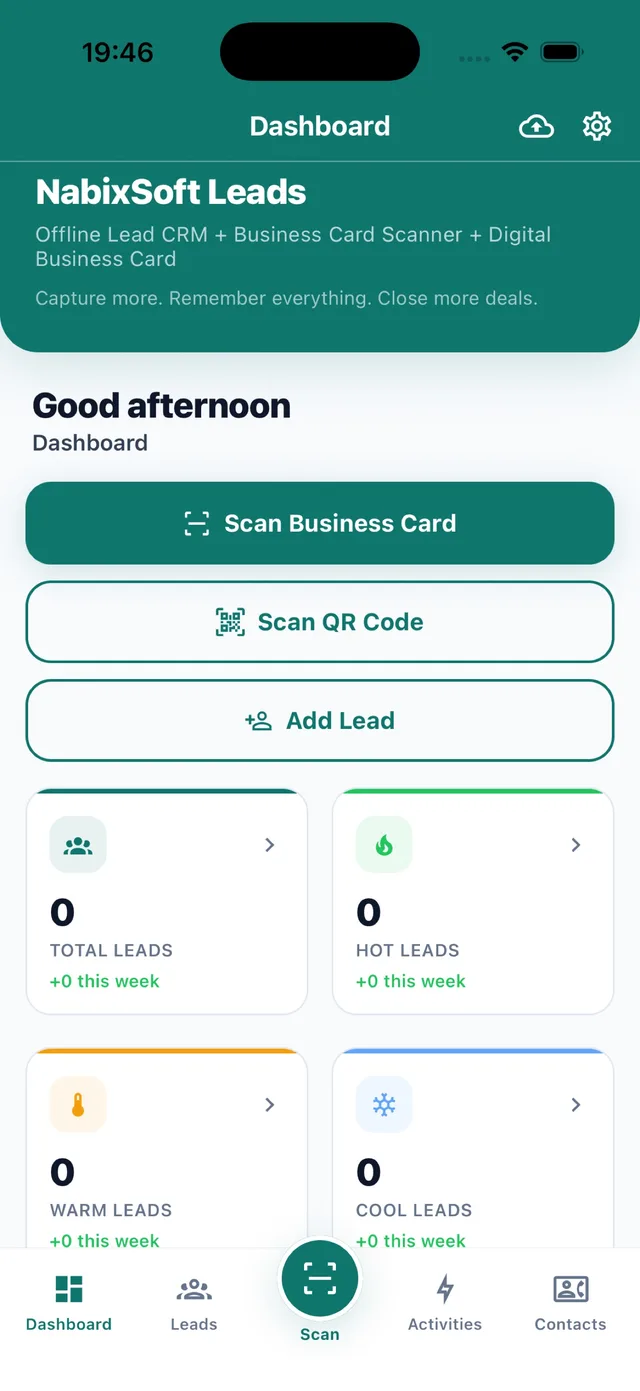
A pipeline is useful when its stages describe what has happened and help you decide what to do next. It becomes less useful when every record stays marked as promising forever. This guide uses the NabixSoft Leads development preview, with the mobile release still coming soon.
Define stages through observable events
The preview lists New, Contacted, Qualified, Proposal, Negotiation, Won, and Lost. Choose a consistent meaning for each stage in your own work. A proposal stage might mean that you have actually shared a proposal, rather than merely thought about preparing one.
Use the same definitions when reviewing different prospects. This makes it easier to compare where conversations stand without treating the app as a prediction of which opportunities will succeed.
Keep temperature separate from progress
Hot, Warm, and Cool levels describe your current prioritization. A rating or tag can add another useful cue. These are your assessments, so keep them connected to recent conversations and evidence rather than a first impression that never changes.
A newly introduced prospect may be worth attention without having reached the proposal stage. A proposal may need a patient follow-up even if it has been sitting for a while. Review level and stage separately so each field retains a clear purpose.
Review the pipeline one question at a time
Filter by status and level, then look for records whose next step is unclear. Read the latest activity and check whether an appointment or follow-up is still relevant. Update the record when a conversation changes direction.
- What happened most recently?
- What response or action is still needed?
- Who should carry out the next step?
- When should you review it again?
Use the follow-up routine to turn those answers into a useful note or appointment.
Close the loop when the outcome changes
When an opportunity is won or lost, record the outcome as accurately as you can. Keep relevant context without leaving obsolete reminders active. A closed opportunity can still have a useful associated contact.
Review record quality at the same time: duplicate people, missing details, and unclear tags make future searches harder. The contact organization guide gives you a manageable way to tidy those details.
Common questions
Does a Hot level guarantee a sale?
No. Levels and ratings are your own prioritization cues, not forecasts or guarantees.
Which stages are shown in the preview?
New, Contacted, Qualified, Proposal, Negotiation, Won, and Lost.
Can I use the app now?
NabixSoft Leads is coming soon. The product website provides a development tour.

A practical next step · Coming soon
NabixSoft Leads
Scan business cards, organize leads and contacts, and keep the next follow-up clear. A private, offline-first workspace for business relationships.
The mobile release is coming soon. Store downloads will be linked here when published.