
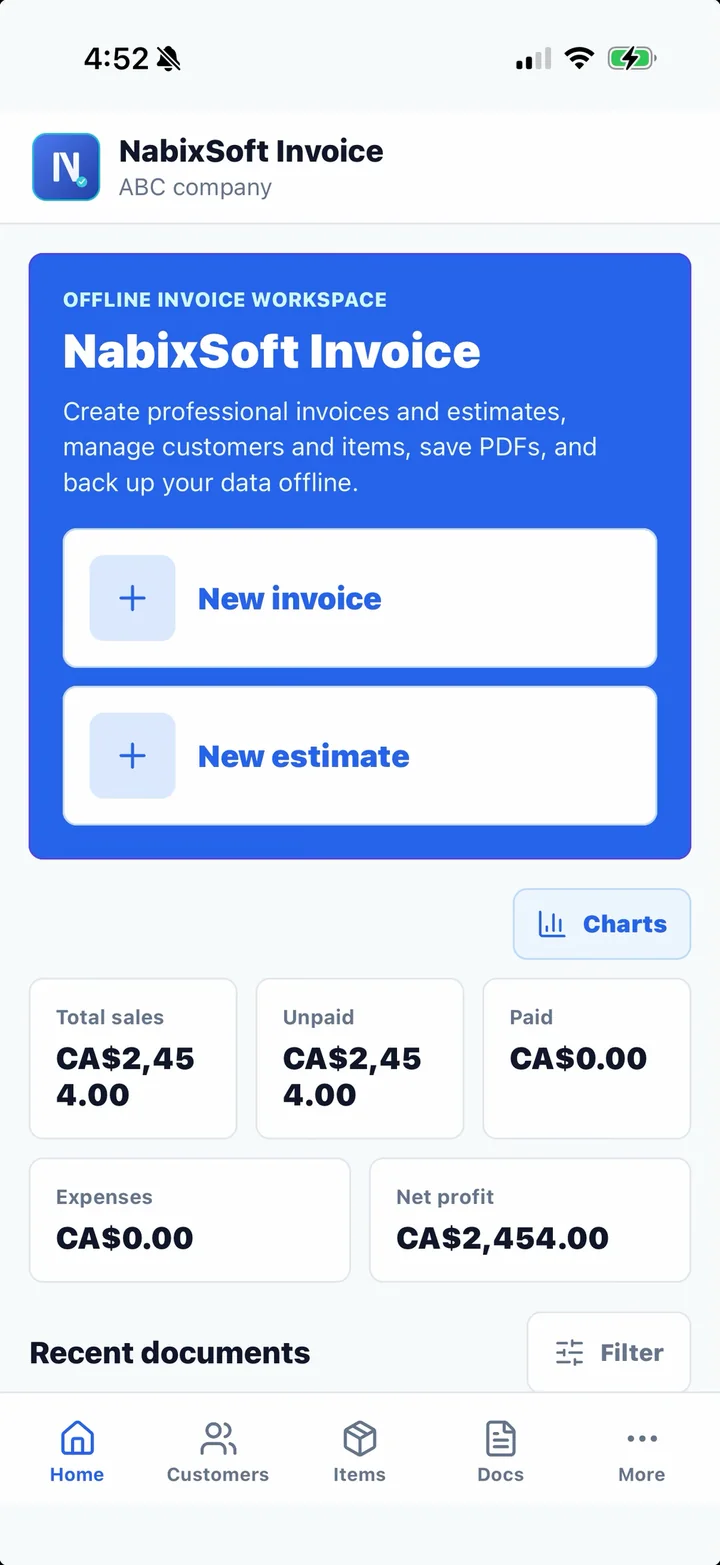

Offline invoicing
Learn how to prepare invoices offline, manage customers on your device, share PDFs when connected, and protect your records with NabixSoft Invoice backups.
Find examples and checklists for invoices, stock counts, contractor jobs, work hours, and business contacts.
73 articles
No matching articles. Try a broader search or choose All articles.
Invoices & estimates
Learn how to prepare invoices offline, manage customers on your device, share PDFs when connected, and protect your records with NabixSoft Invoice backups.
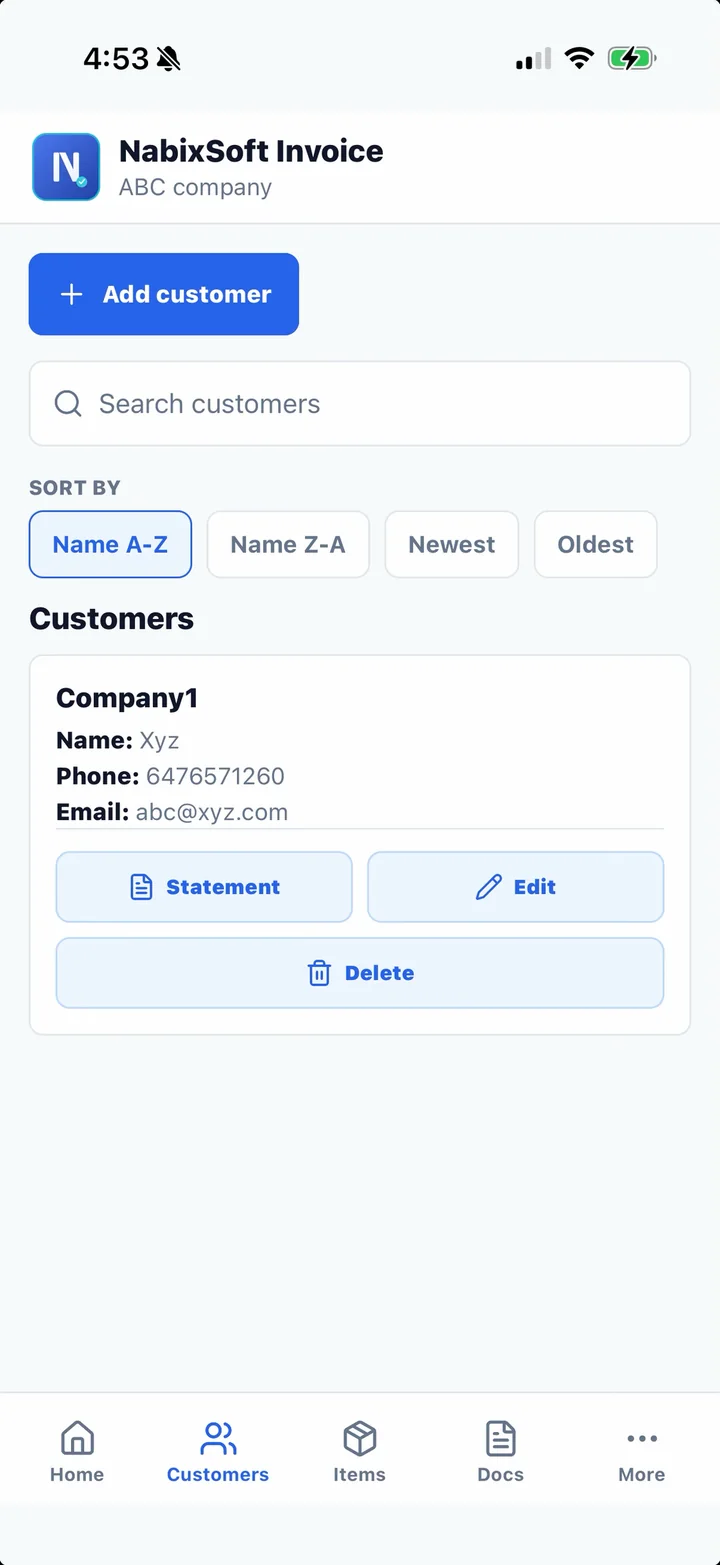
Build a clear freelance invoicing workflow with customer records, service items, estimates, PDF invoices, payment instructions, and backups in NabixSoft Invoice.
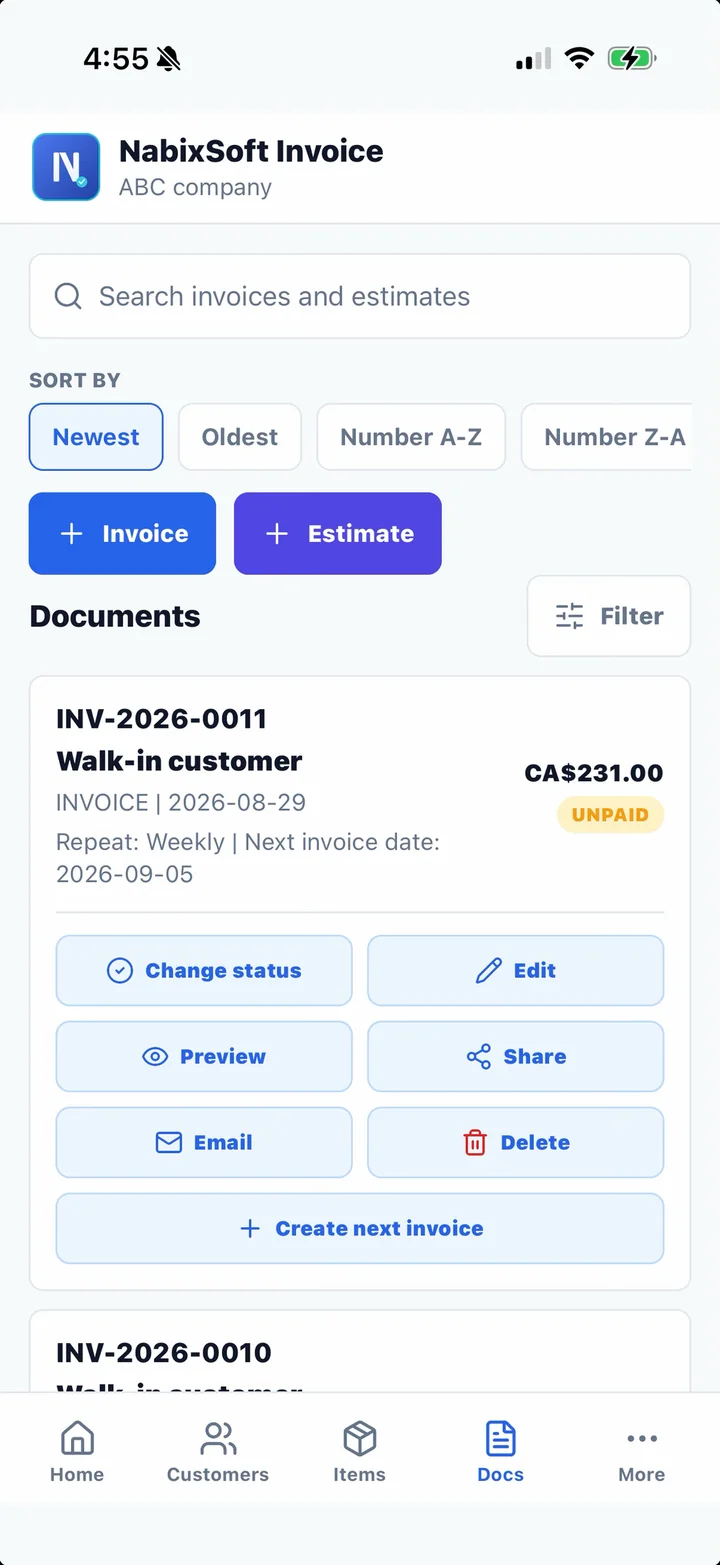
Learn how to prepare a clear estimate, review scope changes, convert an estimate into an invoice, and organize the final PDF and payment records with NabixSoft.
Organize recurring invoices for repeat services with NabixSoft Invoice. Review billing frequency, customer details, changing charges, payment status, and backups.
Review outstanding invoices with customer statements in NabixSoft Invoice. Match records to received payments and prepare clear, document-specific follow-ups.
Choose and review a NabixSoft Invoice PDF template. Learn how clear line items, business branding, payment details, and a final preview help clients read invoices.
Organize business expense entries by vendor, category, and receipt photo in NabixSoft Invoice. Review your records, dashboard context, and backup routine.
Add useful payment information to a NabixSoft invoice. Understand payment links, generated QR codes, payment notes, and how to review the final customer PDF.
Prepare a complete NabixSoft Invoice backup before replacing a phone. Learn where to keep exports, what PDFs are for, and what to review after restoring records.
Build a useful products and services catalog in NabixSoft Invoice. Organize descriptions, rates, quantities, and tax settings while reviewing each client document.
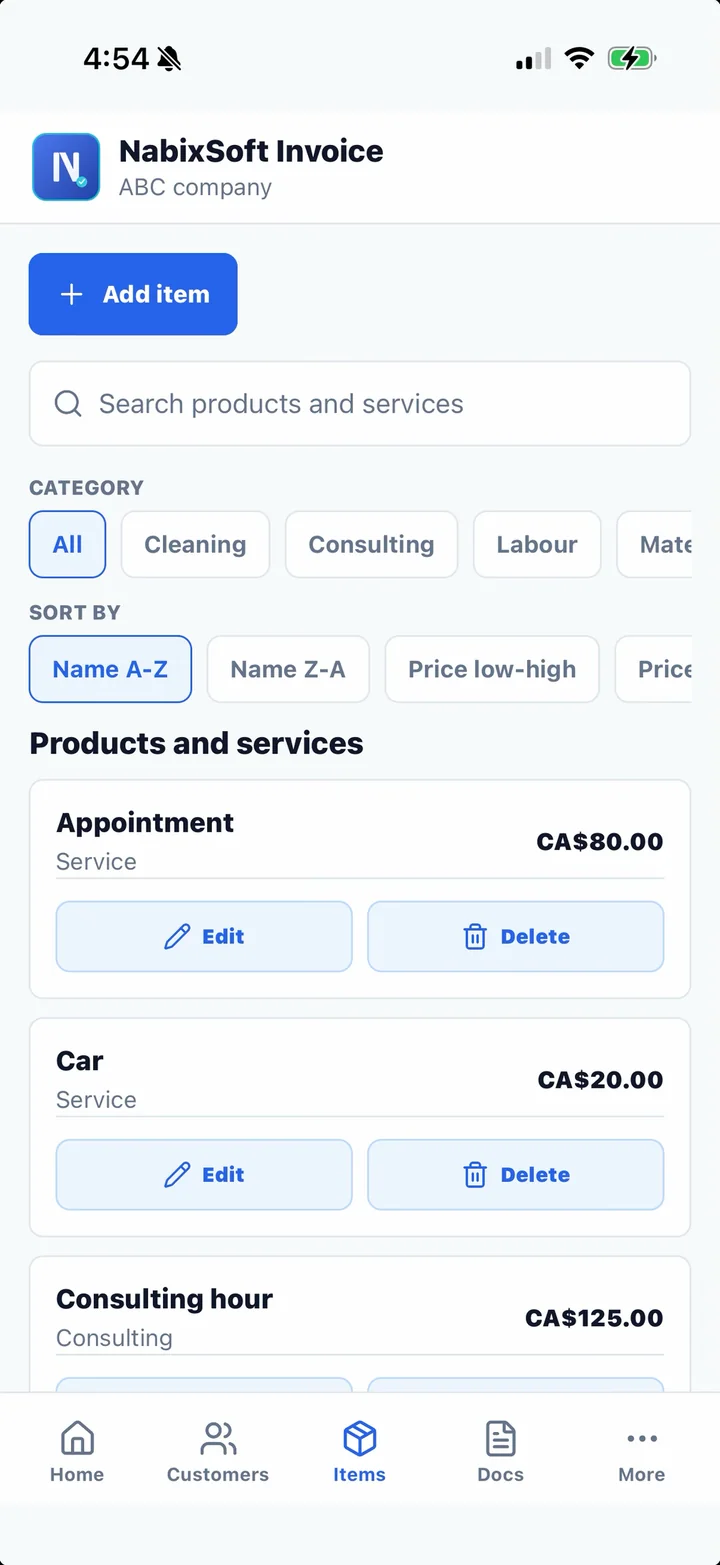
Prepare clear contractor invoices with NabixSoft Invoice. Organize customers, labour, materials, scope changes, PDFs, and payment details after a site visit.
Create readable consultant invoices using NabixSoft Invoice. Describe sessions and deliverables, review estimates, prepare branded PDFs, and keep client records.
Organize cleaning-service invoices with clear customer details, visit descriptions, regular services, extra work, PDF review, and payment records in NabixSoft Invoice.
Prepare repair invoices with recognizable customer details, diagnosis, parts, labour, estimates, and PDF payment instructions using NabixSoft Invoice.
Build clear design-project invoices in NabixSoft Invoice. Describe deliverables, revisions, milestones, business branding, payment instructions, and client records.
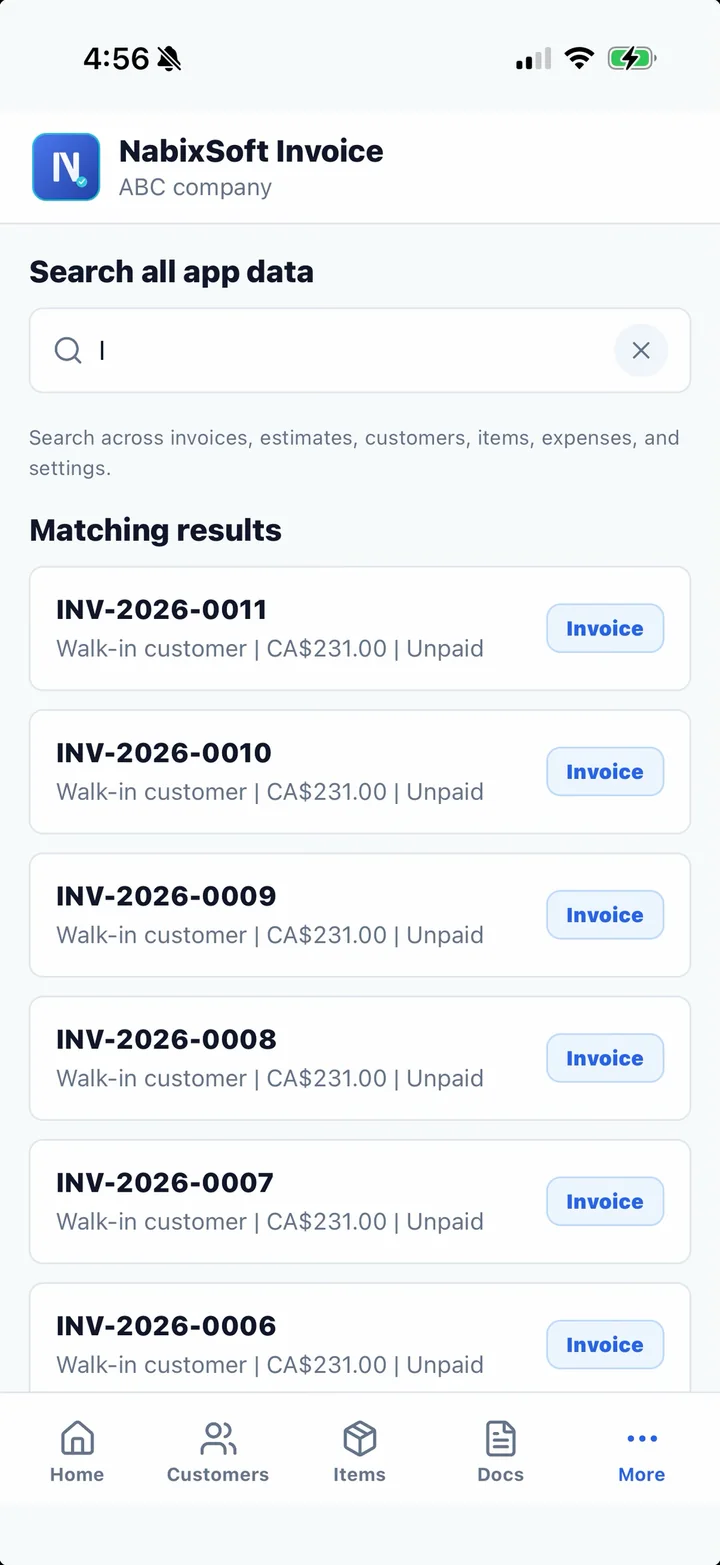
Use NabixSoft Invoice search with consistent customer names, document references, service descriptions, and record checks to locate the right invoice or estimate.
Review an invoice before sending: customer, scope, quantities, rates, totals, PDF layout, payment instructions, and delivery using a practical NabixSoft checklist.
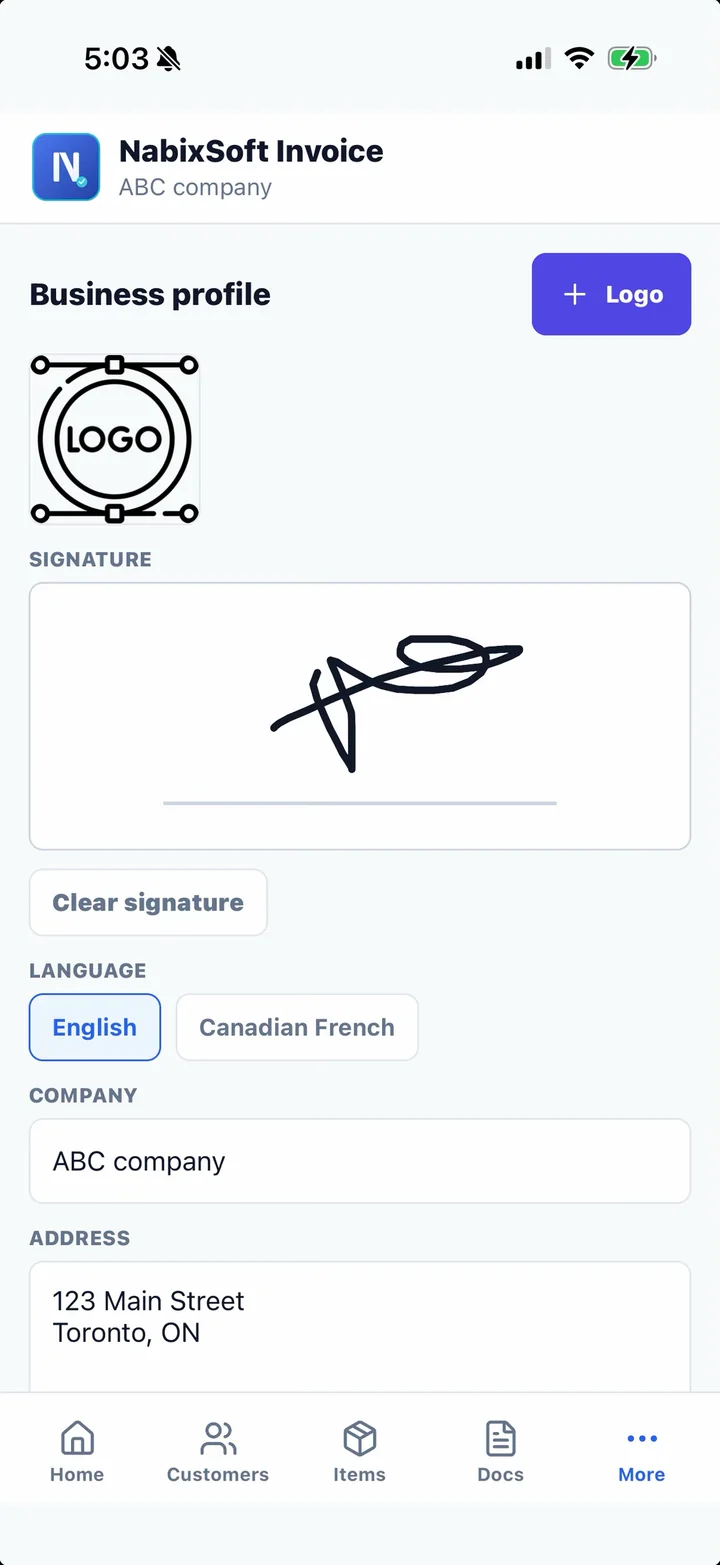
Prepare business details, a logo, and a signature for NabixSoft Invoice PDFs. Review readability, current contact information, template previews, and backups.
Prepare a new customer for invoicing in NabixSoft Invoice. Confirm billing details, avoid duplicate records, clarify the first estimate, and review delivery information.
Review NabixSoft Invoice dashboard figures alongside invoices, customer statements, expenses, and received payments to keep your entered business records useful.
Learn how to create a professional invoice: gather customer details, describe the work, review quantities and payment instructions, and share a readable PDF.
Understand invoice vs estimate workflows. Separate proposed work from billing, review changes, and convert an estimate into a clear invoice with NabixSoft.
Create an invoice on iPhone with a practical mobile workflow: save customer details, enter services, preview a PDF, share it, and protect your local records.
Make invoices on Android with NabixSoft Invoice. Set up your business, reuse customer and service records, check the PDF, and complete sharing through your device.
Avoid ten common invoicing mistakes, from duplicate customers and unclear service lines to incorrect units, unchecked PDF delivery, and missing recovery backups.
Compare invoice apps using a practical checklist: offline preparation, customers, estimates, PDF layout, payment details, backups, compatibility, and pricing.
Choose an invoice numbering format, see a year-rollover example, and keep estimates and purchase order references easy to distinguish.
Check invoice quantities and units for hours, visits, pieces, and fixed services. Build clearer catalog entries and review rates against the actual work.
Plan a careful move from spreadsheet invoices to NabixSoft Invoice. Preserve old records, enter active customers and services, and avoid duplicate billing.
Share invoice PDFs with a clear delivery routine. Review the attachment and recipient, distinguish offline preparation from sending, and avoid duplicate dispatches.
Inventory management
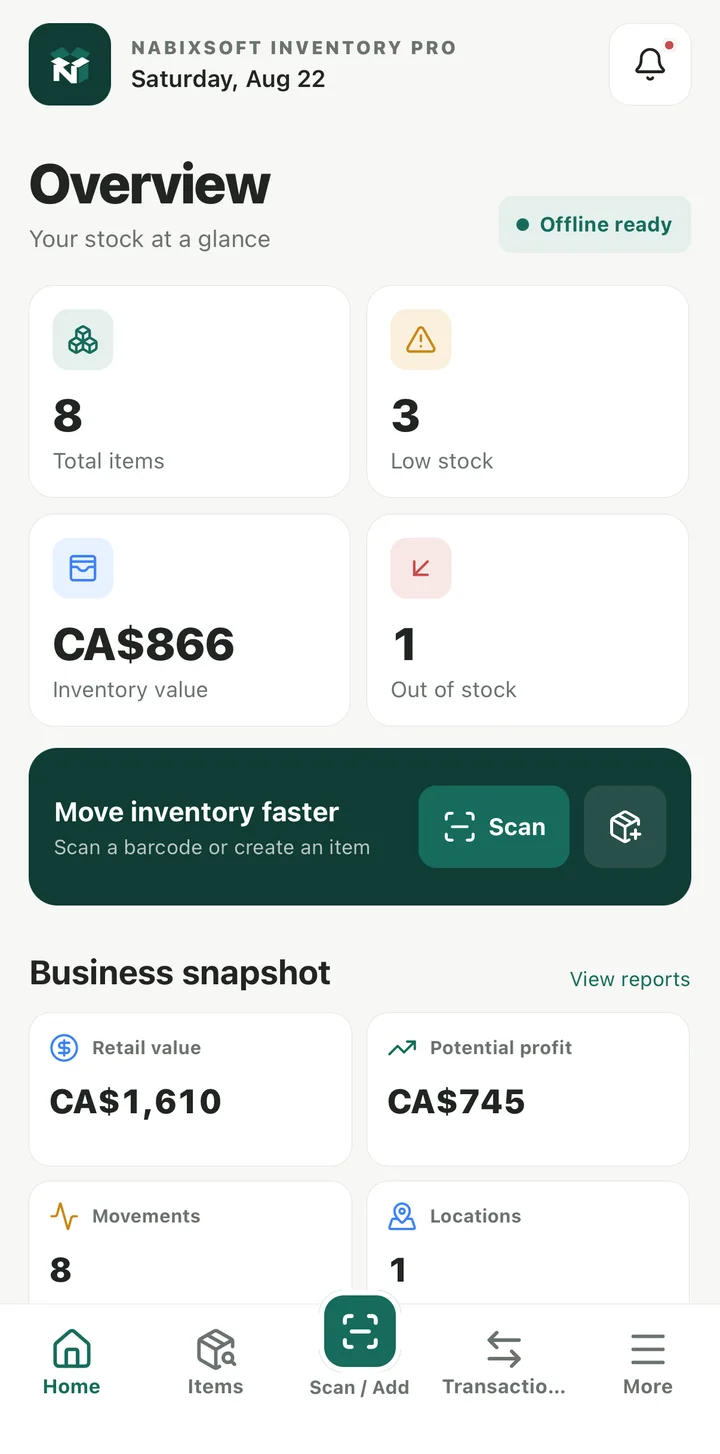

Learn a practical barcode inventory workflow with Inventory Pro: organize SKUs, scan products, record stock movements, and create printable barcode or QR labels.
Build a practical stock-management routine for your shop or stockroom: clear product records, location tracking, stock movements, low-stock checks, and backups.
Understand inventory valuation reports and complete backups in Inventory Pro. Learn what each file is for, when to export it, and how to prepare for a new device.
Estimate when to reorder using daily demand, lead time, and a buffer. See a worked example and use low-stock alerts to review what is on hand.
Organize inventory locations and record transfers in Inventory Pro. Learn how clear storage names, consistent units, movement checks, and backups support stock records.
Build a searchable inventory catalog with clear names, SKUs, barcodes, categories, supplier details, and storage notes in NabixSoft Inventory Pro.
Understand cost value, retail value, and potential profit in Inventory Pro. Review quantities and price units before using an inventory valuation report.
Build practical tool and supply records in Inventory Pro. Use photos, storage notes, categories, stock movements, and physical checks to find what you have.
Prepare an offline inventory workflow on iPhone or iPad with Inventory Pro. Organize products, record movements, share reports, and plan local backups.
Organize supplier information and record incoming stock with Inventory Pro. Check product identity, packaging units, quantities, locations, and recent movements.
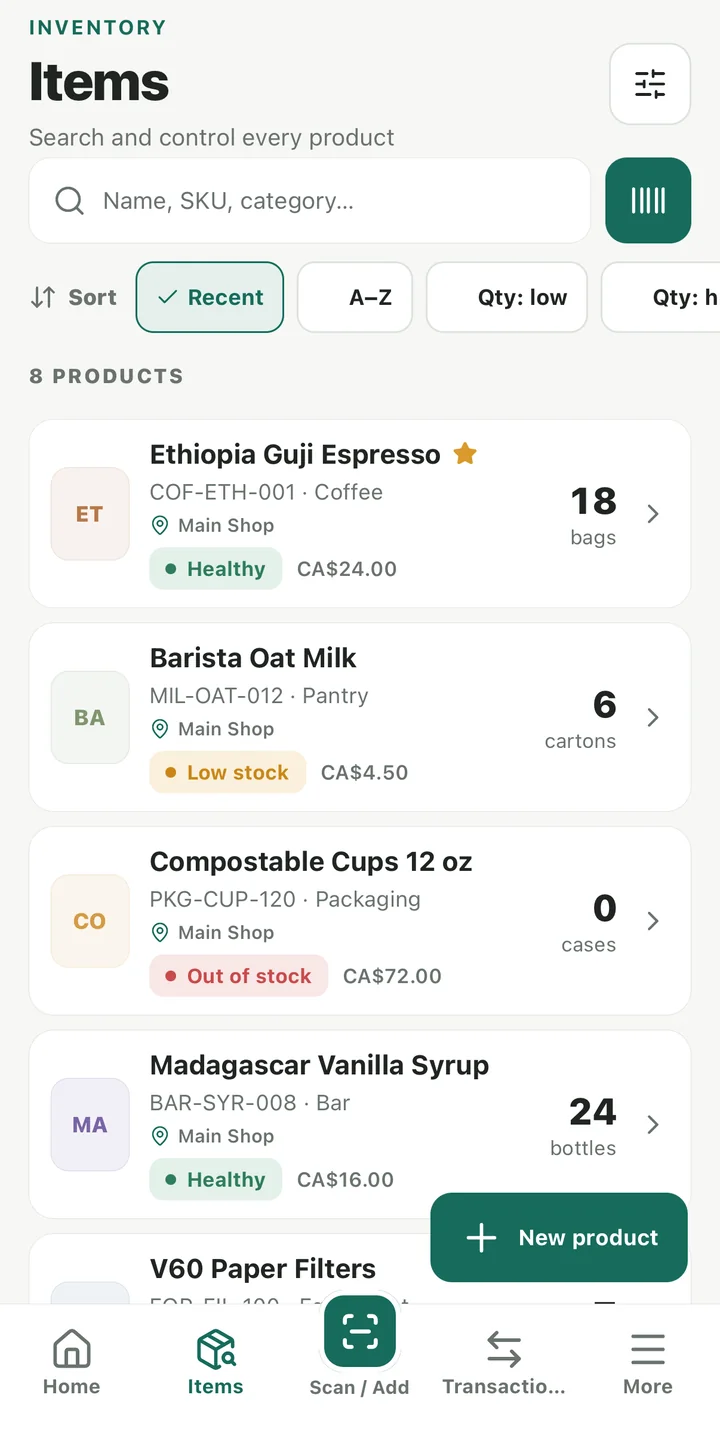
Plan a manageable stock count with Inventory Pro. Identify products, use consistent units, check locations, review movements, and keep a recoverable record.
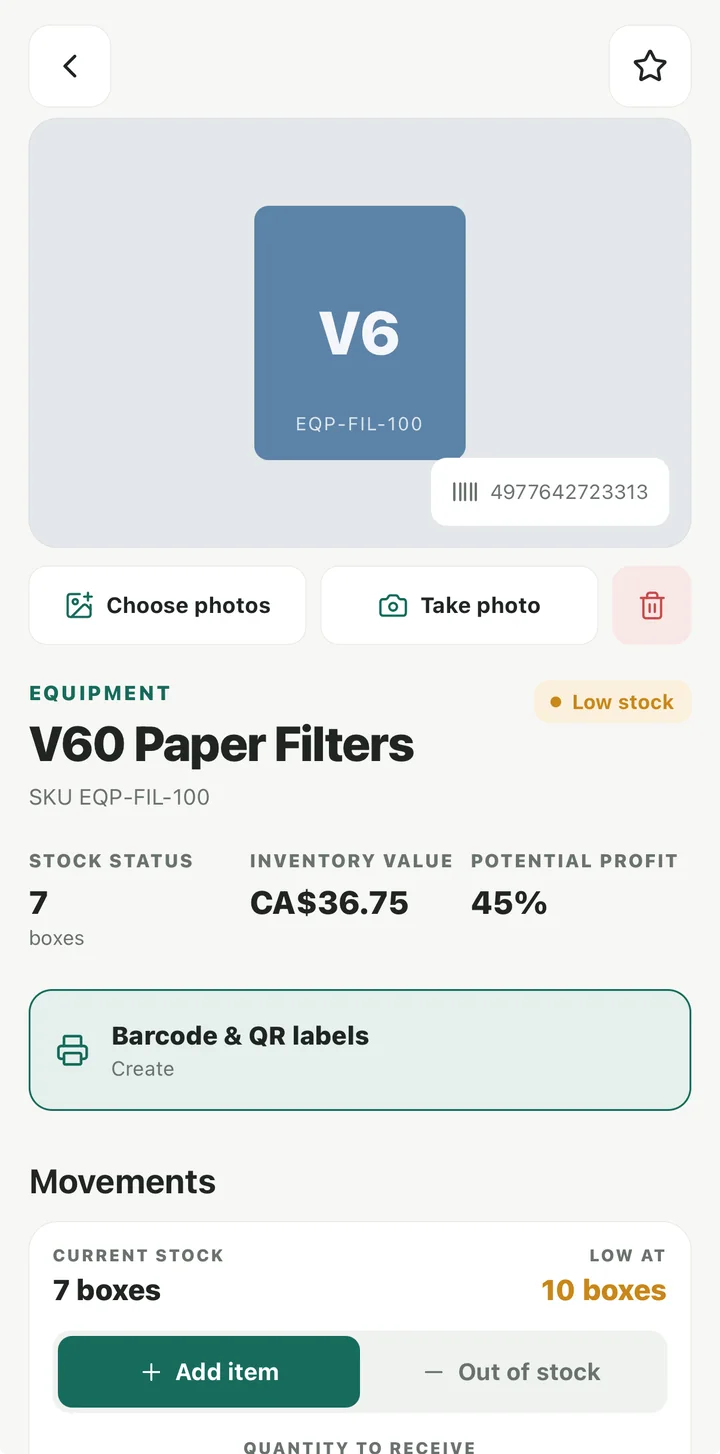
Organize a retail shop inventory routine with Inventory Pro. Keep product details, storage locations, receiving, movements, stock checks, and backups consistent.
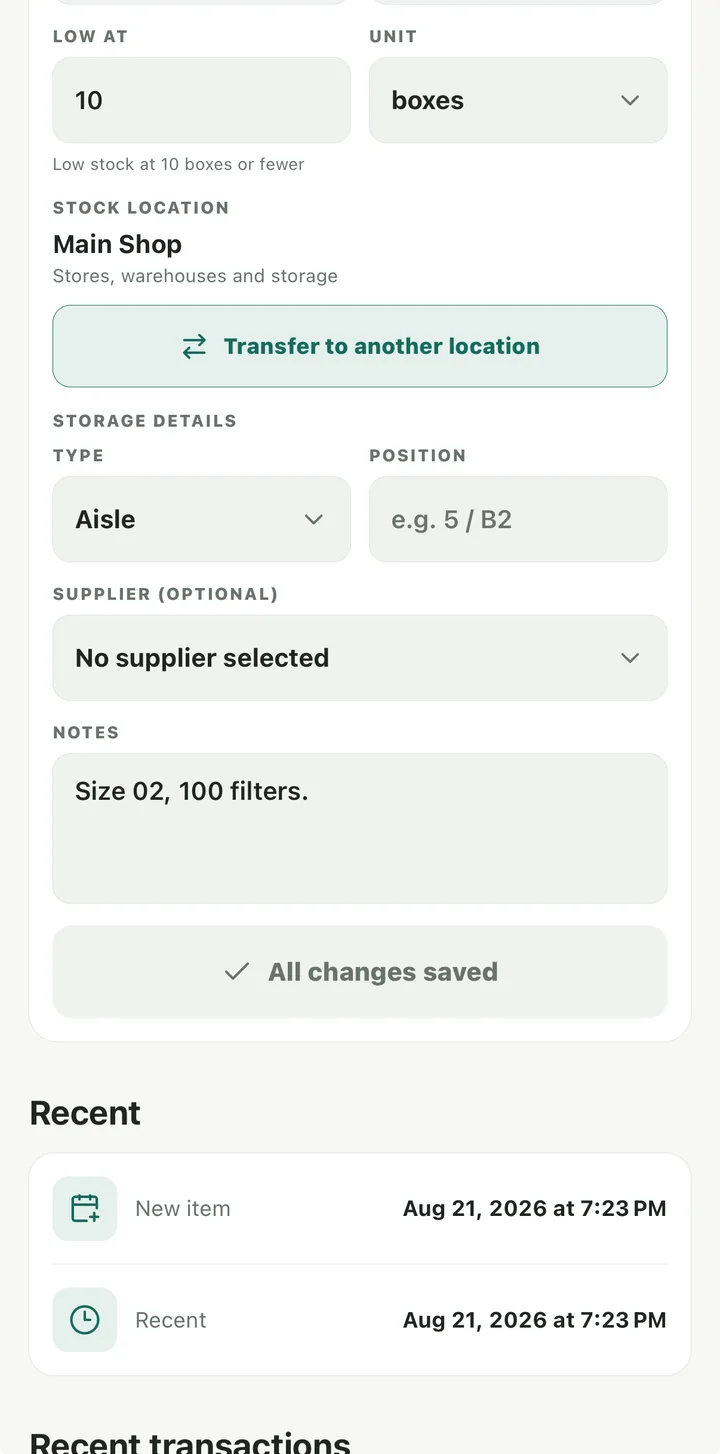
Organize stockroom records in Inventory Pro with recognizable products, storage details, locations, transfers, stock checks, and local inventory backups.
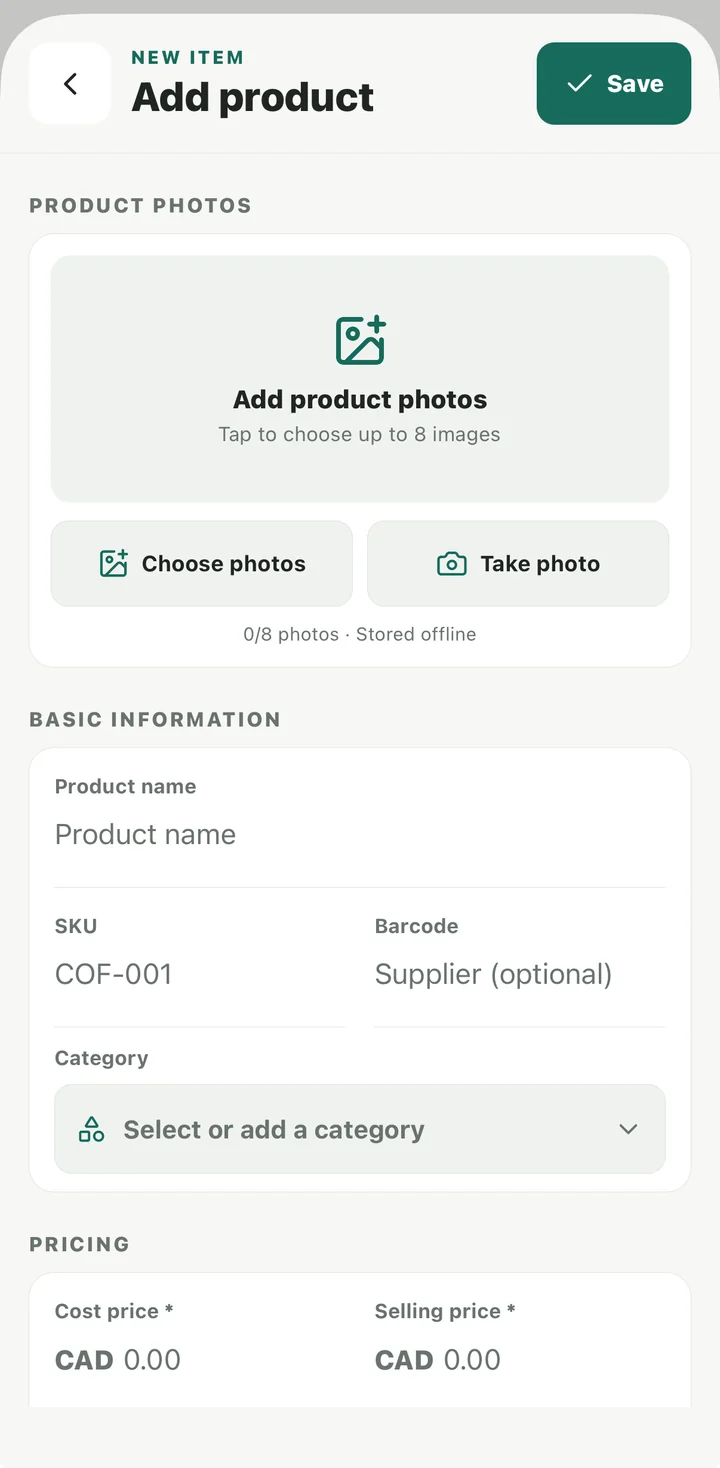
Use product photos, descriptions, and storage notes in Inventory Pro to distinguish similar items, locate stock, and keep useful inventory context current.
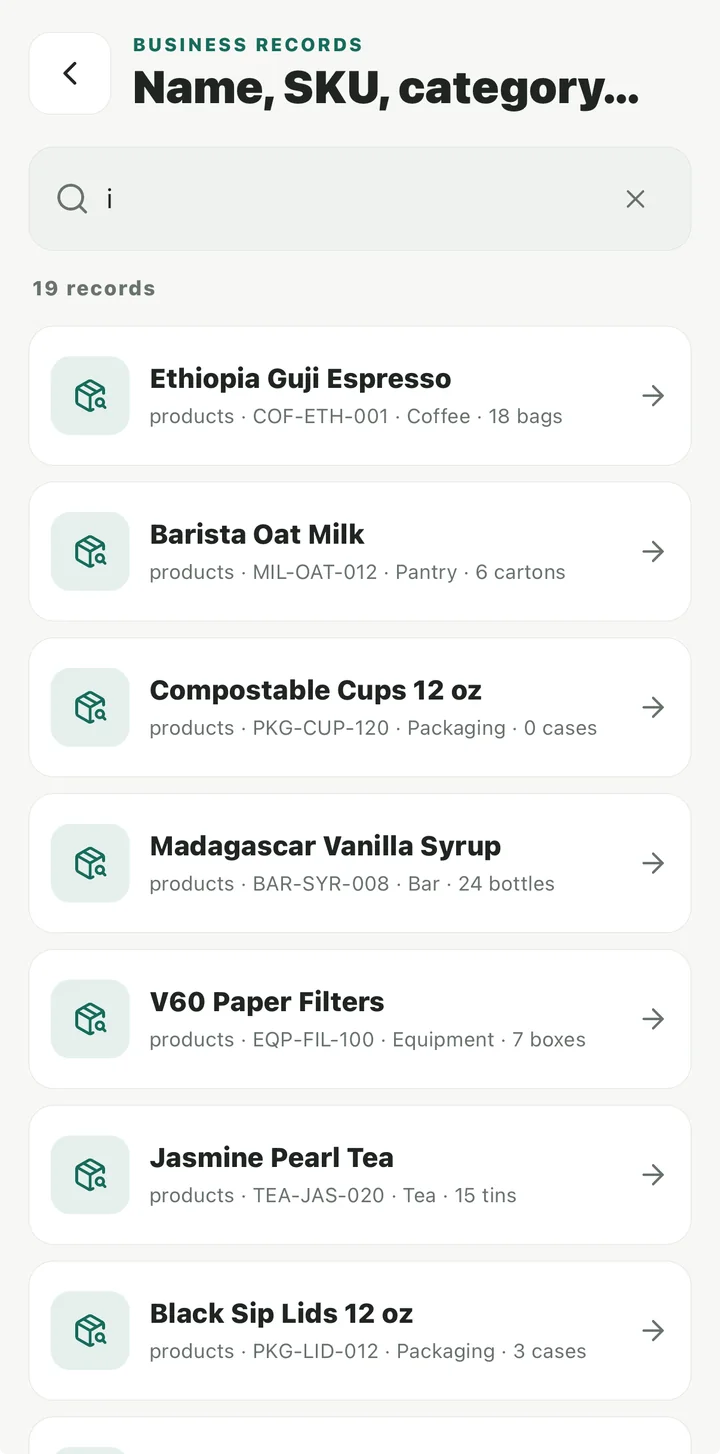
Find inventory records by name, SKU, barcode, category, location, or supplier in Inventory Pro, then confirm the product and unit before recording a movement.
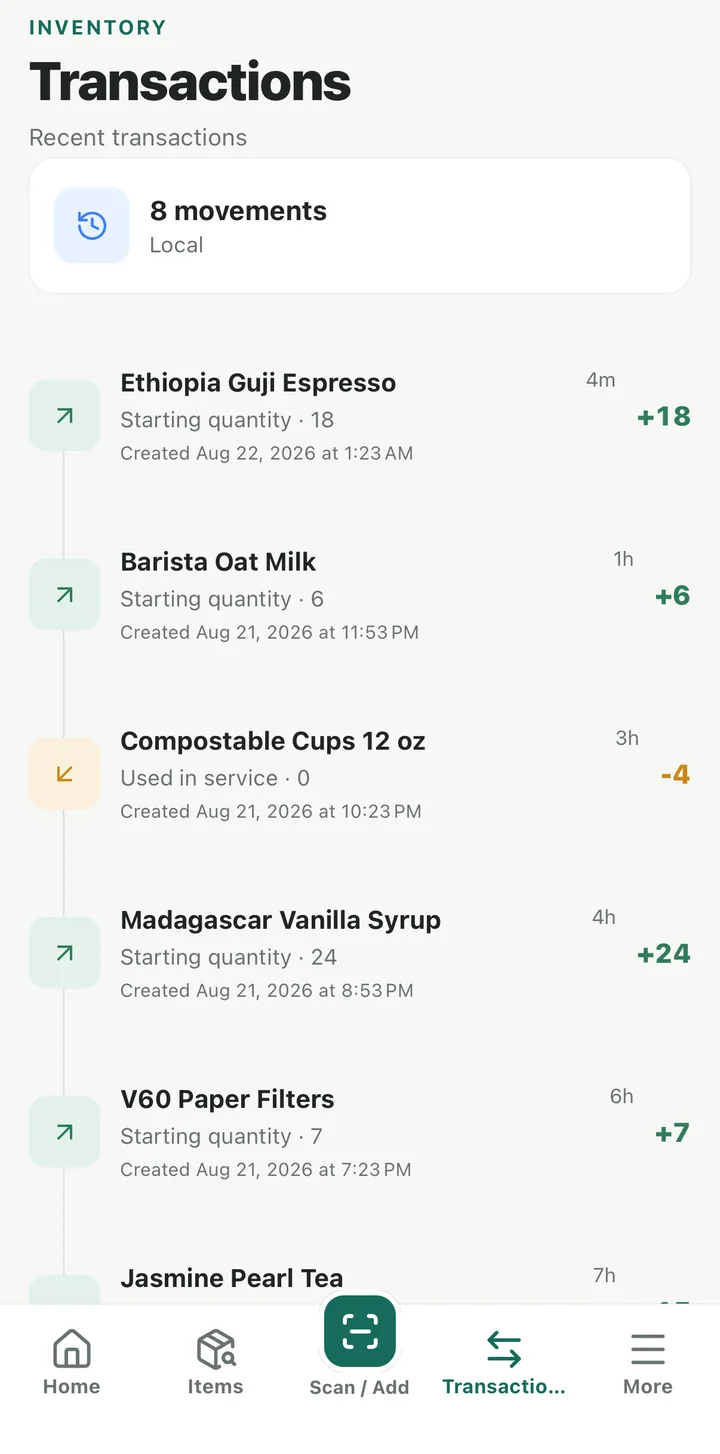
Review receiving, removal, and transfer history in Inventory Pro. Confirm products, units, locations, and physical context when a stock quantity needs investigation.
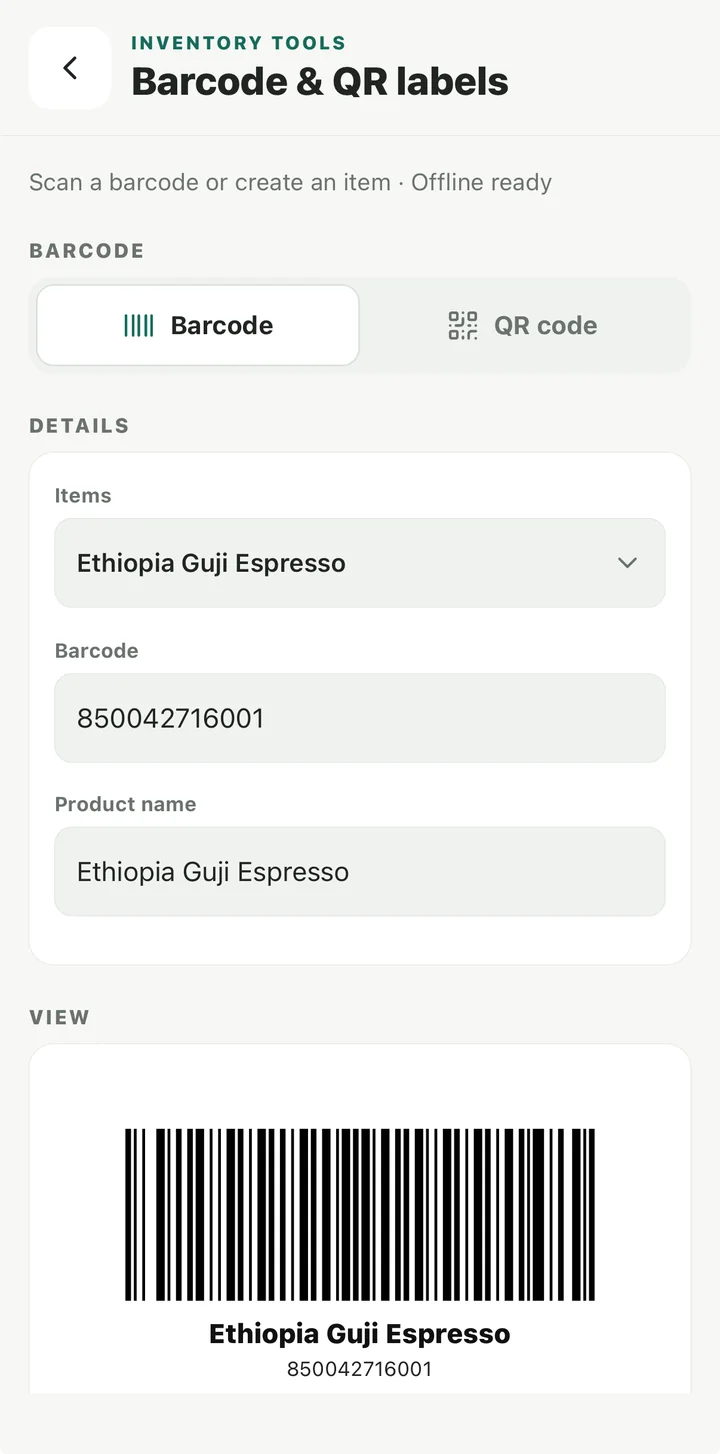
Prepare useful barcode and QR labels with Inventory Pro. Confirm product codes, preview labels, test a sample, and keep printed identification connected to records.
Set up a manageable first inventory in Inventory Pro with clear product records, units, categories, locations, opening checks, and a complete local backup.
Organize a personal collection with Inventory Pro using clear item names, photos, categories, storage details, search, and complete inventory backups.
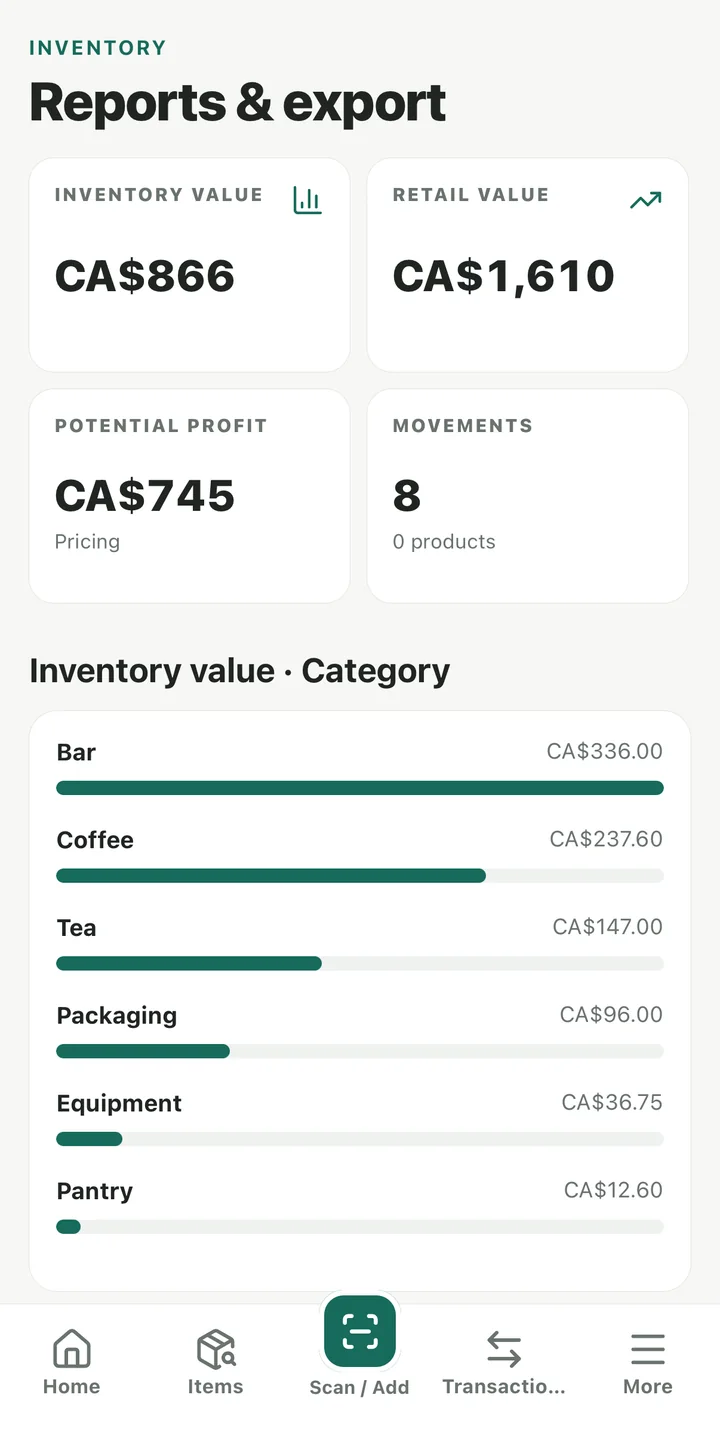
Prepare an understandable inventory handover with Inventory Pro. Clarify product units, locations, recent movements, local device boundaries, and recovery files.
Compare Excel and inventory apps for small-business stock tracking. Consider product records, movement entry, barcode lookup, reports, backups, and working habits.
Move from Excel stock records with a careful inventory transition: preserve the workbook, clean product identifiers, count opening stock, and check movements.
Reduce common inventory mistakes with clearer product identities, consistent stock units, timely movement entry, location checks, and complete recovery backups.
Improve inventory accuracy with focused physical checks, movement-history reviews, consistent product units, and follow-up on recurring stock discrepancies.
Organize home business inventory with clear product records, dedicated storage, receiving and removal habits, and offline stock tracking on iPhone and iPad.
Learn what inventory management means: identify products, track stock coming in and going out, maintain storage locations, count physical stock, and review records.
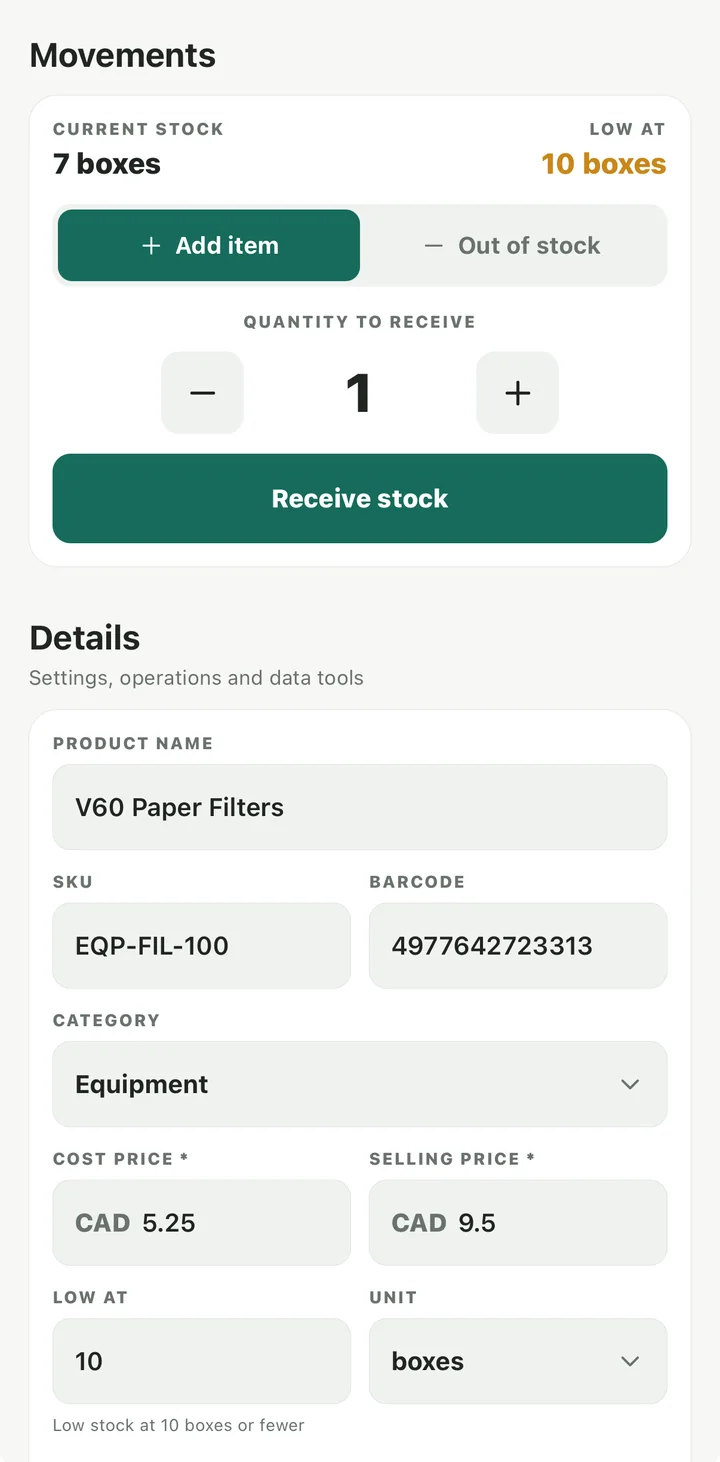
Keep damaged-stock reviews clear: identify affected products, separate them physically, check prior movements, record genuine removals, and review stock availability.
Prepare seasonal stock with checked opening quantities, clear storage locations, recorded movements, and a practical end-of-season inventory review.
Choose an inventory app with a practical checklist for products, barcode lookup, receiving, removals, locations, reports, offline work, and backup recovery.
Avoid stock unit confusion when goods arrive in packs or boxes. Define a consistent unit, check receiving quantities, and keep packaging information understandable.
Contractor job management
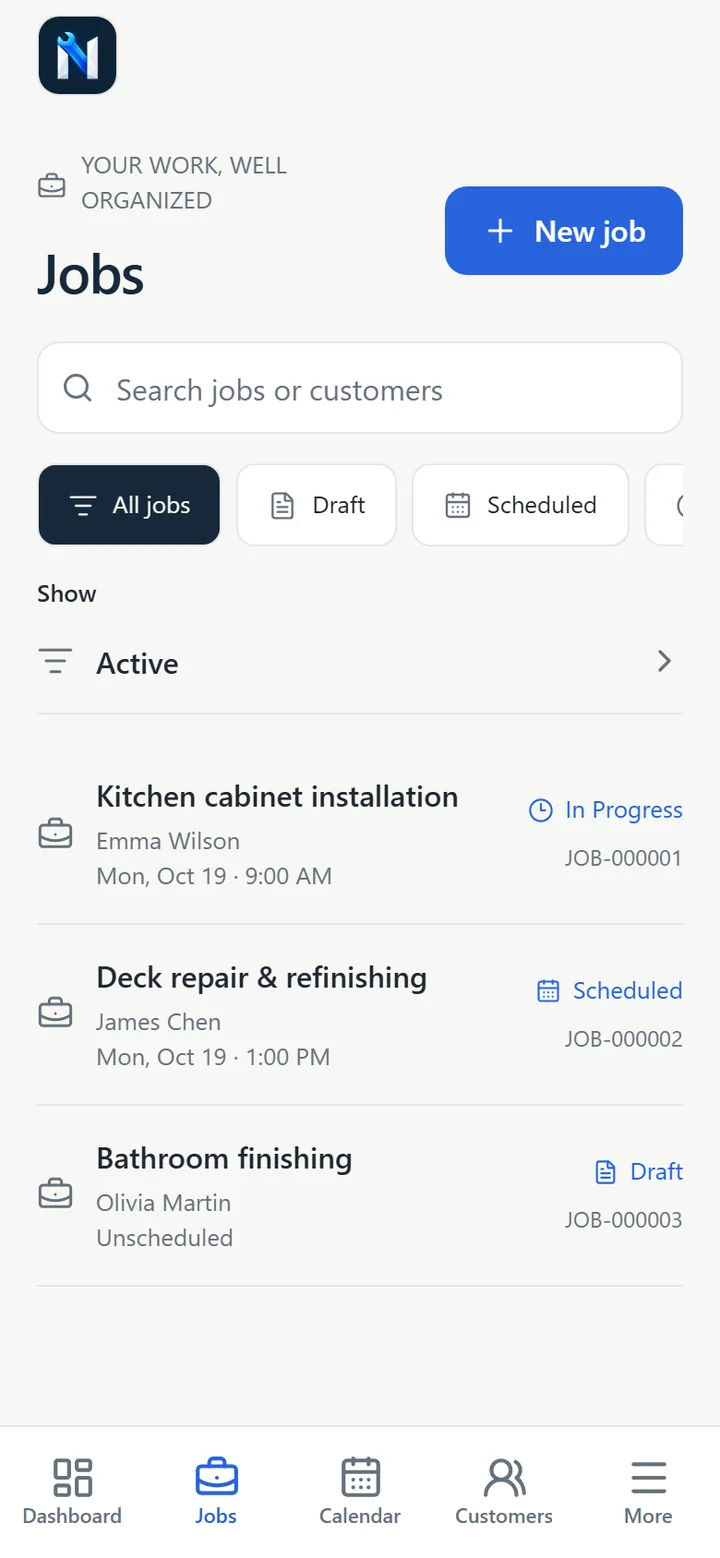

Use a simple job record to connect customer details, scope, visits, estimates, changes, and follow-ups for your handyman business.
Work hours & pay tracking
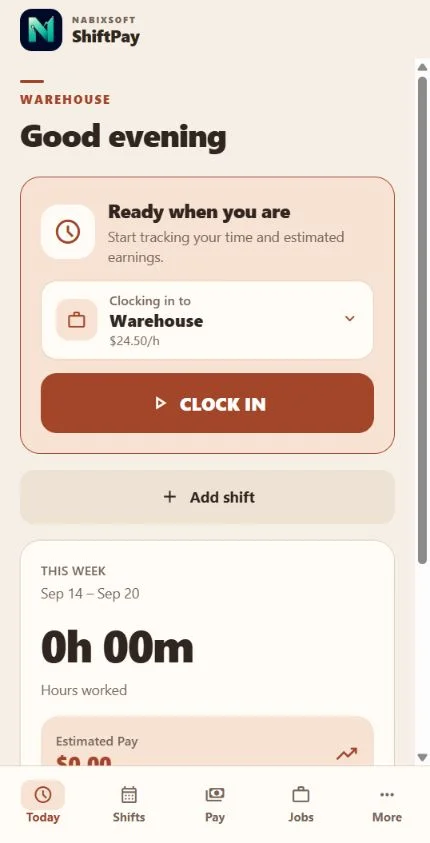

Record live and manual shifts, review dates and breaks, and keep a useful personal work-hours record with ShiftPay for iPhone and iPad.
Check start and end dates, paid and unpaid breaks, and shift notes when tracking overnight work in ShiftPay.
Organize per-job rates, currencies, pay periods, and rate history in ShiftPay without mixing unrelated work records.
Review hours, rates, breaks, and configured overtime settings behind a ShiftPay gross-pay estimate, then compare it with employer records.
Check reporting dates, jobs, currencies, shifts, and actual-paycheck context with this practical ShiftPay pay-period review.
Choose PDF timesheets, CSV exports, or a versioned JSON backup in ShiftPay, and review files before sharing or restoring.
Leads & business contacts
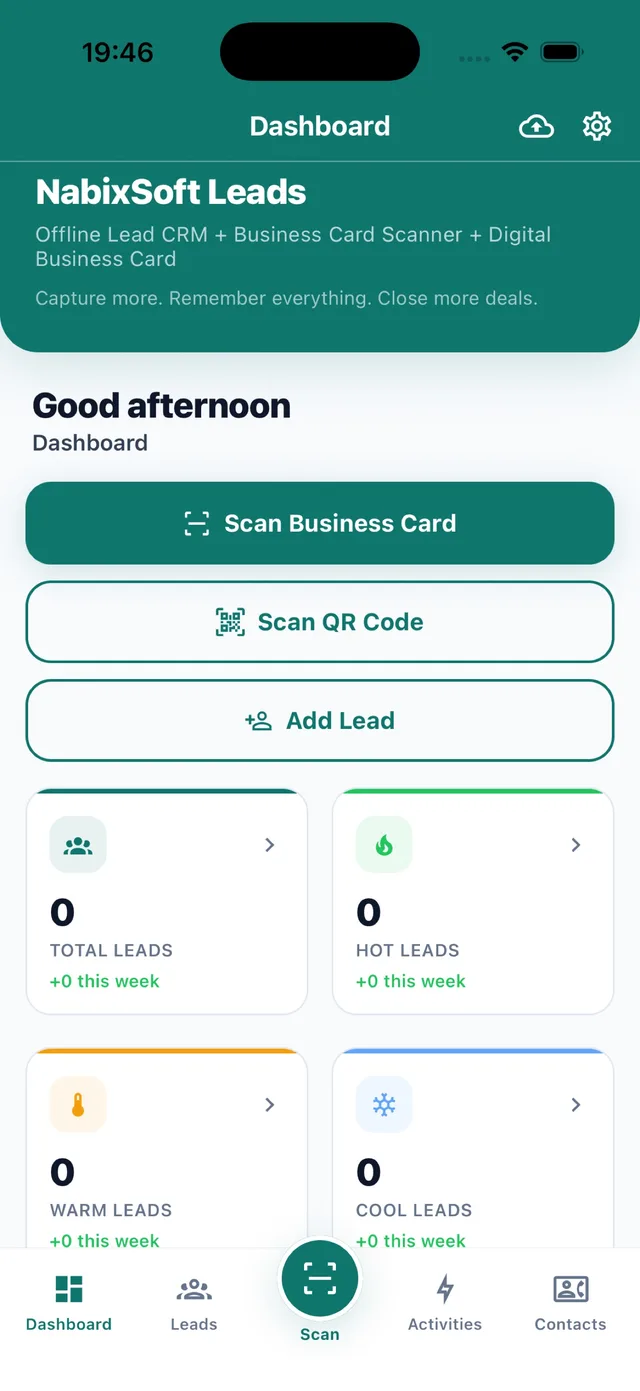

A practical business card scanning workflow: capture both sides, review detected fields, and save useful context. Explore the NabixSoft Leads preview.
Plan clear lead and contact records with notes, tags, pipeline stages, and duplicate review in the coming-soon NabixSoft Leads app.
Keep meeting context, activity notes, appointments, and reminders organized with the NabixSoft Leads development preview.
Use lead stages, temperature levels, and activity notes to review opportunities in the coming-soon NabixSoft Leads app.
Plan a readable digital business card with contact details, a QR code, and a vCard using the NabixSoft Leads development preview.
Understand lead CSV exports, contact file formats, and the scope of the iPhone CRM backup described in the NabixSoft Leads preview.