
NabixSoft Invoice · Practical guide
A clearer view of customer statements and outstanding invoices.
When a client has several invoices, reviewing them one at a time can make a simple question harder to answer: what is still outstanding? A consistent statement and review routine helps you organize the answer, check your entries, and follow up with the right document details.
Start with a consistent customer record
Use a saved customer record that clearly identifies the person or business being billed. If the same customer has been entered under several names, their documents can become harder for you to review together. Check familiar alternatives and duplicates when something seems missing from the expected history.
NabixSoft Invoice includes customer records and paid/unpaid customer statements. Those tools are most useful when each invoice is associated with the intended customer. Before starting a follow-up, confirm that you are reviewing the correct business and billing contact, especially when one person coordinates work for more than one organization.
Understand the documents behind the balance
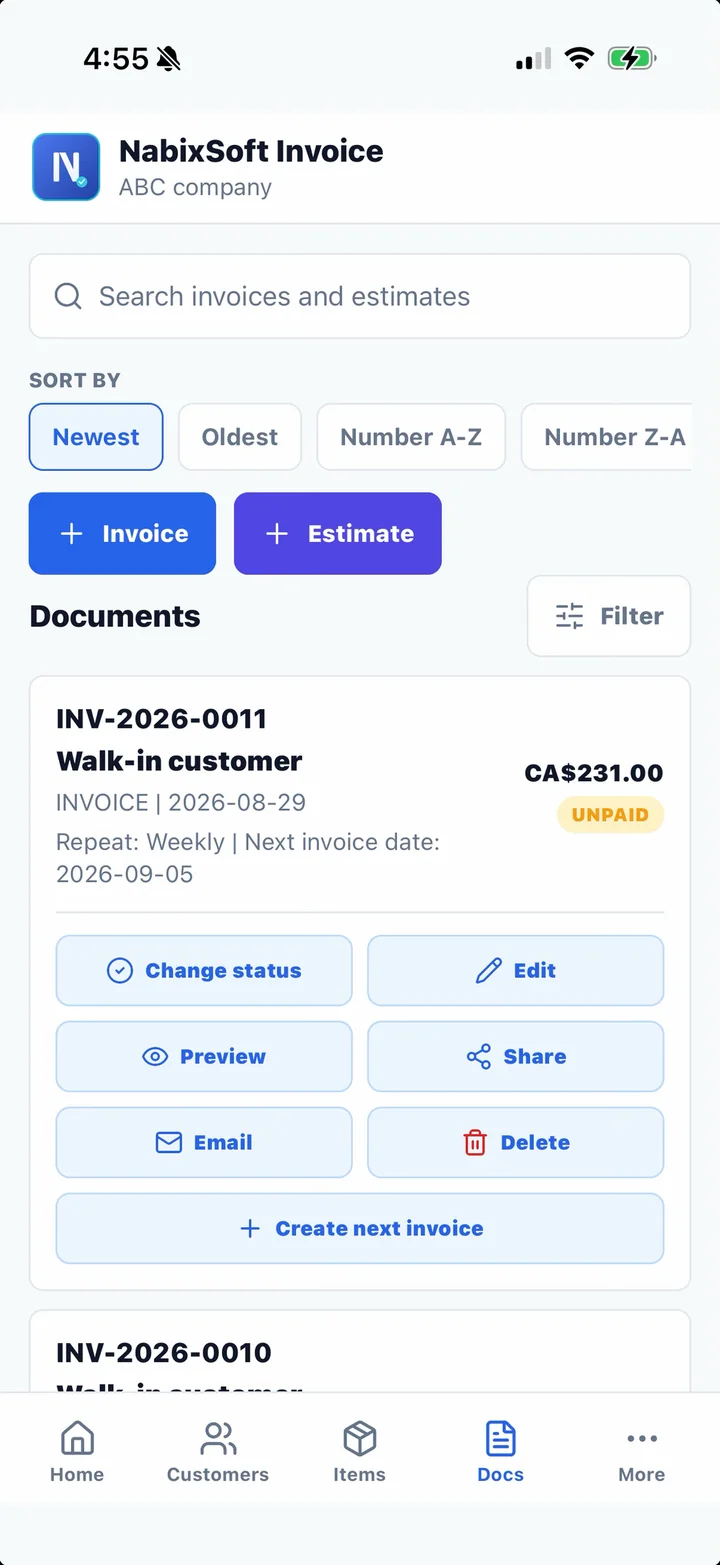
Look at the individual invoices that explain the amount you are reviewing. Check the document numbers, dates, descriptions, and totals so that a summary can be traced back to recognizable work. A customer statement is easier to act on when both parties can identify the same documents.
Separate an estimate from an invoice in your own review. An estimate describes proposed work; it should not be treated as proof that an invoice was delivered or that a payment is due. If you need help with that transition, the estimate-to-invoice guide explains how to review the final document before issuing it.
Compare status with the payment records you actually use
Check incoming funds through the bank or payment service your business uses before deciding that an invoice has been paid. NabixSoft Invoice does not process those payments. Its document status depends on the records you maintain in the app, so an incorrect status can lead to an unnecessary reminder.
If a client says an invoice has been paid, use the document reference, amount, and relevant payment information to investigate the specific record. Avoid changing several statuses just to make a summary look right. A deliberate review of the underlying documents gives you a clearer explanation if you later need to revisit the transaction.
Use a statement as a readable overview
The app can generate paid/unpaid customer statements. Use the relevant view to review the customer’s documents and prepare a readable overview. Check the current records first so that the statement reflects the information you intend to communicate.
For example, a repeat client might have one earlier paid invoice and two later unpaid invoices. Reviewing their individual references helps you distinguish the remaining documents from the completed one. Keep the issued invoices accessible alongside any statement you share, since the customer may need the detailed descriptions to understand the work and amount.
- Confirm the customer identity.
- Review the individual document references.
- Compare paid/unpaid status with received funds.
- Check the statement before sending it.
Make the follow-up specific and easy to answer
A useful payment follow-up identifies the customer, invoice number, and amount being discussed. Include the relevant PDF or a clear route to the document using your normal communication method. If the customer needs to locate a payment, a specific reference is more useful than a broad request to check everything.
Review the payment instructions before resending them. A saved payment link or note may have changed since the first invoice was prepared. The payment links and QR-code guide explains what those document elements do and why checking their destination matters.
Close the loop and retain the history
After the question is resolved, update the relevant document record and check that your next review shows the intended result. Keep a useful history of the invoice rather than losing track of which document the conversation concerned. For recurring clients, a short regular review can help you spot an incomplete record before several periods have passed.
Export a complete backup after significant record updates, and keep it accessible outside the app. The statement PDF is useful for reading and sharing, while the backup supports restoration of your working information. The backup and device-transfer guide covers that recovery workflow.
Common questions
Can NabixSoft Invoice create customer statements?
Yes. The app supports paid/unpaid customer statements alongside customer records and invoice status tracking.
Does an unpaid status prove a customer has not paid?
Review your actual payment records too. App status reflects the information you maintain.
Should I send an estimate as an outstanding invoice?
Keep the document types clear. Review and issue the relevant invoice for the work or stage being billed.

A practical next step · Available now
NabixSoft Invoice
Keep the customer and invoice records discussed here together in NabixSoft Invoice, with saved customer details, invoice statuses, and paid/unpaid customer statements.
Available on Android, iPhone, and iPad. Check your regional store for current compatibility and pricing.