
NabixSoft Invoice · Practical guide
Choose an invoice app by testing your real billing workflow.
The best fit for a small business depends on the work it needs to bill and the records it needs to keep. Instead of relying on a long feature list, walk through a representative invoice from preparation to recovery. These criteria help you evaluate NabixSoft Invoice and other options consistently.
Write down the billing tasks you actually repeat
Start with a recent, representative job. List the information you collected, the document you prepared, the way it was delivered, and the questions that arose afterward. Separate regular tasks from features you might never use. A simpler tool can be appropriate when it supports the whole routine you need.
Decide whether you need estimates, recurring invoices, saved service items, or customer statements. Check each requirement against the product’s published features. Do not assume that an app includes scheduling, accounting integrations, or payment processing merely because it creates invoices.
Check how customers and service lines are entered
Use a small fictional sample to assess entry and review. Can you identify the right customer, reuse common services, and inspect the quantity and rate without losing context? Try a longer description as well as a short standard line.
Look for a workflow that makes mistakes easy to notice. NabixSoft Invoice provides customer records and a products and services catalog. These reduce repeated entry, while you remain responsible for checking the selected details against each job.
Distinguish offline work from online services
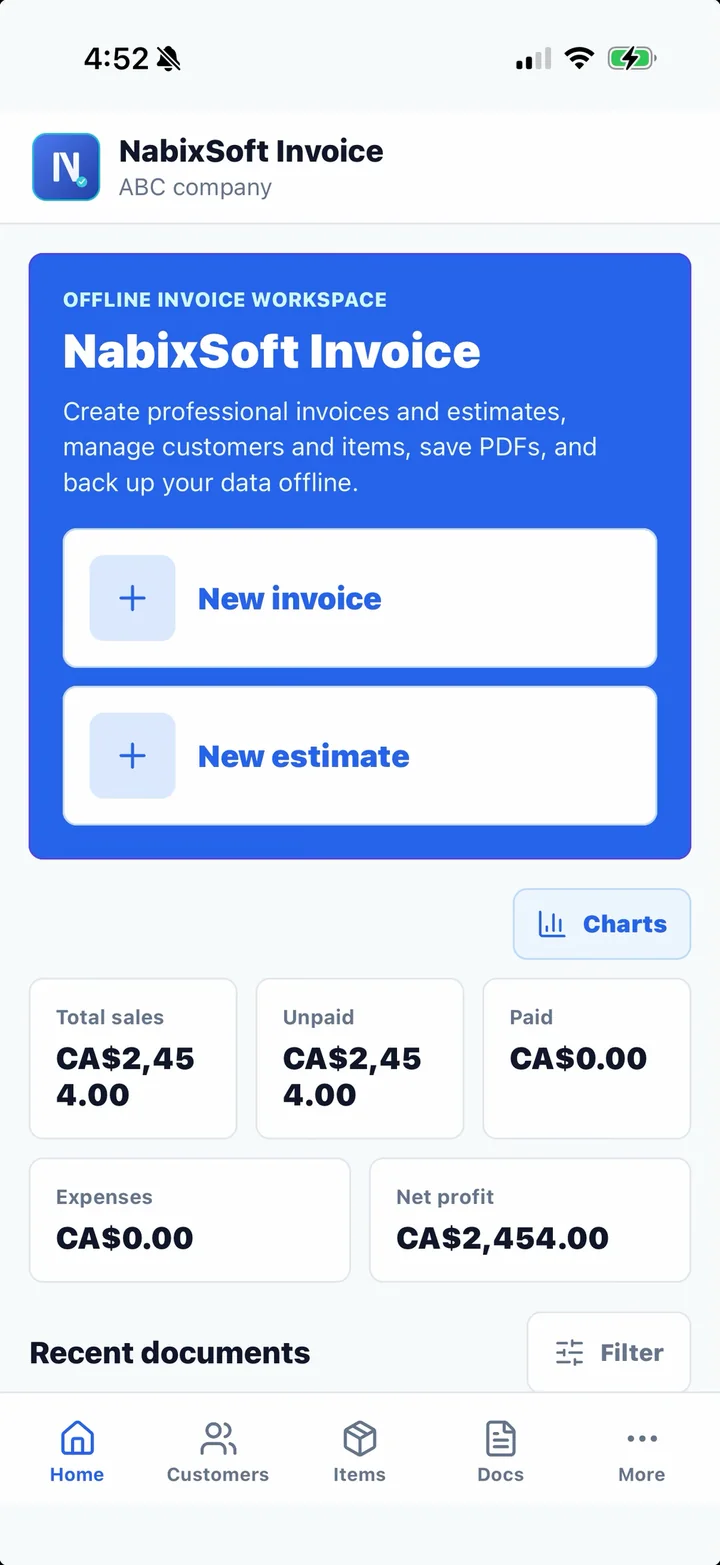
If you prepare paperwork at customer sites, understand what works without a connection. NabixSoft Invoice supports core document preparation offline. Sending through email and using an external payment destination can still depend on the relevant service and connection.
Ask separately how records move between devices. Local storage and complete backup/restore are different from automatic live synchronization. Choose according to your actual device routine rather than assuming that two installations share current records.
Example: a solo service business evaluates its needs
A fictional service owner usually prepares estimates at home and invoices after visits with poor reception. The owner tests a sample customer, a labour line, a materials line, and a PDF containing payment instructions. Offline preparation is a regular need; a large team dashboard is not.
The owner also checks backup export and the current store terms. This evaluation focuses on the actual routine rather than claiming one app is the best choice for every business.
Review the PDF and the payment instructions
Prepare a sample that resembles the invoices you issue. Read the PDF on a small screen and a larger display when available. Check long descriptions, business branding, totals, and the instructions that help the customer pay. Attractive templates should also remain readable.
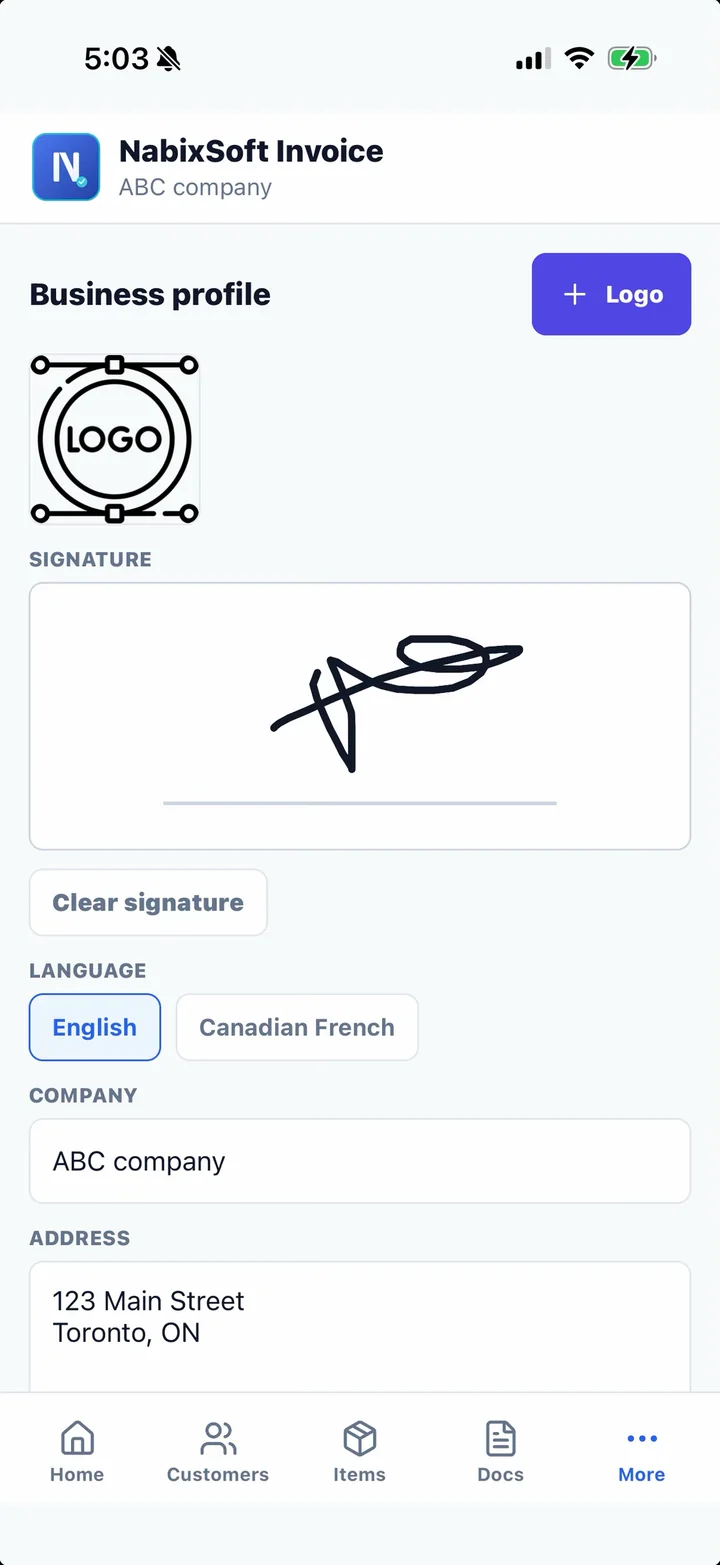
Confirm what the app does with payment details. NabixSoft Invoice can include a supplied link, QR code, and notes; processing stays with your chosen method. If you need a different payment workflow, verify it directly rather than inferring it from a payment button.
Include recovery and support in the comparison
A document workflow also needs a way to protect working records. Find the complete backup export, understand where the file goes, and read the supported restore steps. Check that a readable PDF report is not being mistaken for a recoverable database.
Review current support information and device compatibility. Look at the official store listing for current pricing and purchase terms in your region. Avoid treating an old comparison article or a screenshot as a guarantee of a product’s present price or availability.
Compare the same sample across your shortlist
Use the same sample customer and work lines in each evaluation where possible. Record what worked, what needed extra steps, and which requirements remain unverified. This produces a more useful comparison than counting unrelated features.
For NabixSoft Invoice’s published capabilities, visit the product page and confirmed store links below. Before moving real records, plan your own transition and backup routine. A practical choice supports both today’s document and the questions you may need to answer later.
Common questions
Is this a ranked comparison of every invoice app?
No. It is a workflow checklist to help you compare suitable options using the same requirements.
Where should I verify current pricing?
Use the official store listing for your device and region, including its current purchase terms.
Does an invoice app automatically include payment processing?
No. Verify the actual feature. NabixSoft Invoice includes supplied payment details while processing remains with your chosen method.

A practical next step · Available now
NabixSoft Invoice
Bring this invoicing workflow into one mobile app with NabixSoft Invoice. Prepare invoices and estimates offline, save customer details, and share professional PDFs.
Available on Android, iPhone, and iPad. Check your regional store for current compatibility and pricing.