
NabixSoft Invoice · Practical guide
How to number invoices for a small business
A document reference connects an invoice with customer questions, payment notes, and your own searches. Automatic numbering can reduce manual entry, but a useful record routine still requires you to identify the correct document. This guide focuses on keeping references clear as your document history grows.
Treat the reference as a way to identify a record
Use the invoice reference when discussing a particular document. A customer name or amount alone may match several invoices, especially for repeat work. Pair the reference with enough context to recognize the customer and billed service.
Avoid treating a reference as proof that a document is correct or paid. It identifies a record; descriptions and source information explain the charge, while your payment method’s records establish incoming funds. Keeping those roles separate makes a later review easier.
Review the reference assigned to a new document
NabixSoft Invoice supports automatic document numbering. Read the reference on the draft and the PDF before sharing, particularly when starting a new workflow or returning to older records. Do not assume that automatic numbering replaces a check for an already-created invoice.
Search the document list before creating another copy for the same work. If the invoice exists, use that record to inspect its details. A fresh document created only because the old one was difficult to find can produce two plausible records for one billing event.
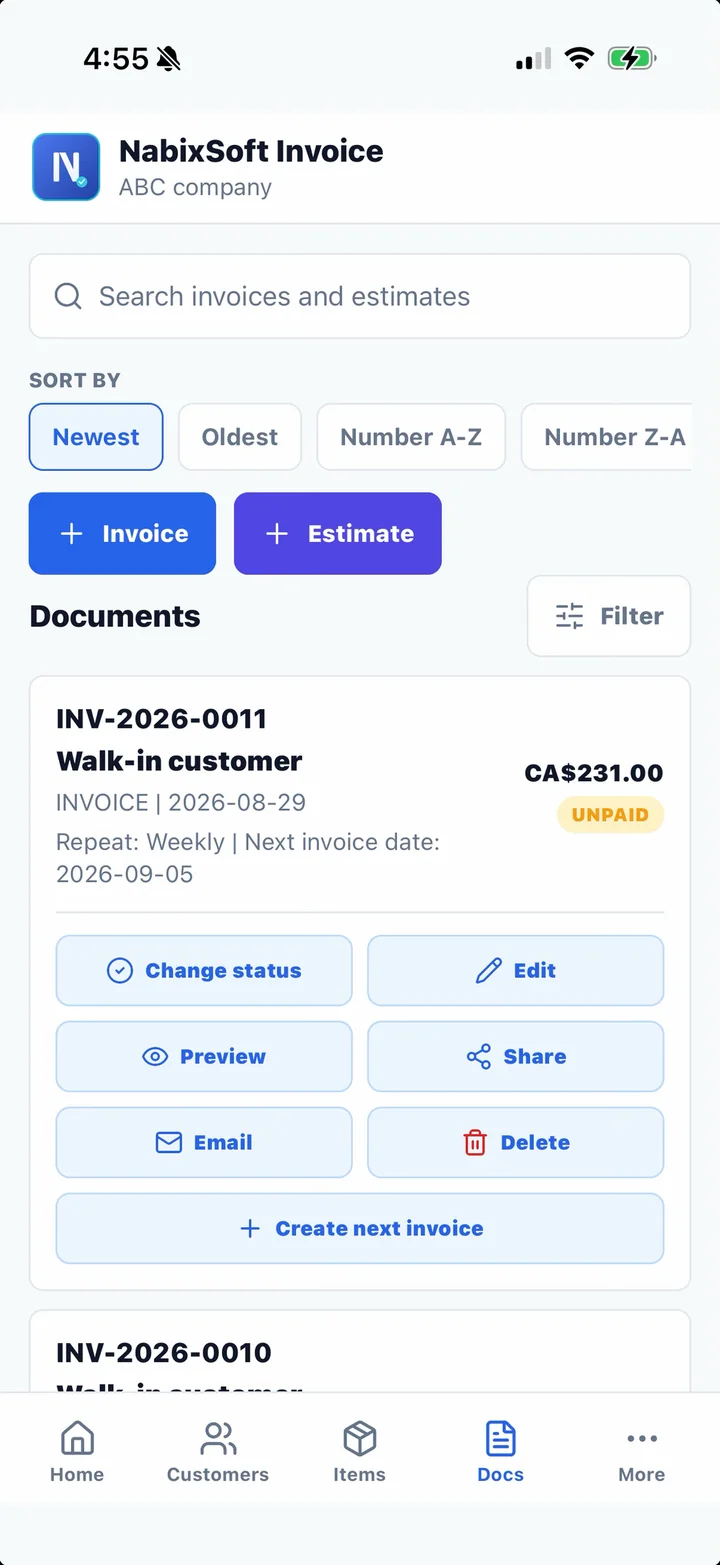
Distinguish estimates from invoices in communication
A customer may have an estimate and an invoice for the same project. Name the document type and reference in a follow-up so the recipient can identify the intended file. Explain a scope change rather than expecting the reference alone to communicate why amounts differ.
When converting an estimate, review the resulting invoice as its own document. The invoice versus estimate guide explains the practical difference between proposing work and recording an amount being billed.
Example: two invoices with the same total
A fictional consultant bills the same monthly service to a customer twice in separate periods. Both invoices have the same total. When the customer asks which one remains outstanding, the consultant checks the references, descriptions, and verified payments rather than identifying the invoice by amount alone.
The follow-up includes the specific invoice reference and the matching PDF. No additional invoice is created just to resend the document, so the original billing history remains understandable.
Separate another copy from another billing event
If a customer asks for the PDF again, locate the existing invoice and confirm its details before sharing the copy. Creating a new invoice for the same request can make the history harder to interpret. State clearly which existing document the attachment represents.
Check the recipient and attachment in the sending service. A renamed local PDF file does not by itself change the underlying app record. Keep the relationship between the working document and exported copies understandable in the folders and messages you maintain.
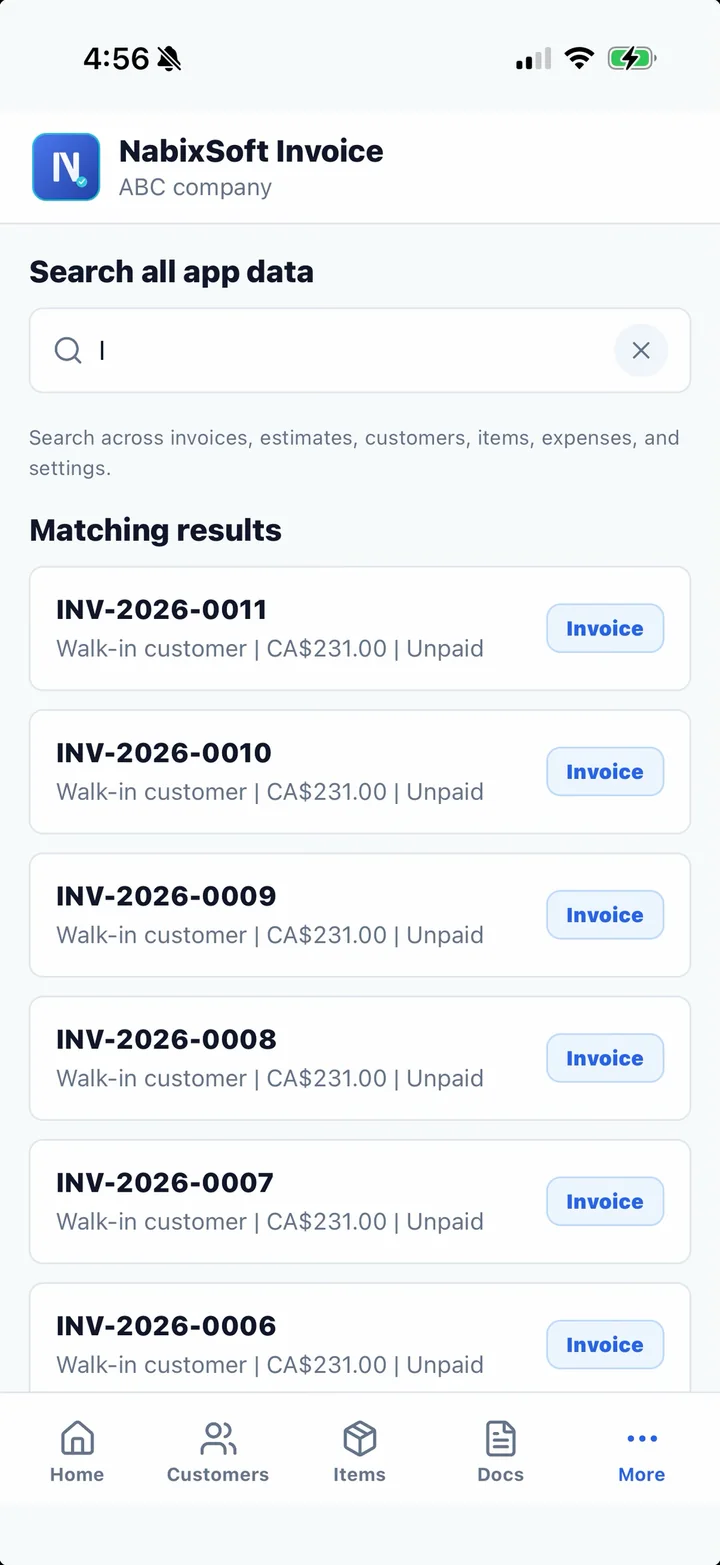
Use references with recognizable customer descriptions
Search works better when the record contains accurate, consistent information. Keep the customer name and service descriptions recognizable, then use the document reference to narrow the result. Before acting, open the candidate record and compare the actual customer and amount.
The document search guide describes a broader lookup routine. Do not change unrelated customer records simply to force a preferred search result; improve the source information where it is actually inaccurate.
Protect the document history through device changes
Export complete backups after important updates and before changing devices. A collection of named PDF files can help you read past invoices, but it is not a replacement for the complete backup used to restore working records.
Keep the old records available until the supported restore process has been completed and reviewed. If numbering or an existing document behaves unexpectedly, inspect the records and contact support before generating replacement invoices merely to obtain a different-looking reference.
A numbering example for a new year
Suppose your final invoice of the year is INV-2026-043. If you choose to restart the count in January, the next reference could be INV-2027-001. If you prefer a continuous sequence, it could simply be INV-0044. Pick one convention and write it down so someone else can tell what the prefix and sequence mean.
When a customer supplies a purchase order, keep that in a separate reference field or note. That way you can find the invoice by either number without replacing its own reference. Use the invoice pre-send checklist to catch a missing reference before sharing the PDF.
Common questions
Does NabixSoft Invoice support automatic document numbering?
Yes. Still review the assigned reference and check for an existing document before creating another invoice for the same work.
Does an invoice number show that payment was received?
No. Verify payment through the method you use and keep the invoice record current.
Should I create a new invoice to resend a PDF?
Locate and review the existing invoice first so a request for another copy does not create a duplicate billing record.

A practical next step · Available now
NabixSoft Invoice
Bring this invoicing workflow into one mobile app with NabixSoft Invoice. Prepare invoices and estimates offline, save customer details, and share professional PDFs.
Available on Android, iPhone, and iPad. Check your regional store for current compatibility and pricing.