
Solo Contractors · Practical guide
How to organize handyman jobs and customers
Give each job one record that answers three questions: what did the customer agree to, when are you going back, and what needs to happen next? Here is a routine you can use with paper, a spreadsheet, or an app.
Keep one customer record and one record per job
Save a customer’s preferred contact method once. Start a new job record for each separate scope of work, even if the customer and address are the same. Put the site contact, access window, and parking or loading details on the job if they vary from visit to visit.
For example, use job H-014 for a cabinet door repair and H-015 for a shelf installation at the same address. Keep the estimate, visit notes, and photos under the appropriate job so you can explain either job later without sorting through an entire message thread.
Write the scope before you block time
Record the requested result, materials and labour you expect to provide, anything the customer will supply, and items outside the estimate. For a shelf installation, note how many shelves, where they go, and who provides the brackets. If you need to inspect the wall before committing to a method, record that as a next action.
Keep the version the customer accepted. When the scope changes, write down what changed and update the estimate or confirm the extra work before proceeding. The invoice versus estimate guide explains when each document fits into the job.
Give every open job a next action
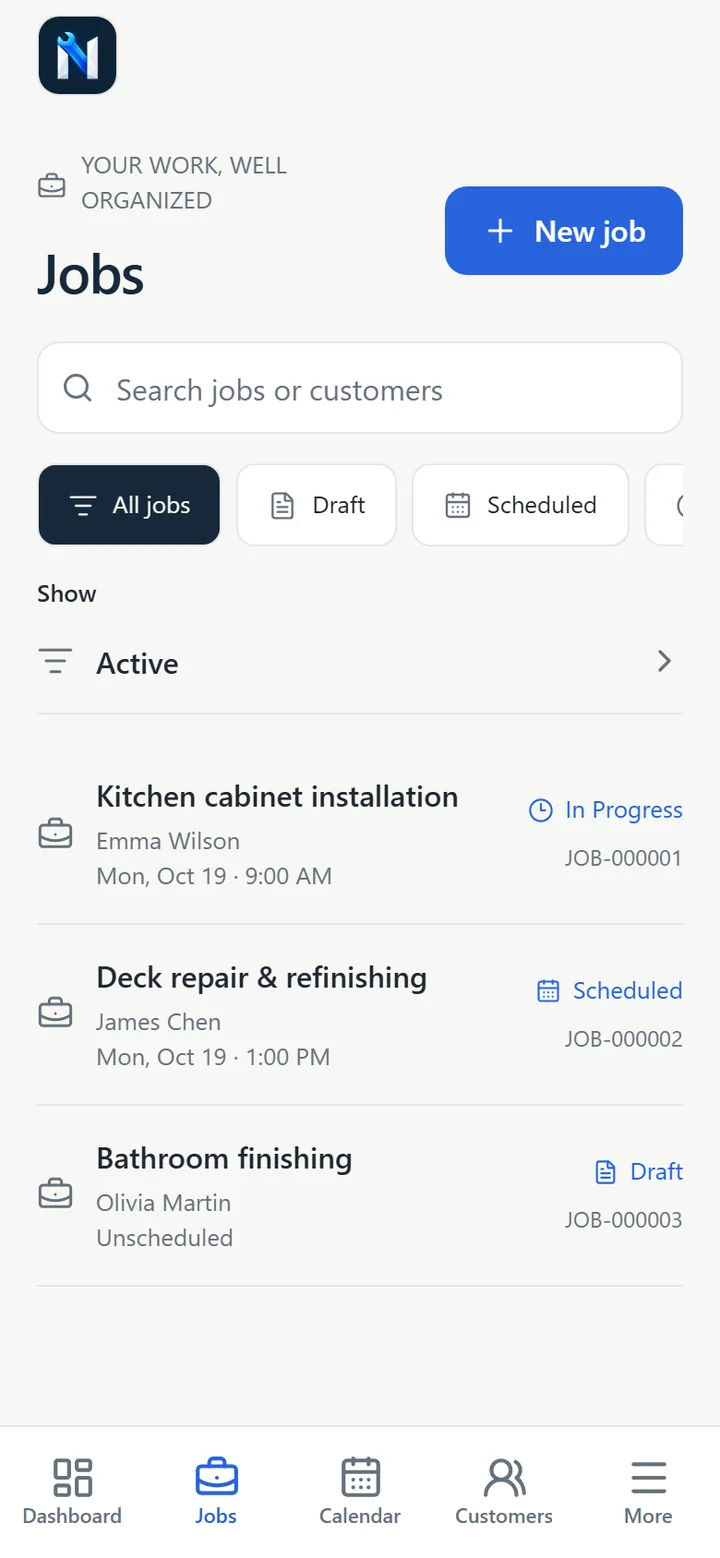
Use a short list of statuses such as New, Waiting for approval, Scheduled, In progress, and Closed. Add one dated next action to each open job. “Call Tuesday to confirm access” gives you something to do when you review the list. “Follow up” on its own leaves the timing and purpose unclear.
- Check which visits are booked and what must be ready before you leave.
- Review outstanding estimates and follow up on the dates you recorded.
- Confirm which jobs need materials, a return visit, or an invoice.
Close the job with a record you can find again
Record what you completed, any agreed changes, and the invoice reference. Keep a short follow-up note if you promised to check back, and keep only the photos and documents needed for your work. Use a consistent reference such as H-015 in your job record and file names so you can find the same job from either place.
If you invoice separately, see the contractor invoicing guide for a workflow that keeps labour, materials, and job details clear on the customer’s bill.
Common questions
What if one customer has several jobs?
Keep the customer’s contact record once. Use separate job records for different scopes so each keeps its own visits, estimate, and invoice reference.
What should I review every week?
Review upcoming visits, estimates waiting for a response, jobs waiting on materials, and completed jobs that still need an invoice or follow-up.

A practical next step · Coming soon
Solo Contractors
Explore how the Solo Contractors development preview connects customers, jobs, schedules, and estimates. The routine above also works with your current records.
The mobile release is coming soon. Store downloads will be linked here when published.