
NabixSoft Inventory Pro · Practical guide
Keep a collection easier to identify, locate, and review.
A collection can become difficult to understand when similar items, storage boxes, and informal notes grow over time. Inventory Pro’s published uses include personal collections. Product names, photos, categories, notes, locations, and backups can support a practical catalog without assuming specialist appraisal or authentication features.
Decide what one collection record represents
Choose whether a record describes an individual item or a group of genuinely identical items. The distinction should match the way you recognize and count the collection.
Use names that make sense beyond the moment of entry. Add a model, size, edition, or other identifying detail where it helps distinguish records, without claiming the app verifies that information. A useful catalog preserves the details you can supply and review.
Capture the details you want to recognize later
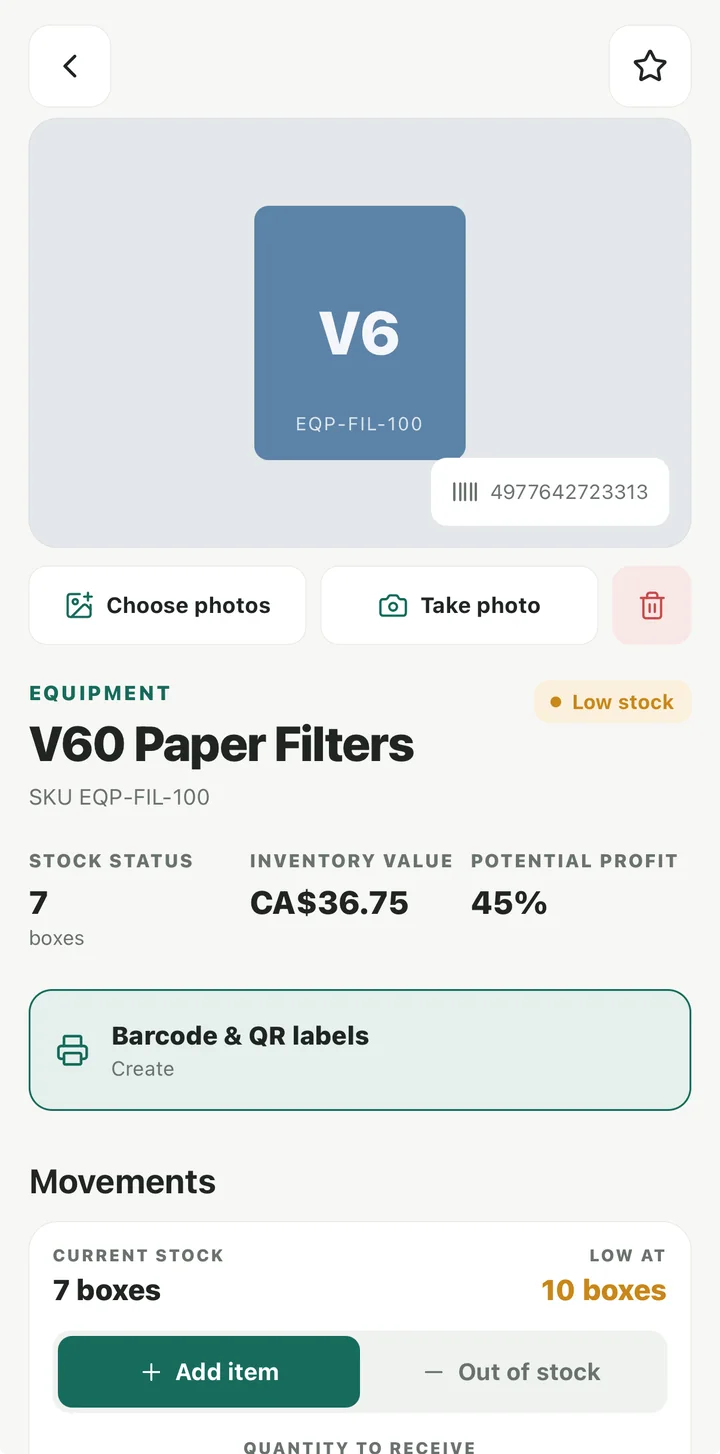
Use product photos to show a useful feature of the item. A clear image of the relevant marking or shape can be more helpful than a distant picture of the whole storage area.
Use notes for context that supports your own identification and organization. Review the association between image and record before continuing. The photo and storage guide explains how those details can remain useful as the collection changes.
Create categories that help you browse
Choose groupings that answer a real question you ask about the collection. A category may describe a broad family or another consistent organizing choice you can apply to new records.
Keep categories separate from the current physical location. The same type of item can be stored in several places, and a move should not force you to redefine what kind of item it is. The catalog guide covers that separation of roles.
Example: an individual item and a group of identical items
Suppose a collection contains one distinctive item alongside several genuinely identical examples. Decide whether the records should describe an individual item or a counted group, and make the names, images, and units reflect that choice.
Use storage notes that lead to the real container and review them after a move. Keep any entered pricing understandable as your own recorded information rather than an independent appraisal. This example focuses on a useful catalog and recovery routine, without implying specialist authentication, valuation, or lending-management features.
Connect each record to recognizable storage
Use location names and storage notes that match the boxes, shelves, or rooms you actually use. Review the information when the arrangement changes so the record does not point to an old location.
If items move, keep the supported location and movement workflow understandable. This guide does not assume lending reservations, specialist conservation records, or automatic tracking tags. Use the published inventory features for the organizational tasks they describe.
Treat recorded values according to their inputs
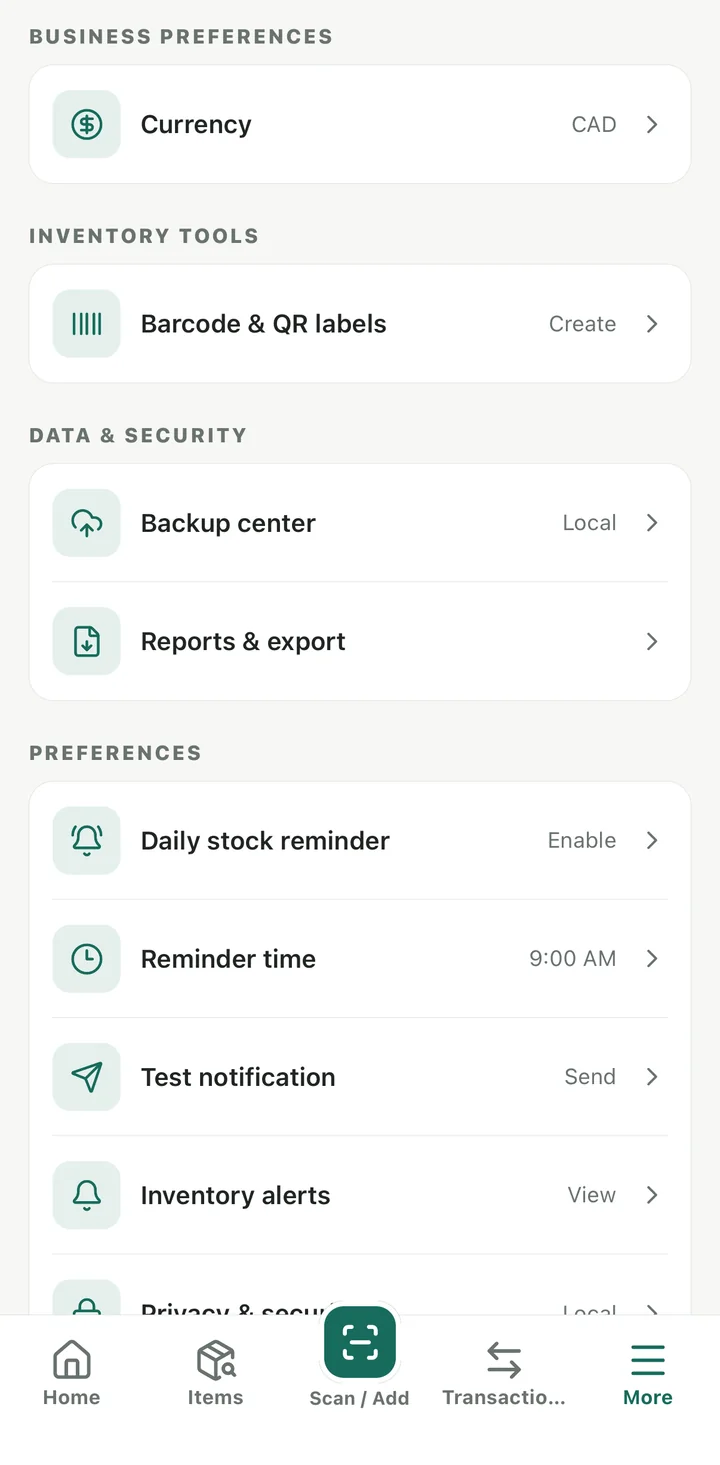
Inventory Pro includes cost, retail-value, and potential-profit views. If you enter pricing for a collection item, keep clear what that number represents and where your own information came from.
The app does not independently appraise, authenticate, or establish an item’s market value. Review the valuation guide to understand how quantities and recorded prices shape a summary. A precise-looking figure still depends on the information entered.
Keep the collection catalog recoverable
Review a manageable group periodically to confirm names, quantities, photos, and storage context. Check that you can locate an item from the record rather than depending entirely on memory.
- Define individual items and identical groups clearly.
- Use recognizable names and photos.
- Apply useful categories.
- Keep storage information current.
- Export complete backups outside the app.
A readable report may help you review a snapshot, while the complete backup supports restoration of working data. Retain both where they serve your own collection routine.
Common questions
Is a personal collection a published use for Inventory Pro?
Yes. The product description includes personal collections among its intended inventory uses.
Does the app appraise or authenticate an item?
No such feature is claimed here. Enter and review your own identifying and pricing information.
Can I organize items with photos and locations?
Yes. Product photos, categories, locations, notes, and storage details are described features.

A practical next step · Available now
NabixSoft Inventory Pro
Support this inventory workflow with NabixSoft Inventory Pro’s product records, stock movements, low-stock views, and reports. Everyday inventory management works offline on iPhone and iPad.
Available on the App Store for iPhone and iPad. A Google Play download link has not been confirmed.