
NabixSoft Inventory Pro · Practical guide
Reduce inventory mistakes at the point where records change.
Inventory errors often start with an ordinary event recorded incompletely: a delivery added twice, a box counted as a piece, or a transfer entered as new stock. A small set of consistent checks can make those errors easier to prevent and investigate in your daily inventory routine.
Check the product identity before changing stock
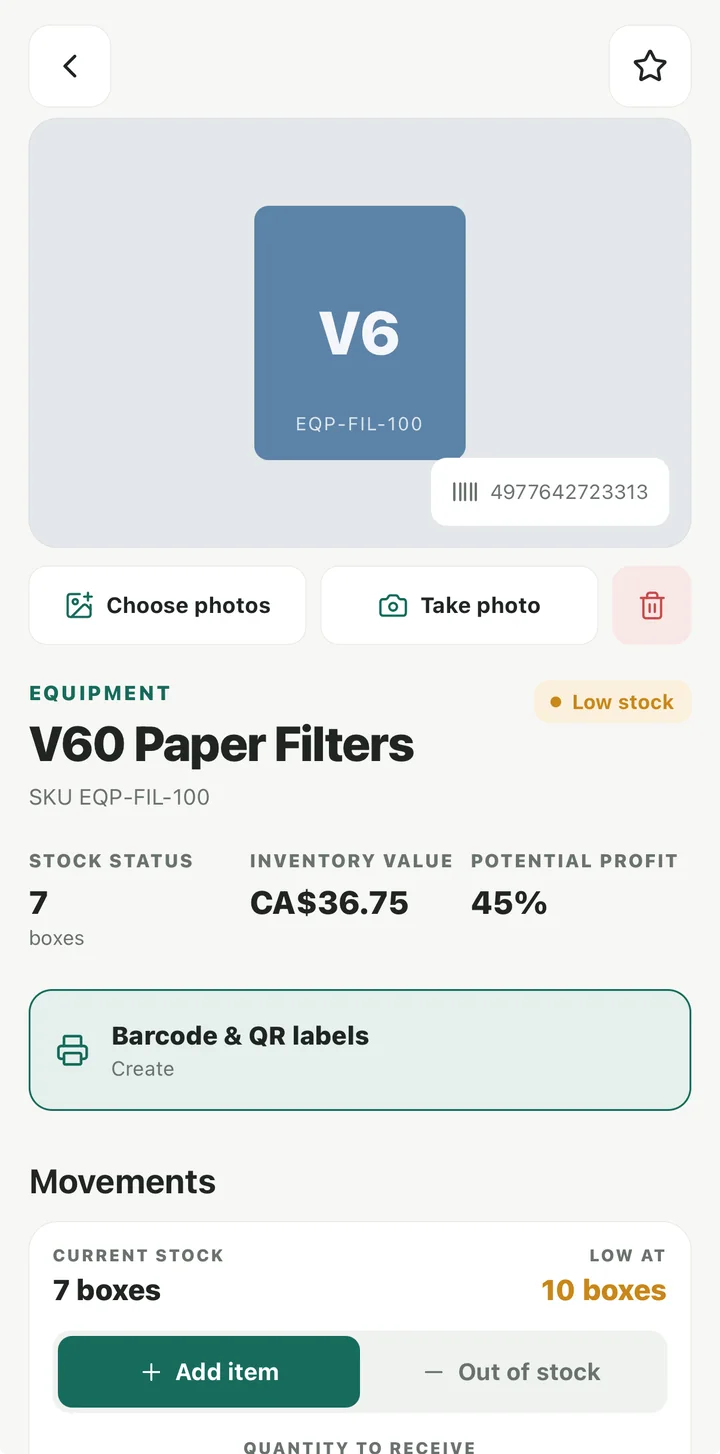
Confirm the name, SKU, barcode, and visible variant before entering a movement. Similar packaging does not establish that two products share a record. Read the distinguishing details, particularly for different sizes, colours, or versions stored close together.
A barcode scan helps locate a matching record; the entered identifier still needs to be correct. If a scan produces an unexpected result, inspect the product and saved barcode before proceeding. Creating another product immediately can make the underlying identity problem harder to resolve.
Use one understandable stock unit for each product
Write down what one unit means in your routine. A delivery of three boxes containing ten pieces each is not the same as three pieces. Convert quantities consistently before entering the movement when your record tracks individual pieces.
Keep pack information in recognizable product details or notes where useful. Do not assume automatic pack conversion. The stock units guide explains how a consistent unit prevents quantity errors while leaving packaging information available.
Record each actual movement once and promptly
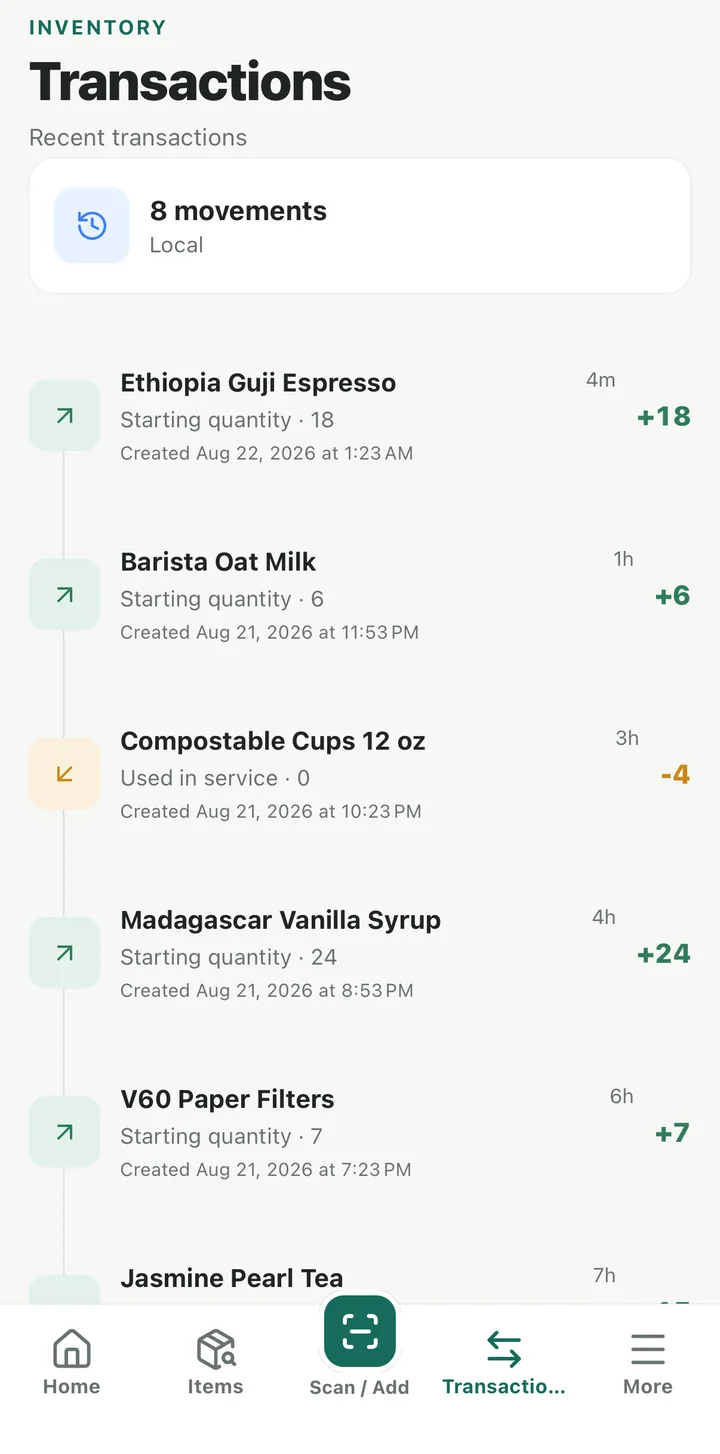
Enter receiving, removal, and transfers close enough to the event that the details remain clear. Check whether an event has already been recorded before entering it again, particularly if you are working from a supplier document or a temporary note.
If you must delay entry, keep a clear temporary record and reconcile it once. Avoid relying on a pile of unexplained notes. A total may look reasonable even when one missed removal happens to offset a duplicated receipt.
Example: a pack count is entered as pieces
A fictional shop receives four packs of five items and tracks stock in individual pieces. Entering four would understate the receipt by sixteen pieces. The owner checks the unit against the supplier document and records twenty pieces using the actual receiving workflow.
Adding the pack size to recognizable product information helps the next receipt. It supports a clearer routine without assuming the app will automatically convert every packaging arrangement.
Distinguish a transfer from a new receipt
Moving stock between your locations changes where the stock is held. It does not mean new stock arrived from outside the inventory. Use the transfer workflow for the real movement rather than increasing the destination quantity without accounting for the source.
Read the product, quantity, and source and destination locations together. The multi-location guide explains why clear location records support both shelf lookup and a later physical count.
Investigate a discrepancy before forcing a number
When the recorded quantity differs from the shelf, recount the intended product and inspect nearby storage. Review recent events for a missed removal, a duplicate receipt, or a location mistake. An immediate unexplained change may hide a problem that will recur.
Once you understand the discrepancy, use the supported workflow to reflect the real stock and keep an explanation in your own review records where needed. Do not invent a delivery merely to obtain a desired total. Movement history is more useful when events mean what they say.
Protect the records after improving the routine
Export complete backups after important updates and before replacing or resetting the device. Confirm that the saved file is accessible independently of the app. A screenshot of a stock total or a PDF report is not the complete restore file.
Review a small group of active products regularly to see whether the same error returns. Use the accuracy review guide to turn one-off corrections into a more reliable routine instead of repeatedly fixing the visible symptom.
Common questions
Does scanning a barcode guarantee the stock record is correct?
No. Scanning looks up an entered identifier; confirm the product and variant before changing quantities.
Should I overwrite a quantity as soon as it looks wrong?
Recount and review the relevant movements first so the correction has an explanation.
What helps prevent duplicate receipts?
Record each event once, check the existing history, and reconcile temporary notes rather than re-entering them blindly.

A practical next step · Available now
NabixSoft Inventory Pro
Support this inventory workflow with NabixSoft Inventory Pro’s product records, stock movements, low-stock views, and reports. Everyday inventory management works offline on iPhone and iPad.
Available on the App Store for iPhone and iPad. A Google Play download link has not been confirmed.