
NabixSoft Inventory Pro · Practical guide
Improve inventory accuracy by checking records against real stock.
Accurate inventory means the records describe what is actually held, in the intended units and locations. A balanced total is not enough if one product is overstated and another understated. A focused review routine helps you find specific discrepancies and improve the events that produced them.
Define what a correct record should describe
Choose the product, unit, location, and review point before comparing quantities. A count from one shelf is not a check of every location where that product may be stored. Likewise, pieces and unopened packs cannot be compared meaningfully without a consistent unit.
Make the review scope visible in your own notes. Decide whether you are checking one location, one category, or a selected group of active products. A defined scope makes the result easier to repeat and prevents a partial check from being treated as a complete inventory count.
Start with products that reveal useful problems
Pick a manageable group that includes frequently moved items and products with similar variants. You can also include a product that has caused repeated questions. The objective is to learn where the routine breaks down, not to select only easy records that already look correct.
Inventory Pro provides product lists, search, location details, and movement history that can support this review. The app’s views describe entered records. You still need a physical comparison to establish whether those records match the stock.
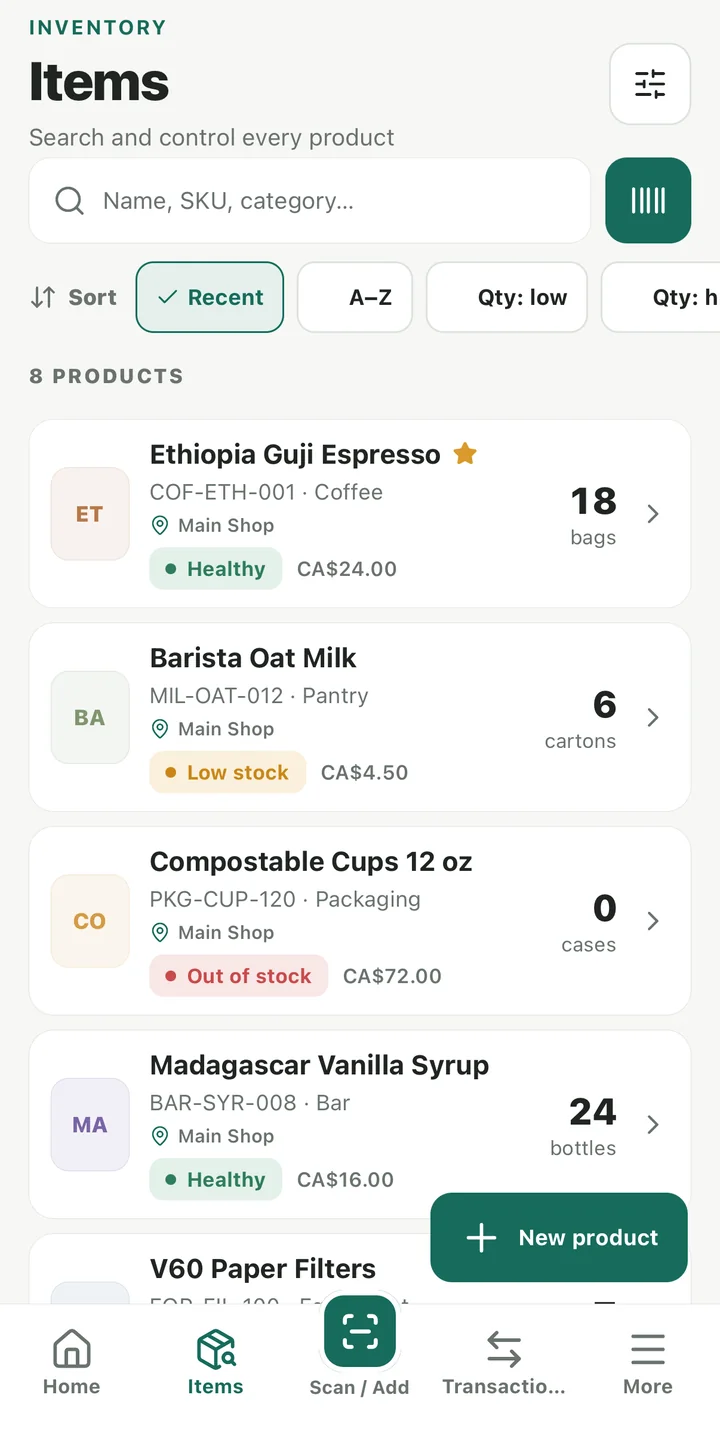
Compare physical stock and records at a clear moment
Reduce ambiguity from movements during the count. Identify which deliveries or removals are included, then count the selected product in the intended unit. Recount a discrepancy before accepting the first result, especially where packaging or neighbouring variants can cause confusion.
Check other storage areas before concluding that stock is missing. The physical count checklist provides a fuller sequence for organizing areas, recording results, and handling stock that moves while the check is underway.
Example: the total matches but the variants do not
A fictional retailer holds ten small units and ten large units. The app also shows twenty units overall, but its records assign twelve to small and eight to large. The combined total looks correct while each variant is wrong.
A product-by-product comparison reveals the difference. Reviewing recent removals identifies a variant selection mistake, and clearer product names help reduce the chance of repeating it. Checking only the combined total would not have exposed the issue.
Trace a difference through the recent history
Review receipts, removals, and transfers affecting the product. Look for an event entered twice, a movement assigned to the wrong variant, or a unit mismatch. A discrepancy is a prompt to investigate rather than immediate evidence of any particular cause.
Use the product’s stored identifiers and location details to verify you are reading the right history. If the cause remains unclear, record that uncertainty in your review notes. An unsupported explanation is less useful than a clearly identified unresolved difference.
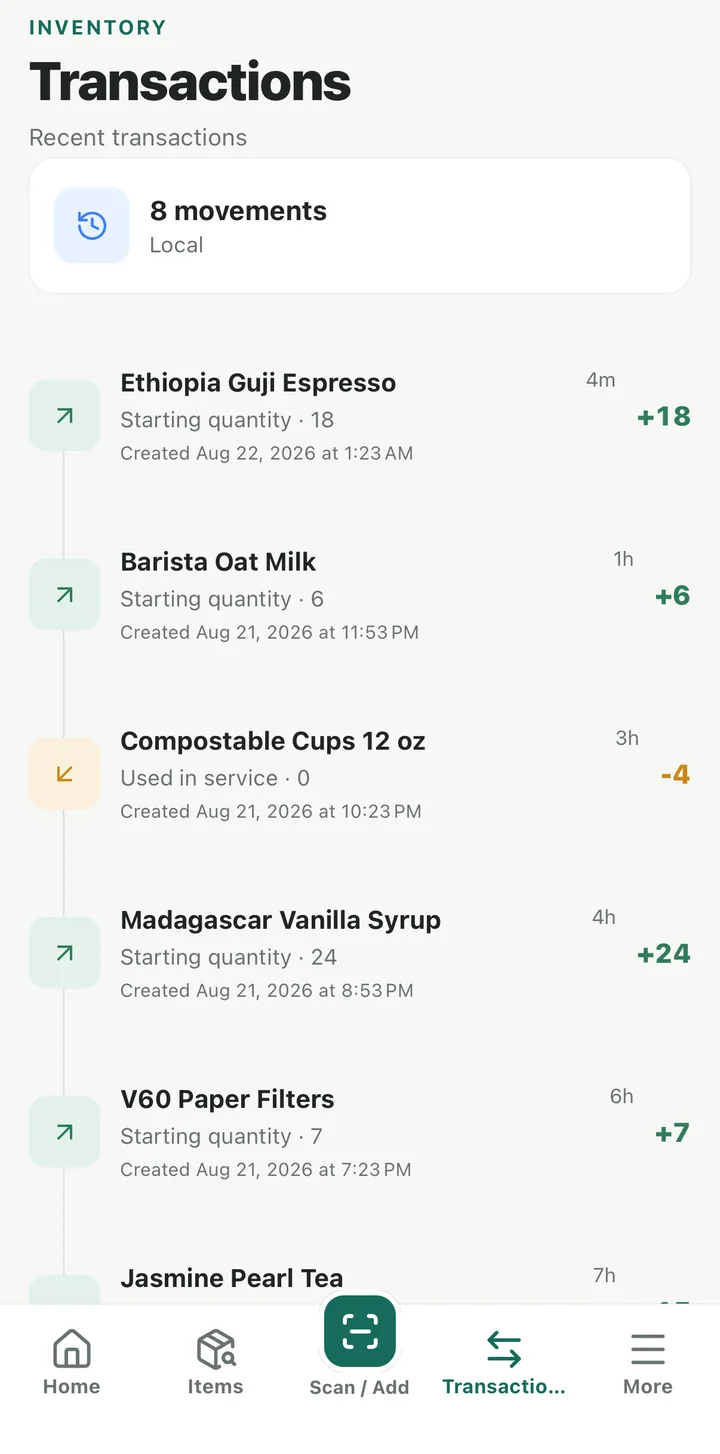
Change the routine that produced the discrepancy
Correct the real issue where possible. If a product is repeatedly confused with another, improve the distinguishing names or labels. If entries happen long after the event, adjust when movement details are captured. If boxes and pieces are mixed, make the stock unit explicit.
Do not measure success only by whether one total was corrected. Check whether the changed routine prevents the same error next time. The inventory mistakes guide groups common causes into practical checks at the point of entry.
Repeat a small review and protect the updated records
Return to the reviewed products after further real activity. Compare the new physical position and recorded history using the same scope. A repeatable check provides better evidence of improvement than an isolated tidy report.
Export a complete backup after important reconciliations. Use PDF valuation reports when a readable snapshot is helpful, but retain the complete restore file for recovery. The reports and backups guide explains why both may belong in your routine.
Common questions
Does a matching overall total prove inventory accuracy?
No. Individual products, variants, units, and locations can still be incorrect even when combined totals match.
How often should I check stock?
Choose a rhythm that fits how often products move and the problems you observe. Start with a manageable, clearly defined review.
Does a valuation report replace a physical count?
No. It summarizes entered quantities and prices rather than independently verifying the stock.

A practical next step · Available now
NabixSoft Inventory Pro
Support this inventory workflow with NabixSoft Inventory Pro’s product records, stock movements, low-stock views, and reports. Everyday inventory management works offline on iPhone and iPad.
Available on the App Store for iPhone and iPad. A Google Play download link has not been confirmed.