
NabixSoft Inventory Pro · Practical guide
Organize home business inventory without relying on memory.
A home business can hold stock in cupboards, shelves, spare rooms, and delivery boxes. The challenge is knowing what belongs to the business, what one unit means, and where it can be found. A simple product and movement routine can make that small space easier to manage.
Define the stock you are actually managing
Start by identifying the business products and supplies included in your inventory routine. Keep their storage and records understandable alongside household belongings. A clearly defined scope prevents personal items or empty packaging from becoming part of a business quantity by accident.
Choose whether you track finished products, consumable supplies, or both, and distinguish them in recognizable product records. Do not treat every object in the room as stock simply because it is near the business shelves. Start with the items you need to locate and count reliably.
Name storage areas so they can be found again
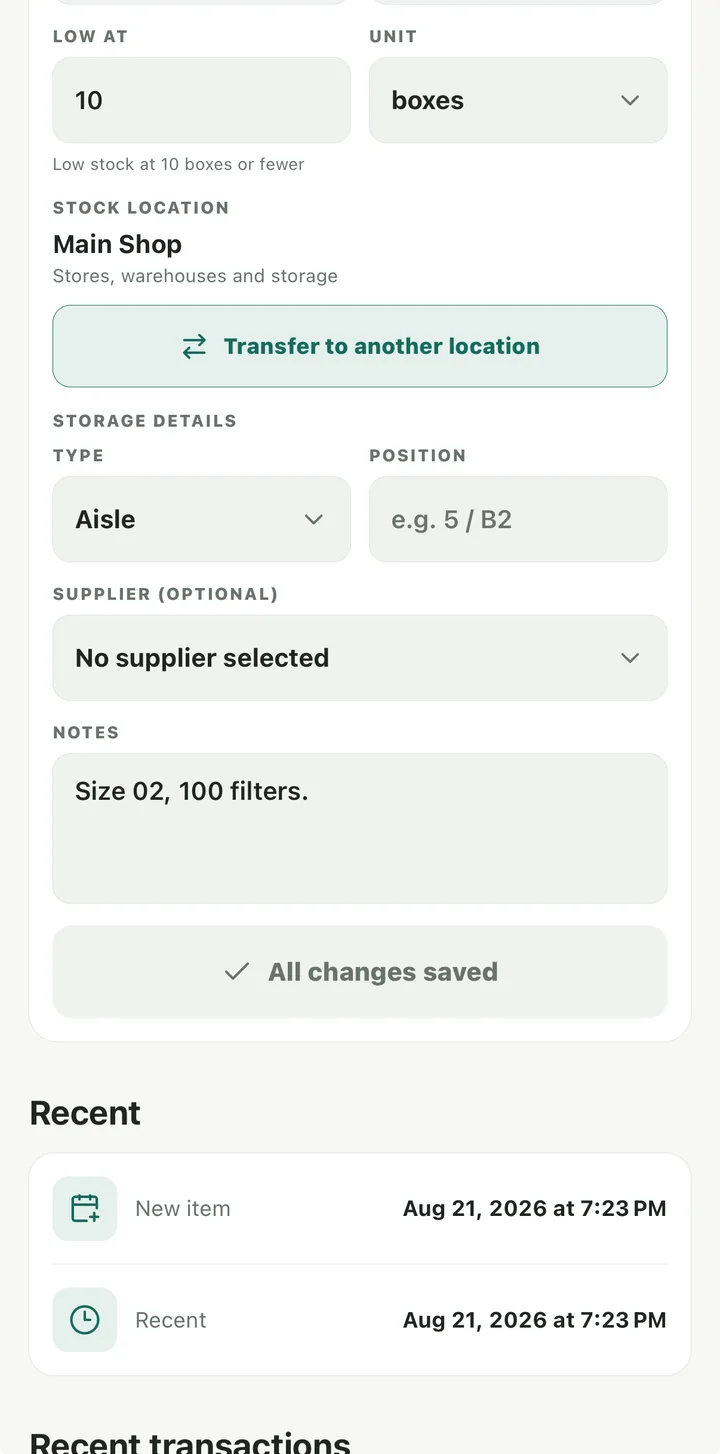
Use practical location descriptions such as shelf, cabinet, or labelled bin. A useful location name points to a real place, rather than saying only at home. Inventory Pro supports storage details and transfers that can help maintain this context as items move.
Keep descriptions current when reorganizing the room. A neat new shelving arrangement will not improve lookup if the records still point to the old cupboard. See photos and storage notes for keeping visual and written context useful.
Create clear records for similar products
Use names and identifiers that distinguish size, colour, or version where those differences matter. Product photos can support recognition, but they do not replace a readable name and a consistent unit. Search existing records before creating another product.
If you use barcode or QR lookup, check that the identifier belongs to the intended record. A label is most useful when it connects the shelf item to the correct product, not when it merely looks organized. Review similar variants together during setup.
Example: two storage spots for the same product
A fictional home retailer keeps twelve products on a shelf and six in a labelled cupboard. A rushed search of the shelf alone suggests there are only twelve. Recording meaningful storage details helps the owner locate the other six before ordering more.
When four units are moved to the packing area, the owner records the real location change. The stock did not increase; its location changed. This distinction keeps the home storage routine understandable.
Record stock events close to when they happen
When a delivery arrives, confirm the actual products and quantities before recording receipt. Avoid counting ordered stock as stock already on hand. When goods leave the inventory or supplies are used, record the relevant removal using the supported workflow.
Keep a clear distinction between a change in quantity and a move to another storage location. Moving items from a spare-room shelf to a packing cupboard is a transfer within your stock, not a new delivery from a supplier.
Use a short review suited to your activity
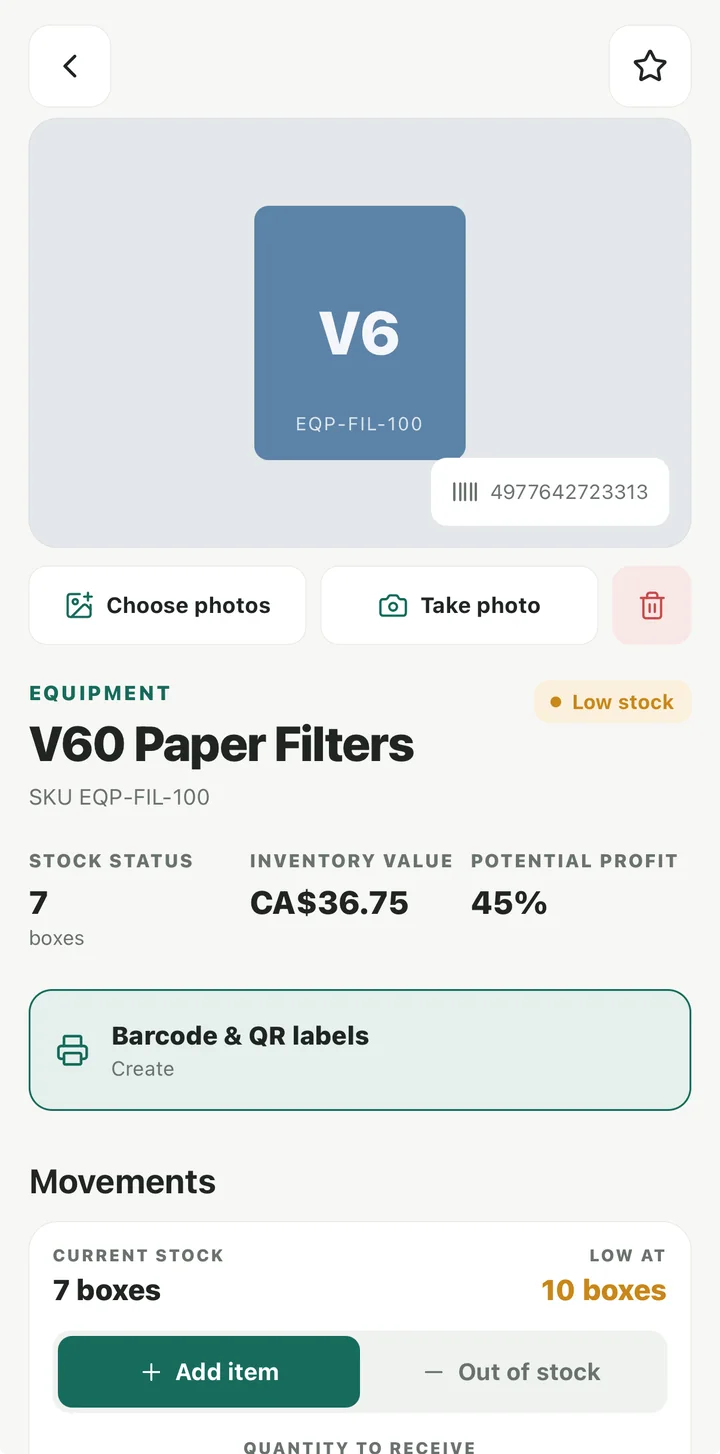
Choose a manageable group of active products to compare with the shelves. Check low-stock views against actual quantities before making a purchase decision. A product may appear low because a receipt was missed, or appear available because a removal was not entered.
Review clutter that hides stock, such as mixed delivery cartons or unlabelled temporary storage. The inventory accuracy guide explains how a physical check and movement review work together. The right review size is one you can maintain consistently.
Protect records even when the stock stays at home
Inventory Pro supports local offline work on iPhone and iPad. That can be useful away from reliable Wi-Fi, but local storage still needs complete backups. Keep the recovery file somewhere accessible independently of the app and the device.
Export after substantial updates and before a device reset or replacement. Use PDF reports for readable snapshots where useful. The backup and reports guide distinguishes the files so a tidy report is not mistaken for a recoverable working inventory.
Common questions
Is a home business too small for inventory records?
The useful question is whether you can reliably identify, locate, and explain changes to the stock you hold.
Should ordered goods count as stock already available?
Confirm receipt before recording goods as physically on hand. Keep purchasing expectations separate from the actual stock position.
Can I use Inventory Pro without home Wi-Fi?
Core inventory work is local and offline on iPhone and iPad. External sharing destinations can have their own connection requirements.

A practical next step · Available now
NabixSoft Inventory Pro
Support this inventory workflow with NabixSoft Inventory Pro’s product records, stock movements, low-stock views, and reports. Everyday inventory management works offline on iPhone and iPad.
Available on the App Store for iPhone and iPad. A Google Play download link has not been confirmed.