
NabixSoft Inventory Pro · Practical guide
What is inventory management, and where should a beginner start?
Inventory management is the routine of knowing what stock you hold, where it is, and how its quantity changes. A useful system connects physical products with understandable records. For a beginner, a small, reliable routine is more valuable than a large catalog whose quantities nobody can explain.
Start with the identity of each product
A product record describes the item being tracked. A name, SKU, barcode, photo, or other distinguishing detail can help connect that record to a real object. Similar variants may need separate records when their quantities must be understood separately.
Decide what one unit means before entering a count. For example, a product may be tracked as individual pieces even though it arrives in boxes. Consistent units make later receipts, removals, and physical checks comparable.
Understand stock on hand as a point-in-time record
The on-hand quantity describes what your records say is currently held. It changes when actual stock is received, removed, or otherwise handled through the supported workflow. A list of products ordered from a supplier is not the same as a count of products physically received.
A quantity also has a time context. A count taken before a delivery cannot be compared directly with a record updated after that delivery without accounting for the event. Clear timing helps explain why two apparently valid numbers differ.
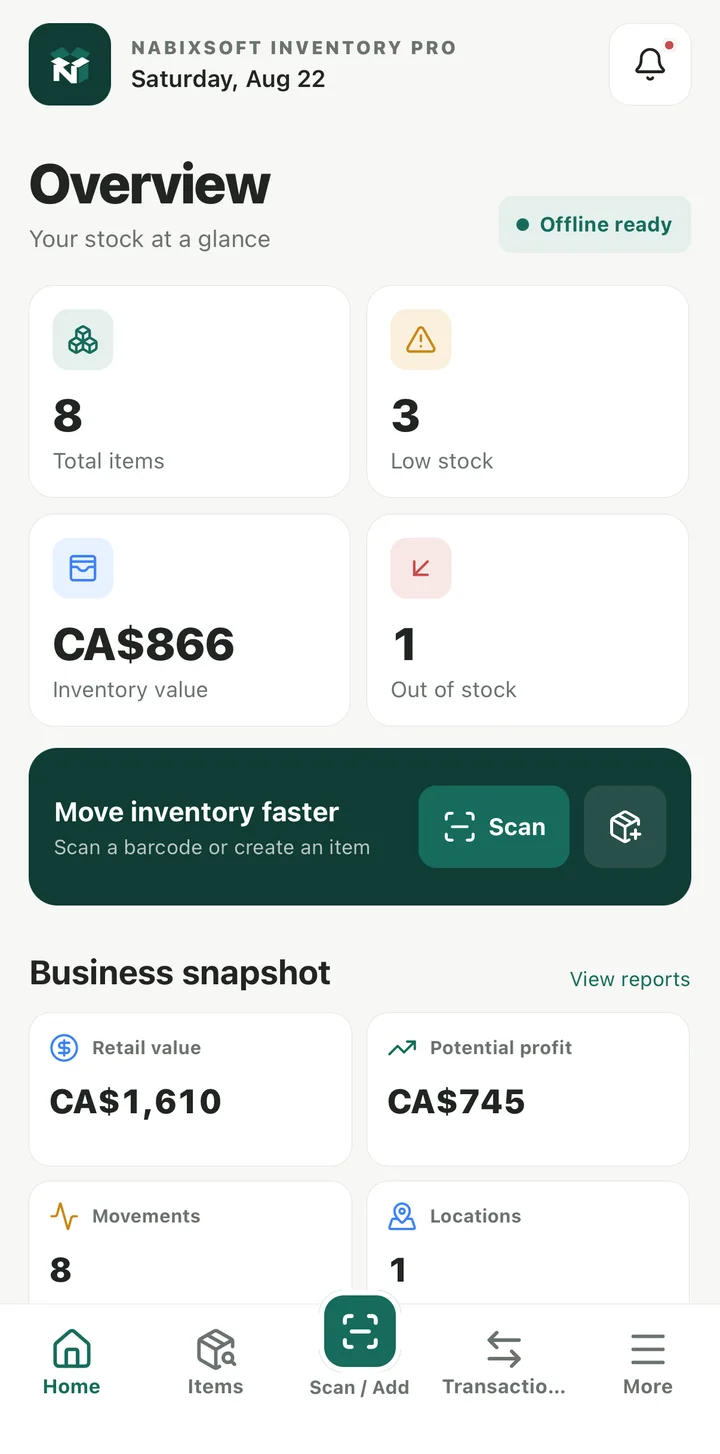
Explain changes through stock movements
Receiving records stock coming in, removal records stock leaving the tracked quantity, and a transfer records stock moving between your locations. Keeping those events understandable helps you investigate a difference later. Merely overwriting the final number loses that context.
Inventory Pro supports these movements and a transaction history. Enter the real product and quantity, and check whether an event has already been recorded. A structured workflow still depends on accurate entry and a consistent habit of recording events.
Example: a simple stock position
A fictional business begins with ten pieces, receives five more, and uses three. Those events describe twelve pieces remaining, assuming no other change. A transfer of four pieces from a shelf to a cupboard changes their location while the combined quantity remains twelve.
A physical check then tests whether the records match reality. If only eleven pieces are found, the business needs to investigate the difference rather than assuming the arithmetic proved the stock position.
Connect the record with a real storage place
Storage details help you find the physical stock and organize a count. Use location names that someone can recognize in the room, such as a shelf, bin, or cabinet. Update the record when the actual storage changes.
A product’s category describes how you group it, while its location describes where it is held. These can serve different questions. The SKU and category guide and location guide develop those ideas separately.
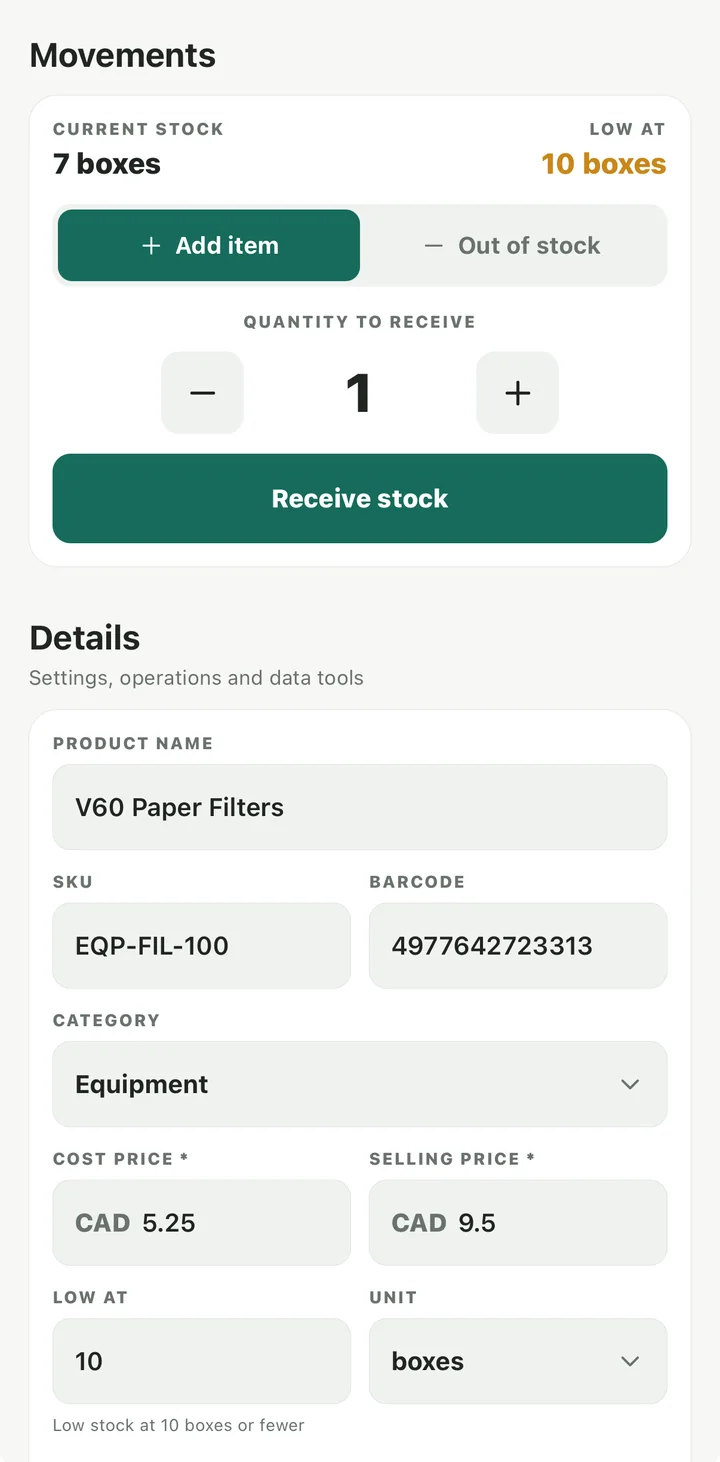
Use counts and reports for different questions
A physical count checks what is present. A report summarizes the information entered in the system. Both are useful, but they do not substitute for each other. A neat valuation report can still reflect a missed receipt or an incorrect quantity.
Inventory Pro includes low-stock views and PDF valuation reports based on entered data. Review the underlying records before using the result to make decisions. Cost value, retail value, and potential profit describe different inputs; potential profit is not money already earned.
Begin with a small routine you can repeat
Set up a manageable product group, check the opening quantities, and record the next real movements. Review a few records against the shelf after further activity. Improve unclear names or units while the starting group is still easy to understand.
Export complete backups to protect local records. The first setup checklist provides an action sequence, while backups and reports explains recovery files. Expand the routine after you can explain the first group accurately.
Common questions
Is inventory management only a product list?
No. It also involves quantities, locations, movements, physical checks, and maintaining records you can explain.
Does a report verify the shelf quantity?
No. Reports summarize entered records. Compare them with physical stock when checking accuracy.
What should a beginner do first?
Define a manageable product group and consistent units, then establish a checked opening position and record actual movements.

A practical next step · Available now
NabixSoft Inventory Pro
Support this inventory workflow with NabixSoft Inventory Pro’s product records, stock movements, low-stock views, and reports. Everyday inventory management works offline on iPhone and iPad.
Available on the App Store for iPhone and iPad. A Google Play download link has not been confirmed.