
NabixSoft Invoice · Practical guide
Ten invoicing mistakes a short review can catch.
Many invoicing problems begin with an ordinary shortcut: selecting a similar name, copying an old description, or assuming a shared file was sent. A repeatable check catches these issues while the work is still familiar. Use these ten practical checks when preparing and maintaining mobile invoice records.
1–2. Choosing the wrong customer or outdated business details
A familiar customer name is not enough when several contacts belong to the same organization. Search before adding a record, read the selected billing details, and confirm the intended recipient. Duplicate records can divide a customer’s history and make later review unnecessarily confusing.
Your own information can be outdated too. Read the business contact details in the PDF, particularly after changing a phone number, address, or payment method. The template will display what you entered, so review the profile rather than assuming that familiar branding means all details are current.
3–4. Copying vague descriptions or using the wrong unit
A description such as services does little to explain a charge. Use wording that connects the line with recognizable work. When reusing a catalog entry or converting an estimate, check that its description still fits the task being billed.
Review the unit alongside the quantity and rate. Hours, visits, pieces, and fixed packages represent different things. A mathematically tidy total can still describe the wrong work when the quantity is measured in a different unit from the rate.
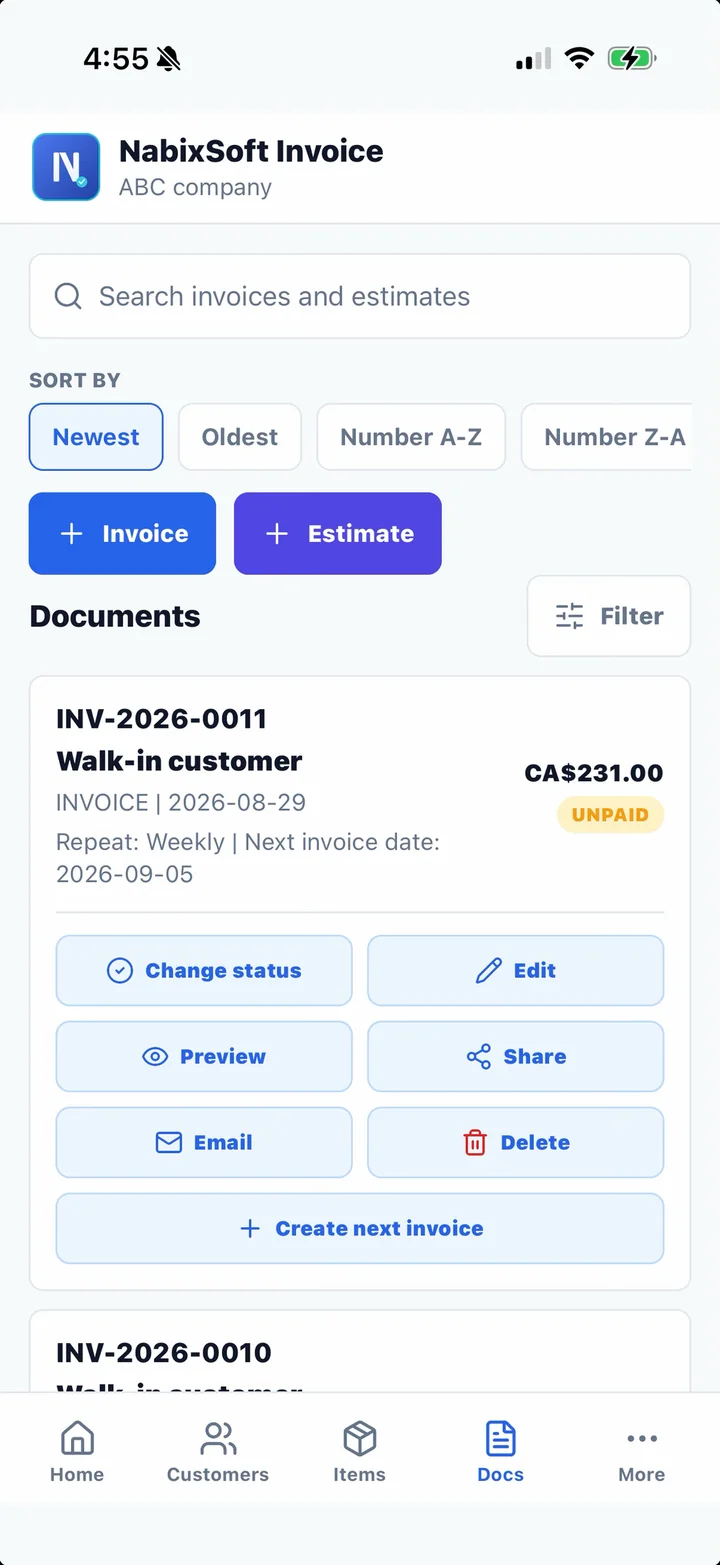
5–6. Skipping source checks or overlooking changed scope
Compare the draft with your actual work records and arrangement. Memory can omit an extra visit or add a product that was proposed but never supplied. Correct the source line instead of adjusting an unrelated amount just to make the total look familiar.
Review changed scope when converting an estimate. Conversion reduces repeated entry; it does not verify that the final quantities match the work. Check any tax settings you enter against the requirements relevant to your situation rather than relying on a generic example.
Example: a copied line creates a quiet error
A fictional designer reuses a service line for a returning customer. The description still names the previous project and the quantity still reflects two review sessions, although this job included one. The overall total looks plausible, so a totals-only review misses both problems.
Reading the description and quantity against the work record catches the errors. Previewing the PDF then confirms the current customer details and payment instructions before the corrected document is sent.
7–8. Leaving old payment details or assuming dispatch
Read payment instructions in the final PDF. A supplied link, QR code, or note should direct the customer to the method you actually use. Check that destination when it changes, and keep the payment service’s records available for your own reconciliation.
After sharing, check the sending destination. A share menu does not prove an attachment was sent, and a queued message may still need a connection. Verify the recipient and attached PDF before sending again so an attempted correction does not create confusing duplicate messages.
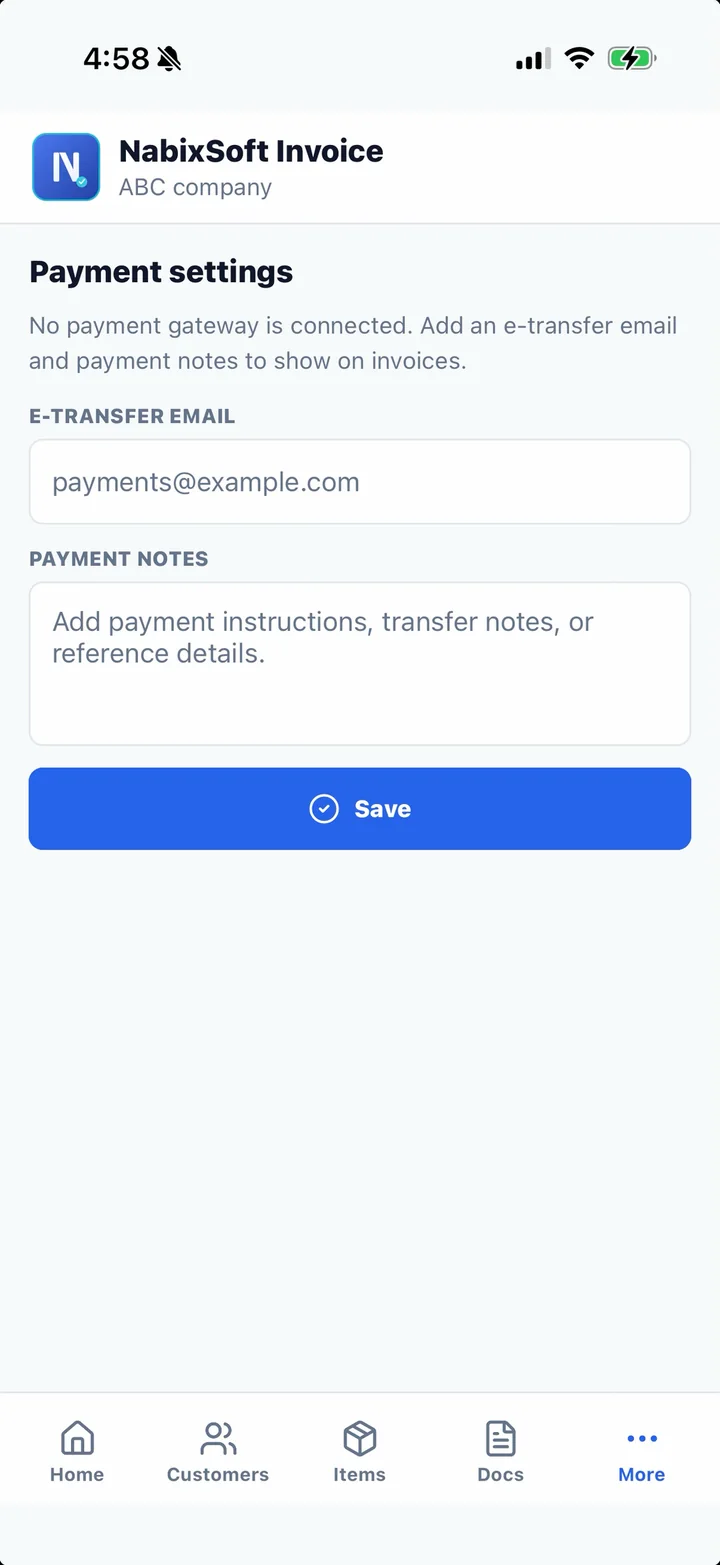
9–10. Leaving statuses stale or treating PDFs as backups
Review invoice status against payments you have verified through your chosen method. An unpaid record may reflect a missing update rather than a customer who has not paid. Check the underlying transaction before beginning a follow-up.
Keep complete backups for recovery of working records. PDFs provide readable documents, but they do not replace the complete backup used for restore. Export after important changes and before a device reset or replacement, then confirm the file is accessible outside the app.
Turn the ten checks into a short routine
Group the checks into three passes: identity and source information, document and amounts, then delivery and record protection. A consistent sequence is easier to maintain than remembering ten separate tasks only after a problem occurs.
Use the pre-send checklist for the document pass and the customer review guide for outstanding records. The goal is clear, explainable paperwork, with enough context to resolve a question later.
Common questions
Does a professional template prevent invoice errors?
It helps presentation, but customer details, work descriptions, quantities, and payment instructions still need review.
Should I send another copy when I am unsure about delivery?
Inspect the sending service first for the recipient, attachment, and sent or queued status.
What is the most useful first check?
Confirm the intended customer and compare the draft with the actual work records before reviewing the final PDF.

A practical next step · Available now
NabixSoft Invoice
Bring this invoicing workflow into one mobile app with NabixSoft Invoice. Prepare invoices and estimates offline, save customer details, and share professional PDFs.
Available on Android, iPhone, and iPad. Check your regional store for current compatibility and pricing.