
NabixSoft Invoice · Practical guide
Create cleaning-service invoices that explain each visit clearly.
A regular service can still produce different invoices when a customer requests an extra task or a visit changes. A clear record separates the standard service from the details of the visit being billed. This guide uses NabixSoft Invoice’s customer, catalog, estimate, and document features to organize that routine.
Keep the billing customer clear
Confirm the person or business responsible for the invoice and save the relevant contact information. A client may arrange work at more than one place, so the description on the document should help identify the visit without making the billing details ambiguous.
NabixSoft Invoice supports customer records and document descriptions. This guide uses those features for clear paperwork and does not assume a separate property-management or staff-dispatch system. Keep scheduling arrangements in the process you use, then make the invoice explain the work being charged.
Write a useful description of the regular service
Create a reusable catalog item when you repeatedly provide the same type of service. Use a recognizable name and review its unit and rate. A per-visit amount and an hourly amount represent different arrangements, so the final quantity should make sense with the chosen rate.
Adjust the description for the visit or service period when needed. Reusing an entry should reduce typing rather than make every invoice look identical regardless of what happened. A customer comparing two documents should be able to recognize both the regular work and the reason for a difference.
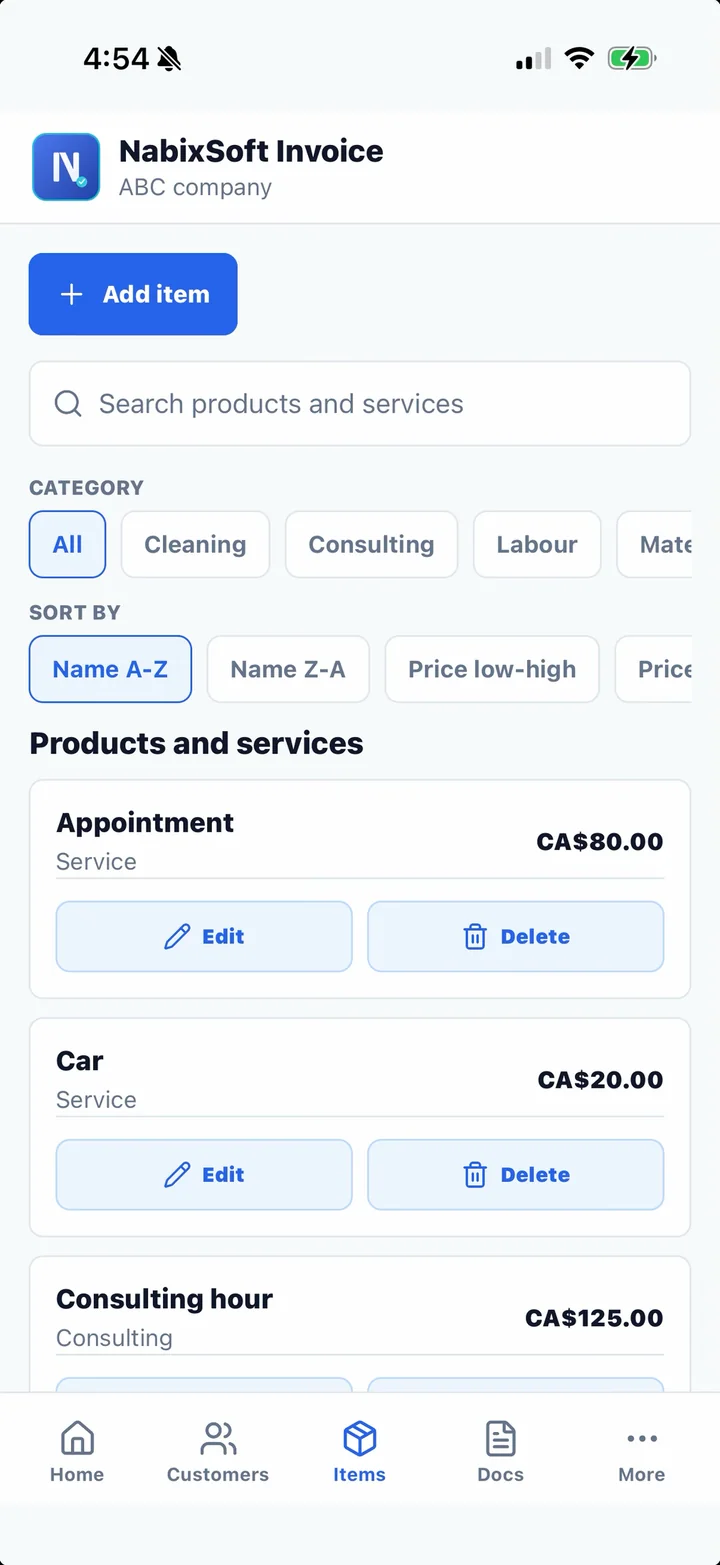
Make additions and changes easy to understand
If the customer requests work outside the usual service, describe it clearly and review the amount before issuing the invoice. Separate line items can explain the regular visit and an additional task without hiding the change inside one total.
If an estimate was prepared for a larger or unusual job, compare the completed work with that proposal. Use estimate-to-invoice conversion as a starting point and check the final descriptions and quantities. The estimate guide covers how to keep the handoff understandable.
Example: a regular visit plus an extra task
Suppose a client normally receives a regular service and asks for an additional task on one visit. Start with the familiar service item, then review a separate description for the addition. Confirm the visit or period in the document so the client can distinguish it from the previous invoice.
If you use a recurring routine, check this particular cycle before sending. A standard amount can remain useful while the final document still needs the extra context. The example uses customer and document records; it does not assume automatic staff scheduling, property tracking, or approval of the additional task.
Review repeated service billing deliberately
NabixSoft Invoice supports weekly, monthly, and yearly recurring invoices. Consider those options when they fit your arrangement, then review the service period and amount before delivery. A repeated schedule does not establish that the actual service or customer details stayed unchanged.
Check for a paused visit, a revised regular amount, or an additional task that belongs on this particular invoice. Keep the recurring setup aligned with your current work. Read the recurring invoice routine for a focused cycle-by-cycle review.
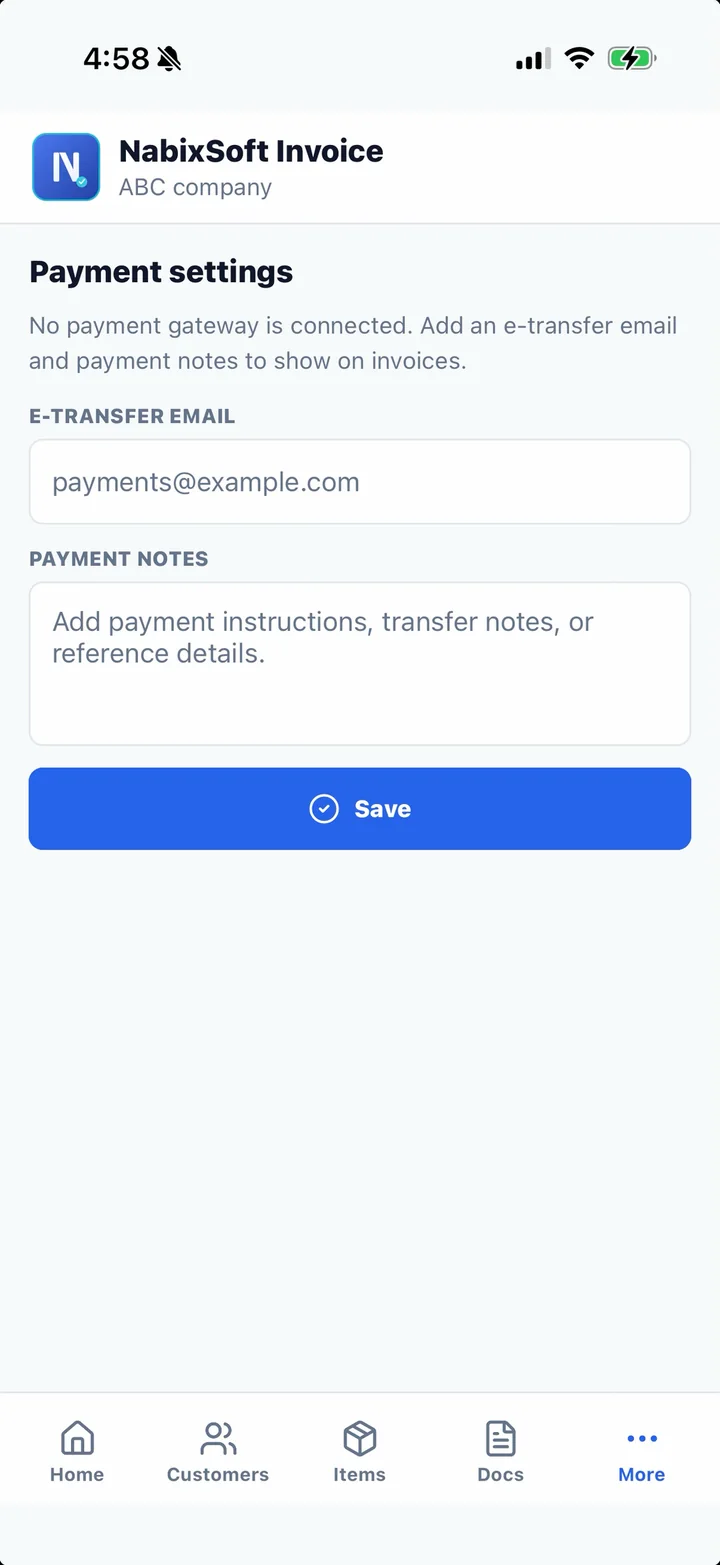
Check the PDF as the customer will read it
Preview the complete invoice, including business identity, customer, visit description, totals, and payment instructions. A readable template can make the amount easier to understand when the client is reviewing several documents.
The app supports PDF sharing, email, printing, and saving through the device’s available options. Prepare the document offline when needed, then complete any network-dependent delivery when the chosen service is available. Check the sending tool if you need to confirm that the document left the device.
Keep the working records ready for the next visit
After the invoice is delivered, maintain its status using the payment information you can confirm through your chosen method. For a repeat client, a customer statement can help you review the relevant paid and unpaid documents before sending a follow-up.
- Confirm customer and visit context.
- Review the standard service and extra work.
- Check the correct service period.
- Preview the customer PDF.
- Export a complete backup after important updates.
Consistent descriptions and a recoverable record make the next review easier. See the document search guide for finding a previous visit without relying on memory.
Common questions
Can I reuse a standard cleaning-service description?
Yes. Save useful service items in the catalog and review their description, quantity, and rate for each invoice.
Can I show extra work separately?
Use clear line items that reflect the work you intend to bill and review the final PDF.
Does this app schedule cleaners or manage properties?
This guide covers the published customer and invoicing features. It does not claim a separate staff or property-management workflow.

A practical next step · Available now
NabixSoft Invoice
Bring this invoicing workflow into one mobile app with NabixSoft Invoice. Prepare invoices and estimates offline, save customer details, and share professional PDFs.
Available on Android, iPhone, and iPad. Check your regional store for current compatibility and pricing.