
NabixSoft Invoice · Practical guide
Make consulting invoices reflect the work your client recognizes.
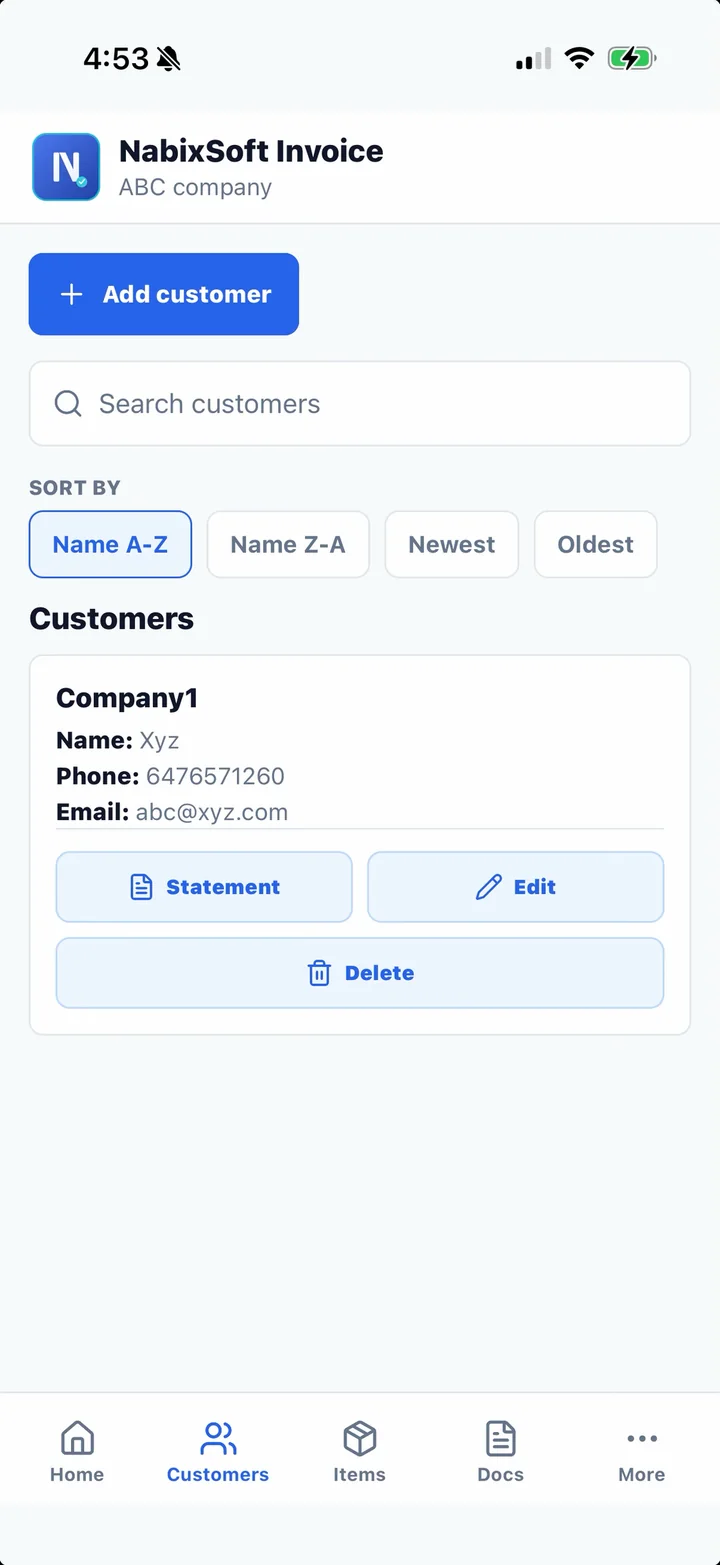
A consulting engagement can include conversations, research, analysis, and a final deliverable. The invoice needs enough context for the client to recognize what is being billed. NabixSoft Invoice provides customer records, reusable service items, estimates, and PDF documents that can support a consistent billing routine.
Confirm the billing contact and engagement context
Start with the intended customer record and confirm the business name that belongs on the invoice. The person who commissioned the engagement may pass the document to someone else for payment. Clear billing details reduce the amount of interpretation needed when the PDF changes hands.
Use the engagement or stage description where it helps identify the work. Keep client-sensitive detail out of an invoice when a concise description will do. The objective is a recognizable business record that explains the charge, while any detailed project documents remain in the workflow you use for the engagement.
Match the charge to the way the work was agreed
Decide whether a line represents hours, sessions, a fixed deliverable, or another unit you actually use. Pair the quantity and rate accordingly. A fixed analysis package and a one-hour review session communicate different things even when both relate to the same project.
Build a small catalog of common service descriptions if that helps you start consistently. Review each selected entry before using it. The catalog is a preparation aid rather than a record of how much consulting work took place, so confirm the quantity and wording for this engagement.
Keep proposed work and completed stages connected
An estimate can outline a proposed stage before it begins. When it is time to bill, compare the agreed stage with what was delivered and describe any change clearly. A client should be able to follow the relationship between the proposal and the invoice.
Use the app’s estimate-to-invoice conversion to reduce repeated entry, then review the resulting document. Check for descriptions that refer to a previous stage or a rate that does not match this work. See the conversion guide for a practical checklist.
Example: discovery followed by a report
Imagine a consulting engagement with a discovery session and a later report. If those are separate billed stages, use descriptions that make each stage recognizable. If the arrangement is a single fixed deliverable, review whether that is the clearer basis for the invoice instead.
Keep the billing identity consistent across the documents. Check the first estimate and the eventual invoice for wording left over from an earlier stage. This gives the client a readable explanation of the charge without implying that the invoice app recorded every hour or independently verified the engagement agreement.
Use descriptions that survive a later review
Write line descriptions so that someone reading the invoice later can recognize the service. A named workshop, a reporting stage, or an agreed review session may provide more context than a broad entry such as miscellaneous consulting.
For example, separate a discovery session from a final review when those are distinct parts of the charge. If the agreement uses one fixed deliverable, describe that deliverable clearly rather than adding a misleading hourly breakdown. Keep the final document aligned with the work and pricing arrangement you intend to record.
Review branding, totals, and payment information together
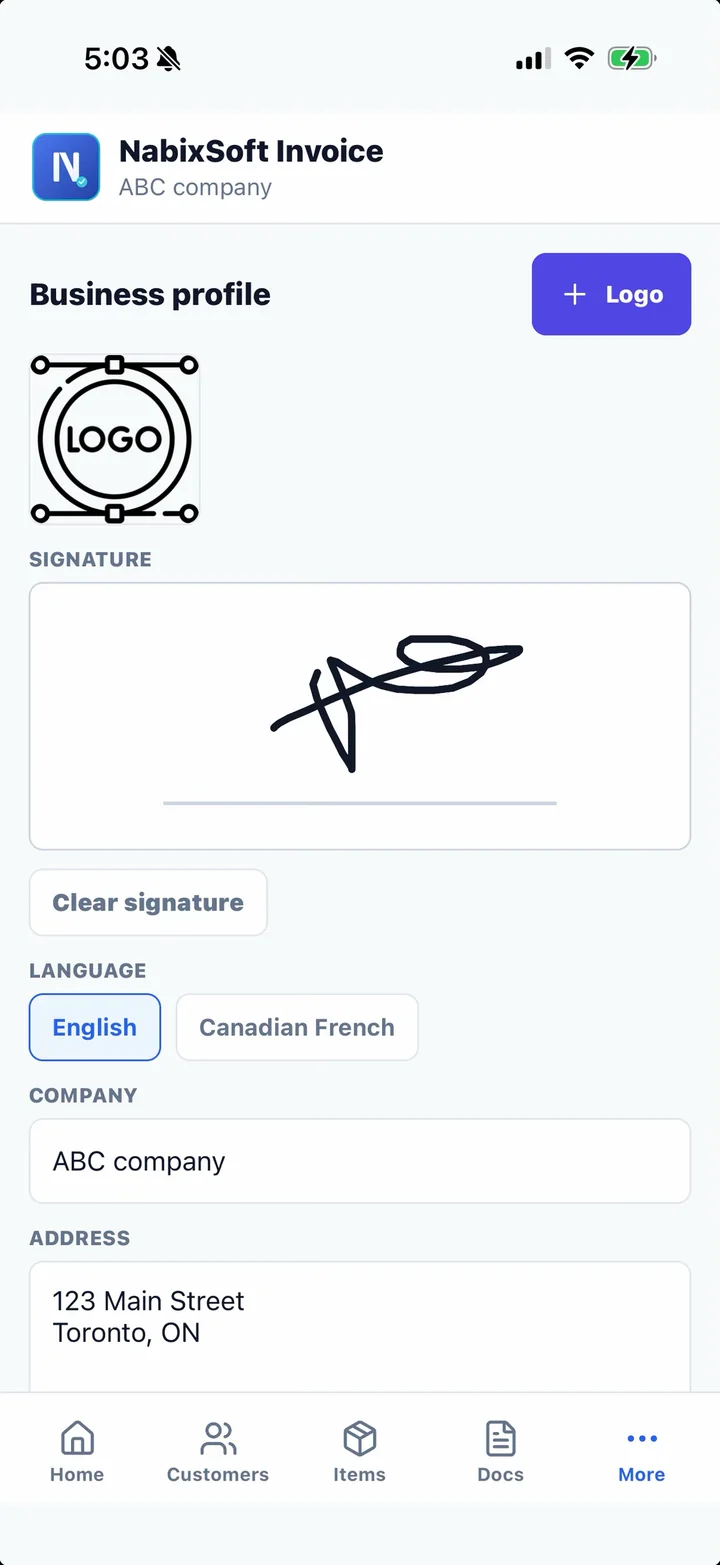
Choose a PDF template that leaves the service descriptions easy to read. NabixSoft Invoice supports business details, a logo, and a signature. Check those elements in the actual preview rather than judging the document only from the data-entry screen.
Review the customer, quantities, rates, totals, and payment instructions in one pass. Supplied payment links and notes should lead to the method your business uses. The PDF template guide explains how to prioritize a readable document.
Keep repeat-client records easy to review
For an ongoing client, use consistent customer details and recognizable descriptions across documents. If the service follows a repeating schedule, review the app’s supported recurring invoice options against the arrangement you maintain with the client.
Check payments through your chosen method and keep invoice status current. A periodic review of outstanding documents can reveal an omitted entry or a question needing follow-up. Export complete backups so that the working records remain recoverable after a device change. The customer statement guide connects these records into a useful review.
Common questions
Can I invoice a fixed project stage?
Use descriptions, quantities, and rates that reflect the stage you intend to bill, then review the resulting invoice.
Can I save repeat clients and service descriptions?
Yes. Customer records and a products/services catalog are described features of NabixSoft Invoice.
Does a recurring document automatically confirm payment?
No. Review funds received through the payment method you use and maintain the invoice status accordingly.

A practical next step · Available now
NabixSoft Invoice
Bring this invoicing workflow into one mobile app with NabixSoft Invoice. Prepare invoices and estimates offline, save customer details, and share professional PDFs.
Available on Android, iPhone, and iPad. Check your regional store for current compatibility and pricing.