
NabixSoft Invoice · Practical guide
Prepare the customer record before the first invoice.
The first invoice is easier to prepare when billing details and the description of the work are already clear. NabixSoft Invoice includes customer records that can be reused across documents. This guide explains how to create a useful starting point and review it when a new client begins working with you.
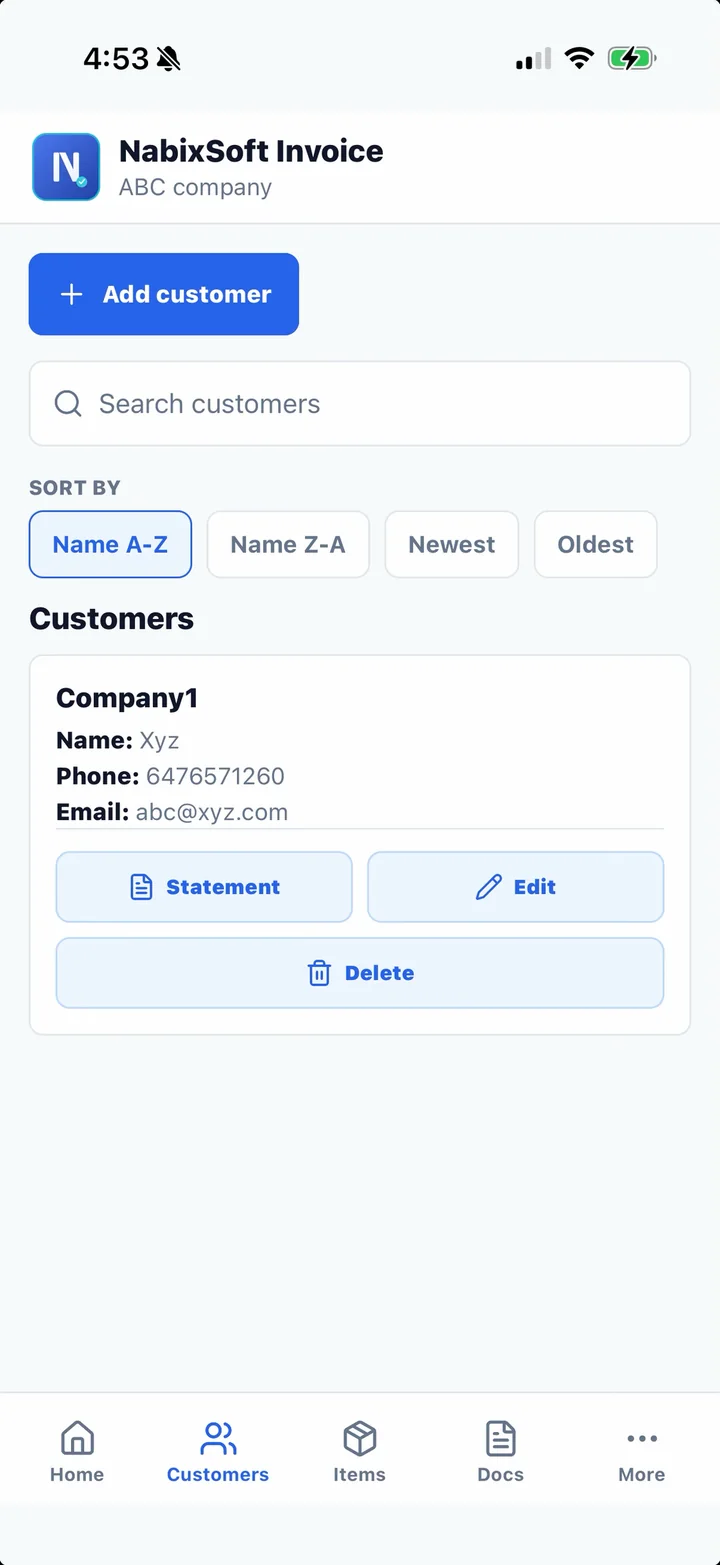
Check for an existing customer before adding another
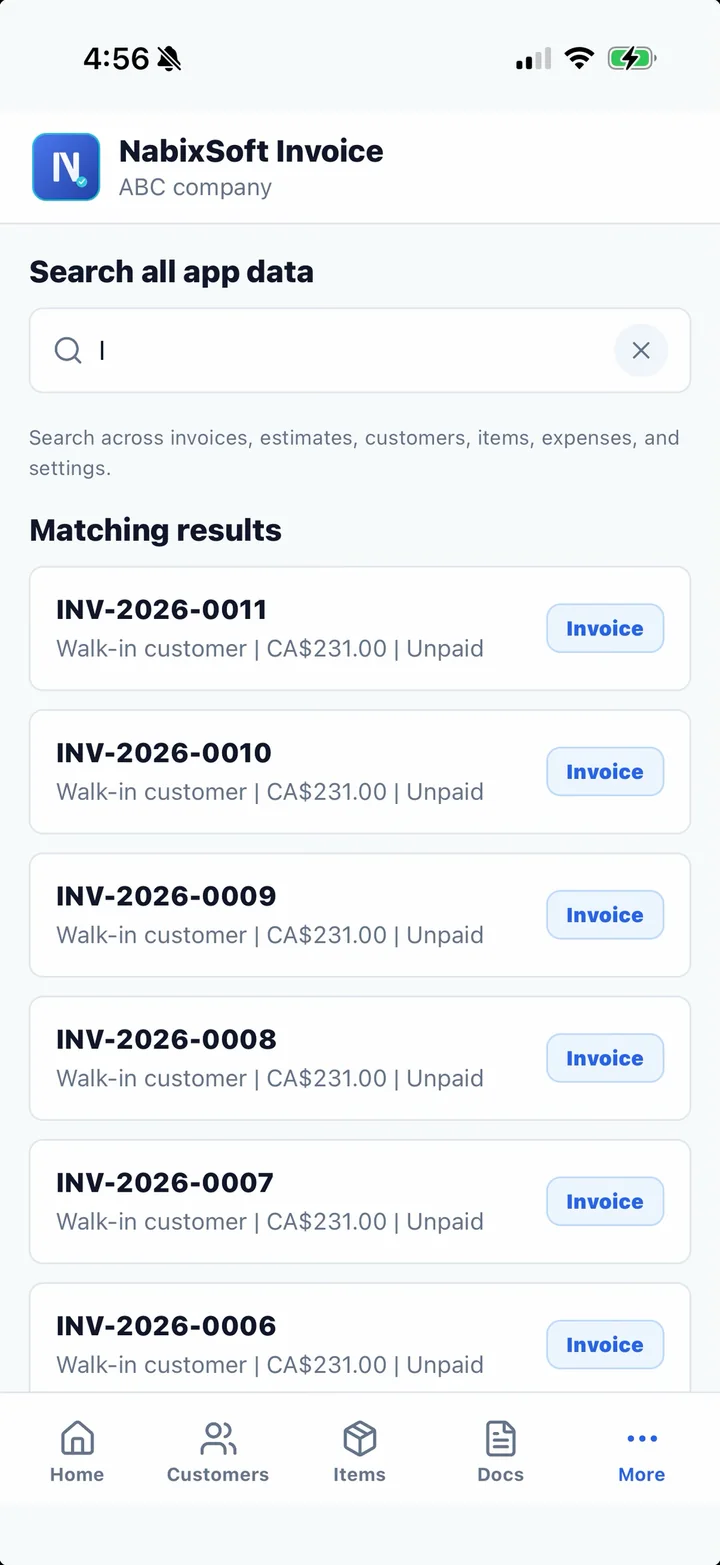
Search your current customer records using a recognizable name or contact detail. A business may have used a different spelling, a contact name, or another familiar reference in an earlier conversation. Review likely matches before creating another record.
Duplicate customers can make later statements and document searches harder to interpret because the same relationship appears under several names. A small check at the beginning can save a larger cleanup after multiple invoices have already been prepared.
Confirm who should appear on the document
Ask for the billing name and relevant contact information through your normal client communication. The person requesting the work is not always the person or organization that should receive the invoice. Use the details that fit the transaction you intend to record.
Review the entered name and contact fields for simple mistakes. A familiar company name does not guarantee that an email address or phone number was typed correctly. Keep the record recognizable and avoid filling fields with guessed information just to make the setup look complete.
Clarify the first proposed work
Give the first estimate or invoice a description that connects it to the client’s request. Identify the service, visit, or stage using wording both parties can recognize later. Separate the customer’s general record from the details specific to this job.
If the work begins with an estimate, review its scope and amounts before sharing. The later invoice can use the app’s conversion workflow, followed by a review of what was actually supplied or completed. See the estimate-to-invoice guide for that handoff.
Example: the contact and billing organization differ
Suppose one person requests the service but asks that the invoice be addressed to their business. Confirm the intended billing identity and relevant contact information before preparing the first estimate. Search for an existing record using both familiar references.
Use the document description for the particular work rather than creating a new customer for every stage. When the first invoice is ready, preview the recipient details and delivery method together. This example keeps relationship information and document context understandable without assuming the app verifies the customer or establishes their approval.
Use catalog items without losing client context
A new customer may need familiar services, which makes the catalog useful for consistent starting descriptions. Select the appropriate items and check their units, quantities, rates, and tax settings for the work being prepared.
Adjust descriptions when a standard label does not explain the client’s particular request. A catalog entry can reduce typing while still allowing the document to describe this transaction. The catalog guide explains how to keep reusable information practical.
Review how the customer will receive and understand the PDF
Preview the document and check the intended recipient information. Use the device’s available sharing, email, printing, or saving workflow, then review the sending tool if delivery confirmation matters.
Include payment details that match the way your business receives funds. Supplied links, QR codes, and notes should be consistent with one another. For a new client, concise instructions can reduce ambiguity about the reference or method you expect them to use.
Keep the record useful for the next conversation
Once the first document is issued, maintain a consistent customer identity for future work. Check information when the client changes a billing contact or business detail. Use recognizable document descriptions so later searches can distinguish repeat visits or project stages.
- Search for an existing record.
- Confirm the billing identity and contact details.
- Describe the initial work clearly.
- Review catalog items and the PDF.
- Keep records current and export complete backups.
The statement guide shows how that customer record becomes useful when several paid or unpaid documents need a combined review.
Common questions
Can I reuse the customer on later invoices?
Yes. Saved customer records support the app’s document workflow. Review changed details before issuing a new document.
Should I create a separate customer for every project?
Check whether the existing customer record fits. Keep job-specific context in the relevant document descriptions.
Does creating the record confirm that a client approved an estimate?
No. Maintain agreement through your client communication and use the app to organize the document records.

A practical next step · Available now
NabixSoft Invoice
Keep the customer and invoice records discussed here together in NabixSoft Invoice, with saved customer details, invoice statuses, and paid/unpaid customer statements.
Available on Android, iPhone, and iPad. Check your regional store for current compatibility and pricing.